Hi there,
I am having a problem with importing my object to zbrush.
[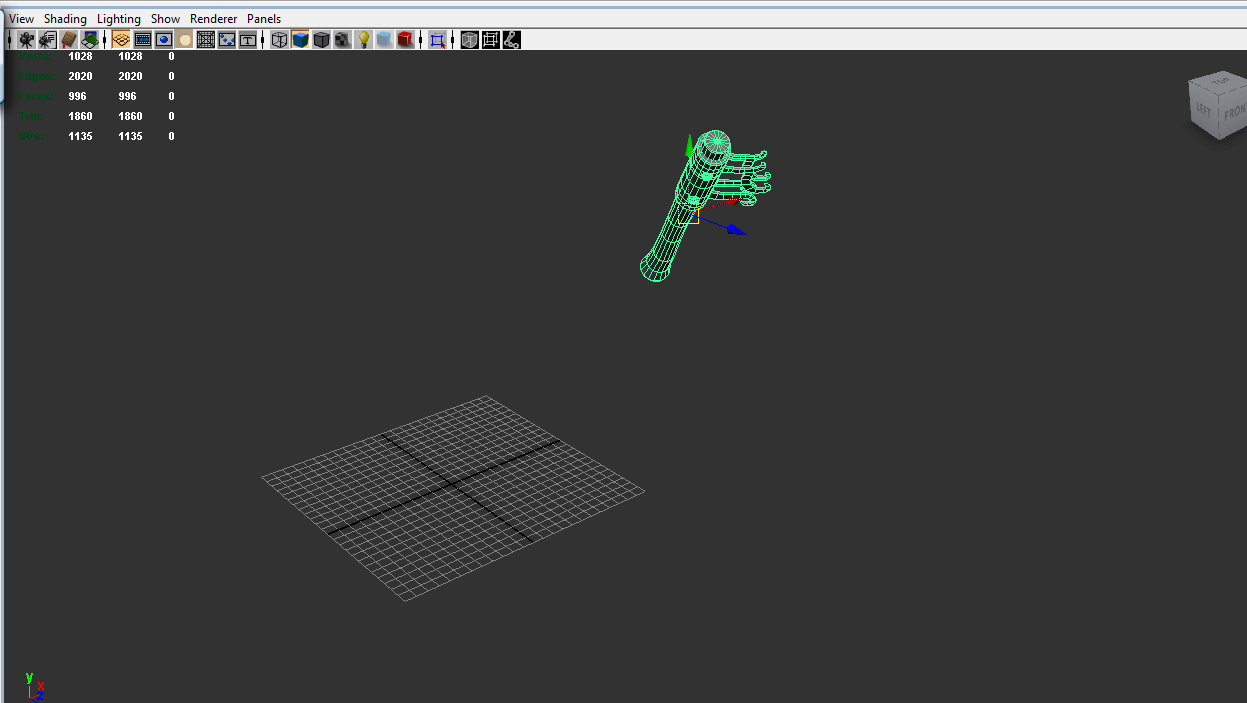 ]
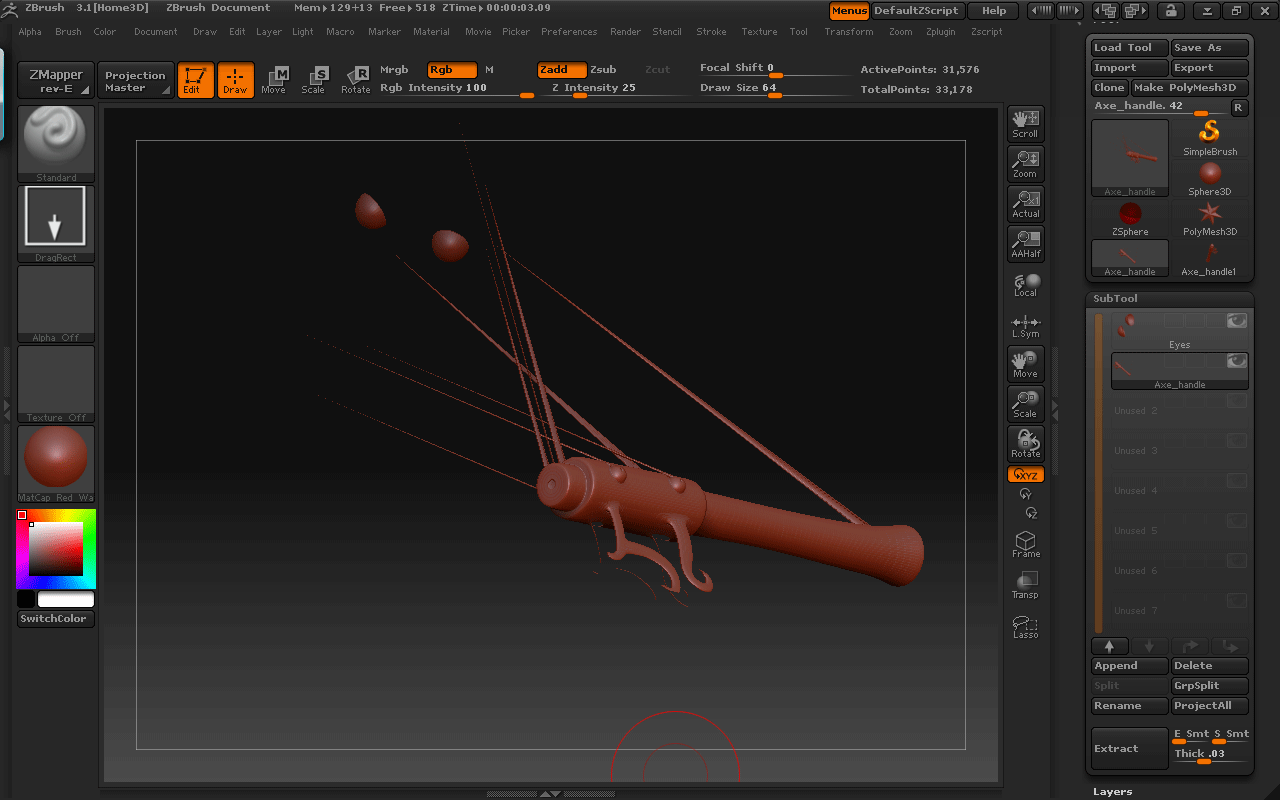
]
I really appreciate if someone help me out.
Thanks,
Attachments
Hi there,
I am having a problem with importing my object to zbrush.
[]
I really appreciate if someone help me out.
Thanks,
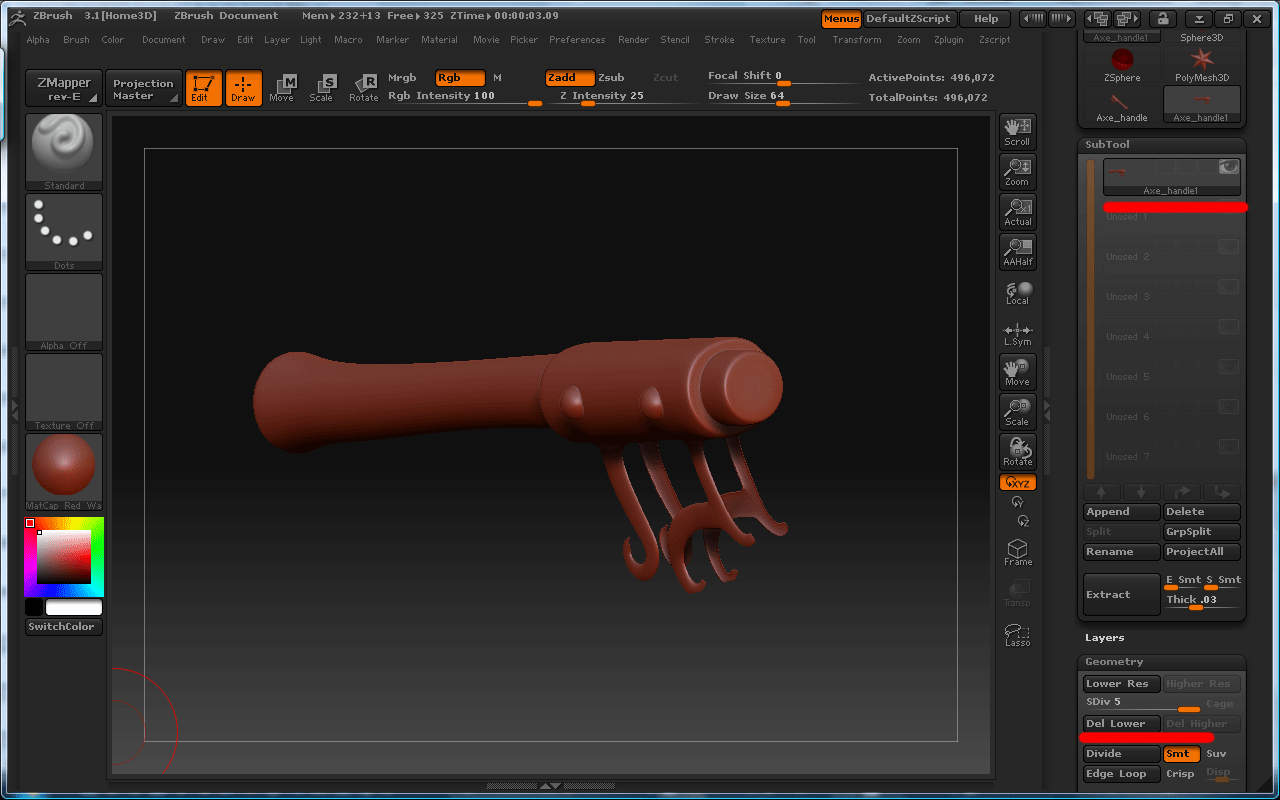
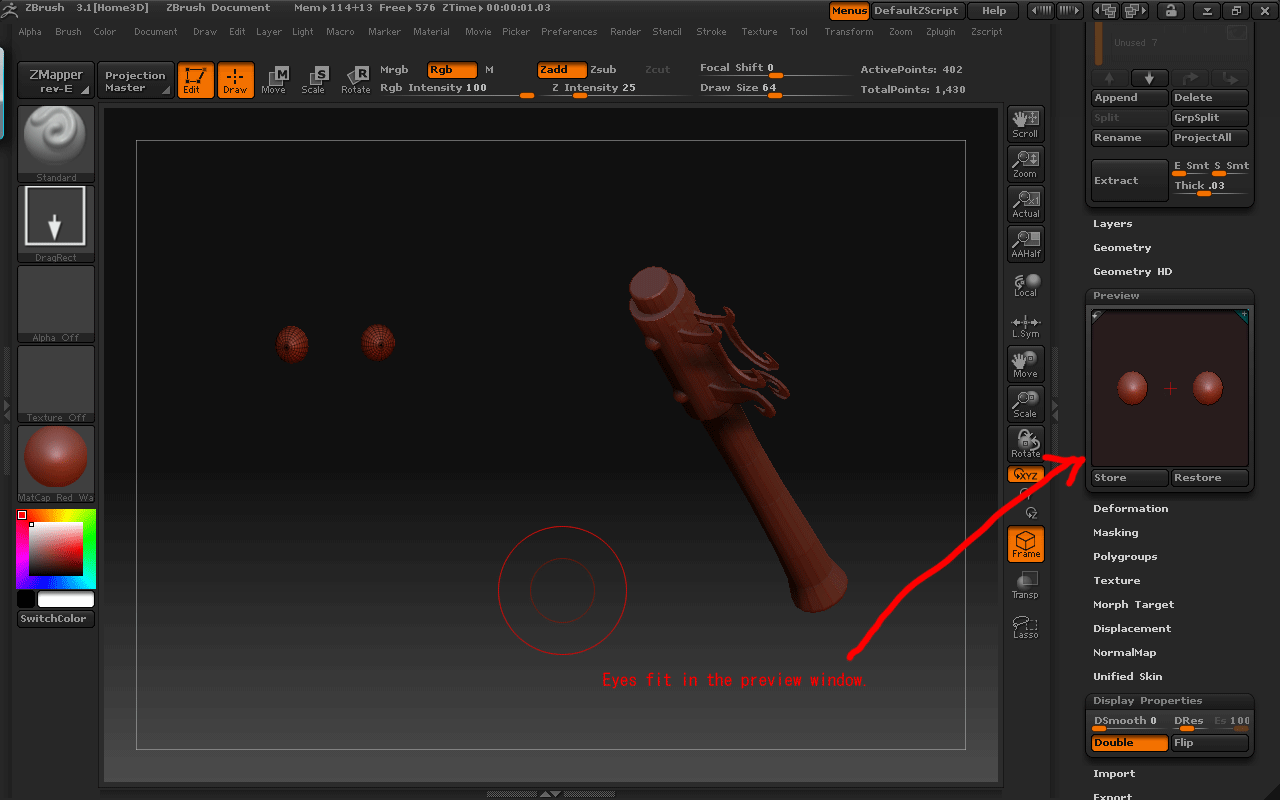
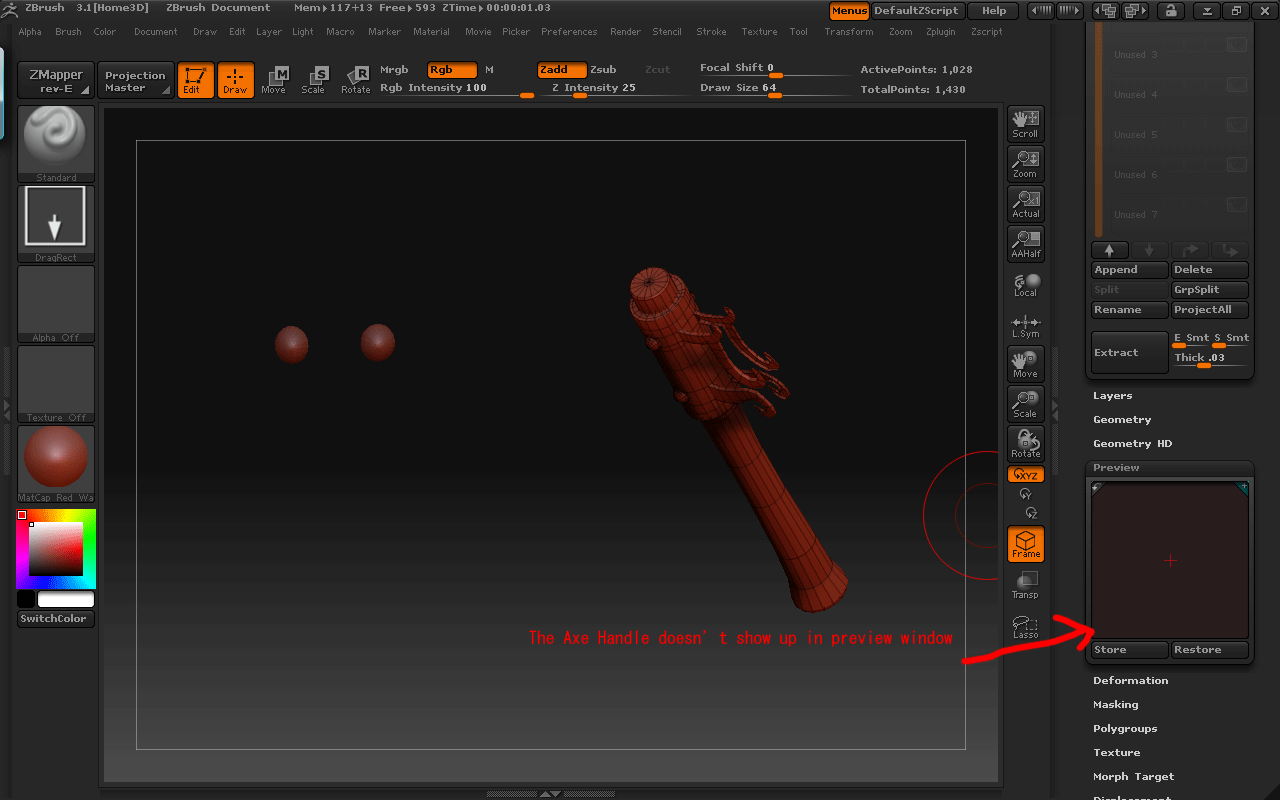
This is probably a scaling issue. What do you see when you look at the model in the Tool>Preview window? For best results, the model should be a good fit within that window. If it’s way large or way small, you can get this issue.
Thank you so much aurick.
Yes you are right but it doesn’t make sense.
My whole model is almost the same size in maya (image1) and only 3 parts of model don;t fit in the preview window( image2).
All the pivots are in the centered and I freezed all the transformations so they are all Scale:1,1,1
How come other parts of model fit in preview window and others don;t?.
Again ,Thanks for your time.
[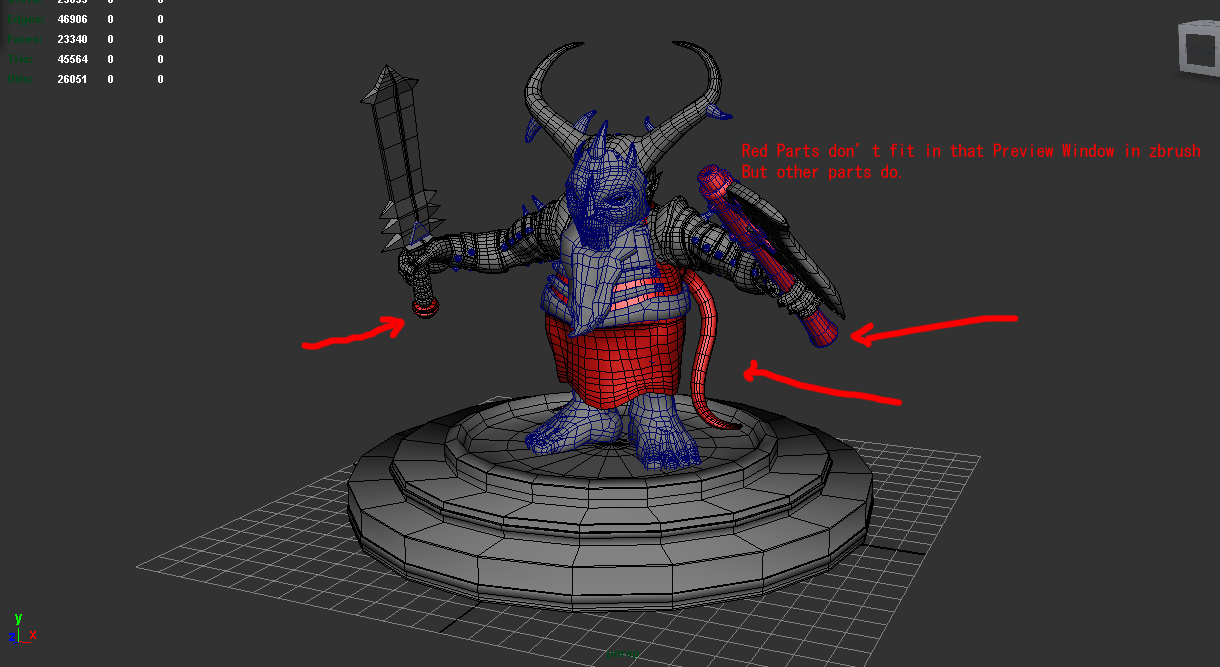 ]
]
hi
in 3dsmax all parts have the same size
i tried to change the pivot but nothing happens
some help is realy needed
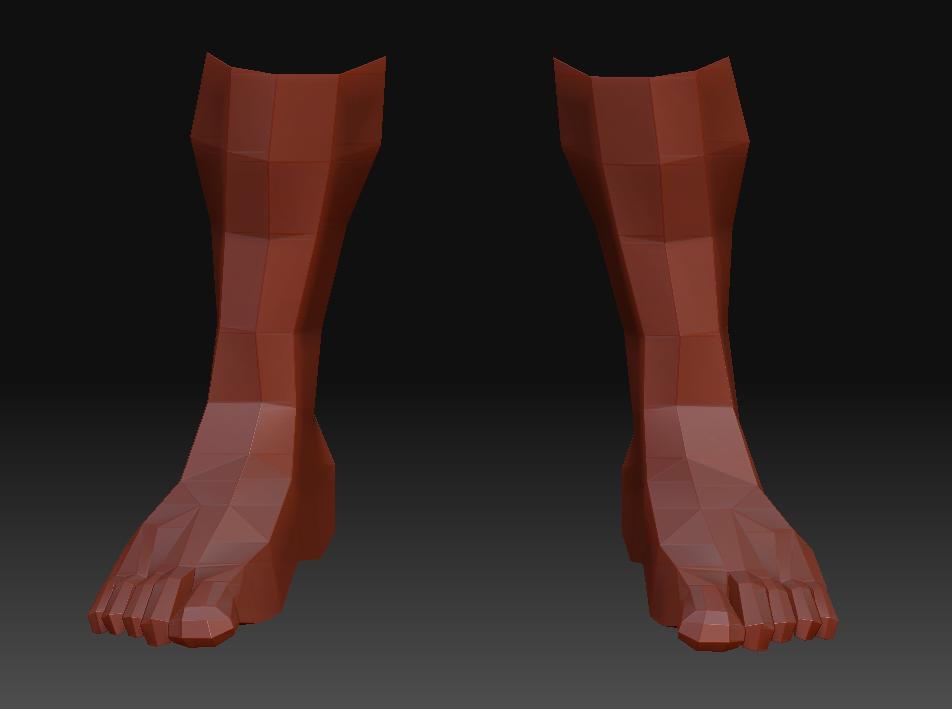
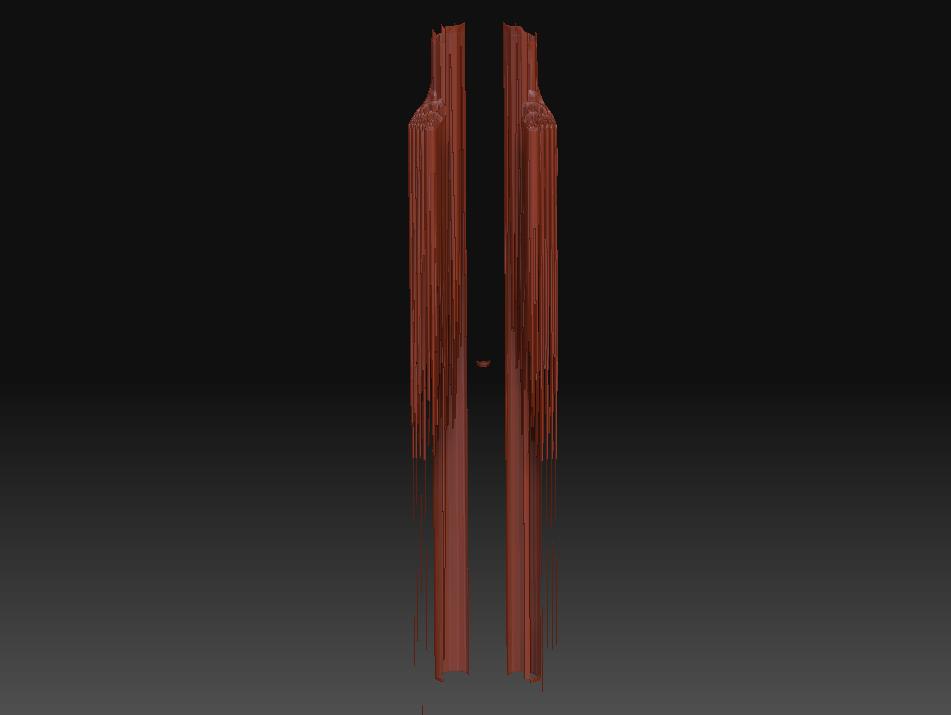
i found a solution for my problem in an older post (http://www.zbrushcentral.com/zbc/showthread.php?t=67645&highlight=subtool)
maybe home3d2001 you can also use how i fixed it
try to import all subtools in one obj
export out one OBJ file with everything in it.
then draw that one the canvas
go into edit mode
tool>polygroups>auto group
tool>subtool>group split
I think group split creates a crease…but just in case it doesn’t
tool>geometry>crease (do this before adding subD’s)
( © by goast666 )
good luck
Hey Nossi,
Thanks man,It really helped.Now I can get to work.
hey guys, when you do this…break the obj’s
make sure you export out the new “split” versions of your mesh (subtool master = 1 click for this). Do this AS SOON as you split the objects. If you don’t do this, getting your mesh to come back in with new UV’s or whatever is a pain as the split meshes are different than the main obj you import.
Then if you need to change anything, do it to the new obj’s (the ones you just exported). Once everything is how you want it, import the new obj’s into your 3d app of choice and re-attach/combine how you see fit.