ZBrushCentral

Subtool_not Working

hello everyone!!
aim new to zbrush so i hope its something iam doing to cause this…
the problem is that
i am playing around with the demo soldier
and i first switch tool to the brush tool and then processed to import an obj file of a gun ( triangulated)
when i clear the document and reload the demo soldier and press “t” key all is fine
then i go into the subtools and click APPEND, and select the gun, thats when the problem starts
the subtool shows that the gun is loaded but there is no peview picture , its blank
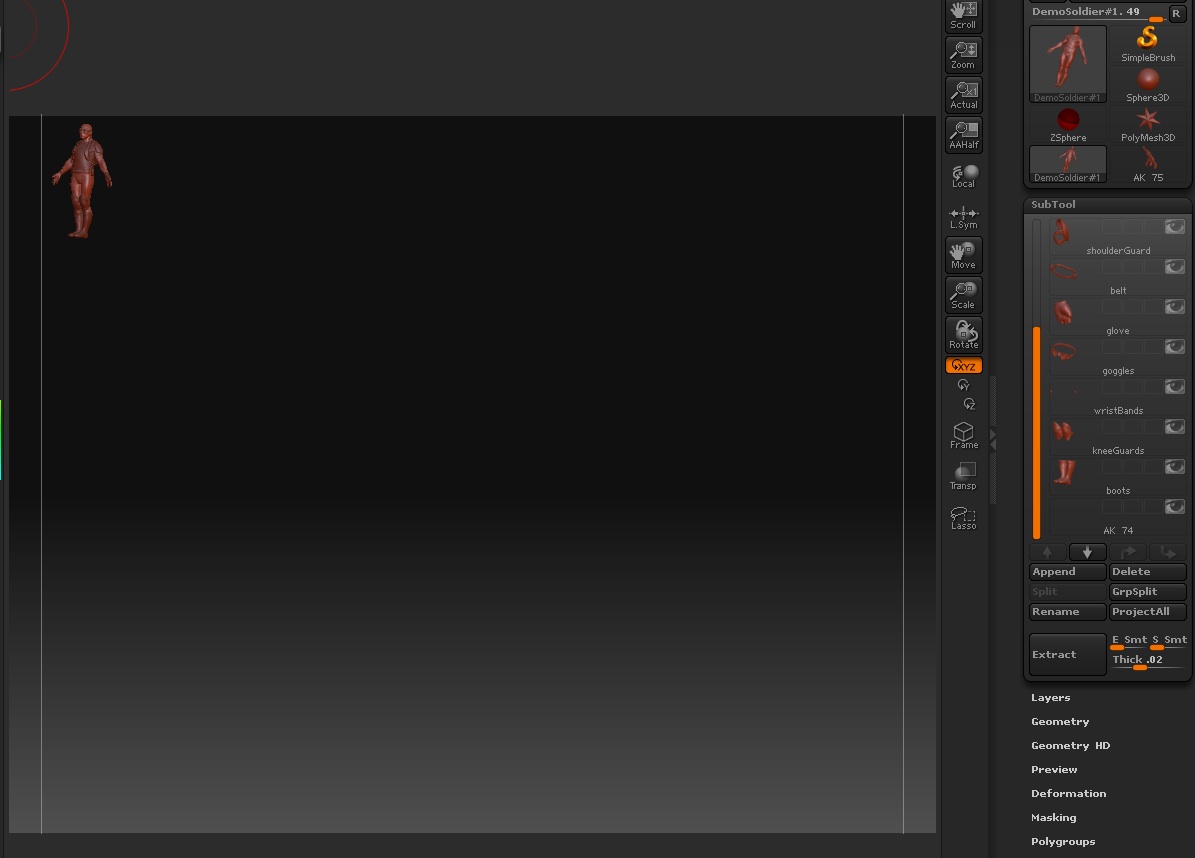
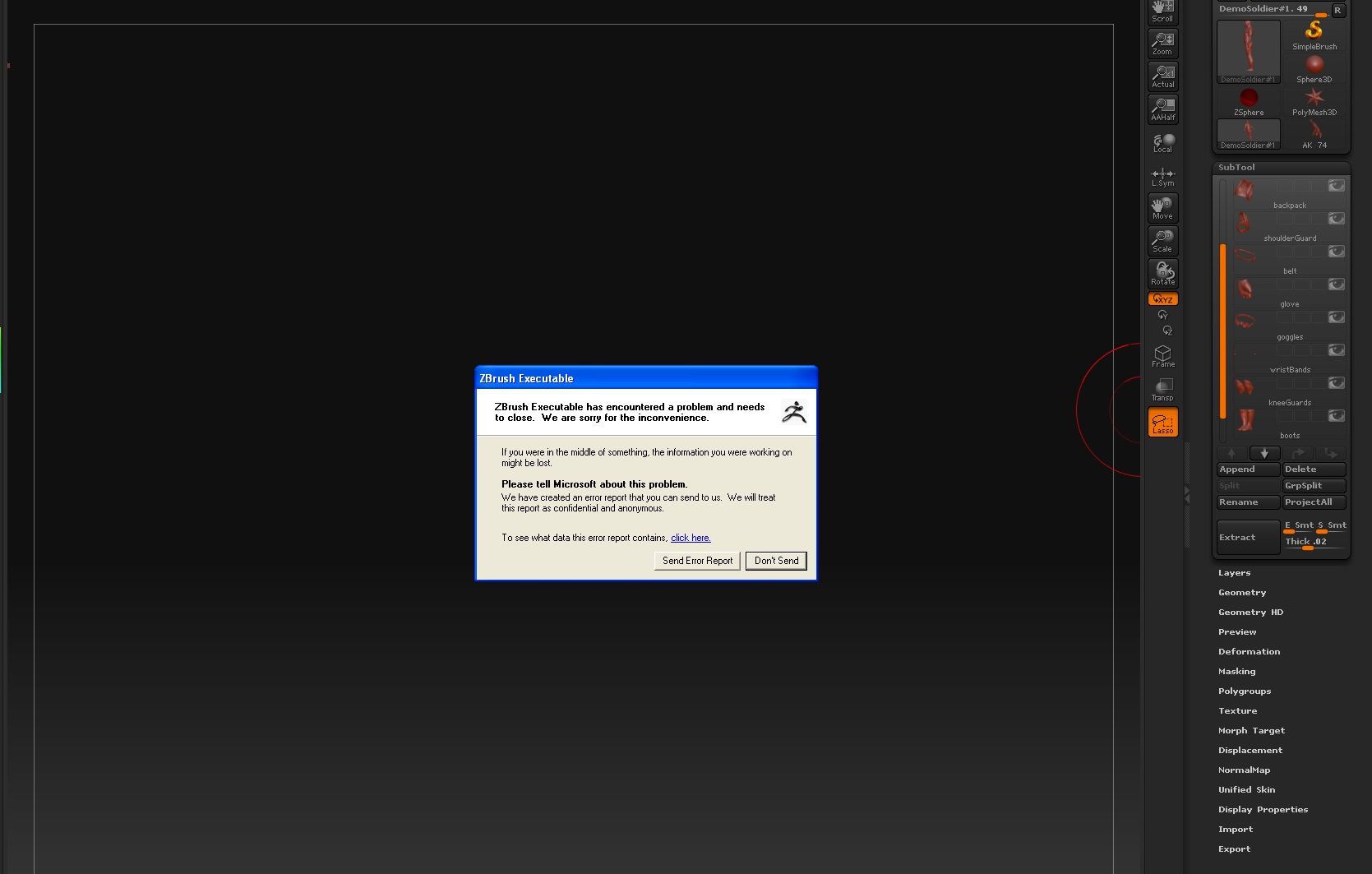
and i cant find the gun anyware on the canvas ? not to mention that the demo-soldier SIZE gets reduced and pushed to the top left corner of the screen and zbrush freezes ! i tried several objects , a cap, backpack so on, all of the obj objects load no problem by themselfs but when i try to append to a character things go crazy, this is a reoccuring thing not a one off deal

the only result i got was one time i loaded another gun and i was able to see it but somehow it was flatten ! it was a 2d object

i also tried to play with the trsform size - 50 etc… but no results
could someone please help me out i would be very greatfll

what are the dos and don’t of subtools,
thank you once again for reading this
ciao :smiley: :cry:

It sounds like your model is NOT importing correctly. That would explain why the thumbnail for it is blank. We’d need to see a sample model in order to test and see if the problem is with the model itself or is something unique to your installation of ZBrush.

Also, please follow this forum’s guidelines when posting any troubleshooting inquiry. With each troubleshooting post, please include your full system specs and any other pertinent information which will allow us to determine if this is one of the following: a) user error? b) Misunderstanding of a specific feature, such as its usage and limitations? c) An item which has already been resolved. d) An item which needs to be resolved.

IMPORTANT: Before posting a troubleshooting item, make sure that:

  1. You are using the latest ZBrush version.
  2. You have a ‘clean’ ZBrush install. i.e. remove any items which you have added (such as older ZScripts and other startup items) which may result in unexpected - and difficult to resolve - problems.
  3. You did not increase the PreferencesMax polygon count or Compact Mem to a level which can not be supported by your system specs.

hello aurick :slight_smile:
thank you for getting back to me and i apologize foe overlooking the guidelines

ok my system specs :

leopard 10.5.2odel
Name: MacBook Pro
Model Identifier: MacBookPro3,1
Processor Name: Intel Core 2 Duo
Processor Speed: 2.4 GHz
Number Of Processors: 1
Total Number Of Cores: 2
L2 Cache: 4 MB
Memory: 4 GB
Bus Speed: 800 MHz
Boot ROM Version: MBP31.0070.B02
SMC Version: 1.18f2

running under bootcamp, windows xp sp2

the gun model i talked about is an ak 47 that i got from my cd from despano collection its all triangulated geometry around 100 thousand polys or so
but the funny thing is this happens with all objects from a cap ( very simple) to the complex gun
however when i try to append a torus from within zbrush3.1 it works fine
also tried to clone and saving the imported gun as a ztool prior to appending it= same crash results

is there anything i could do to make sure that i have a clean import ?
can zbrush handle double face and edges

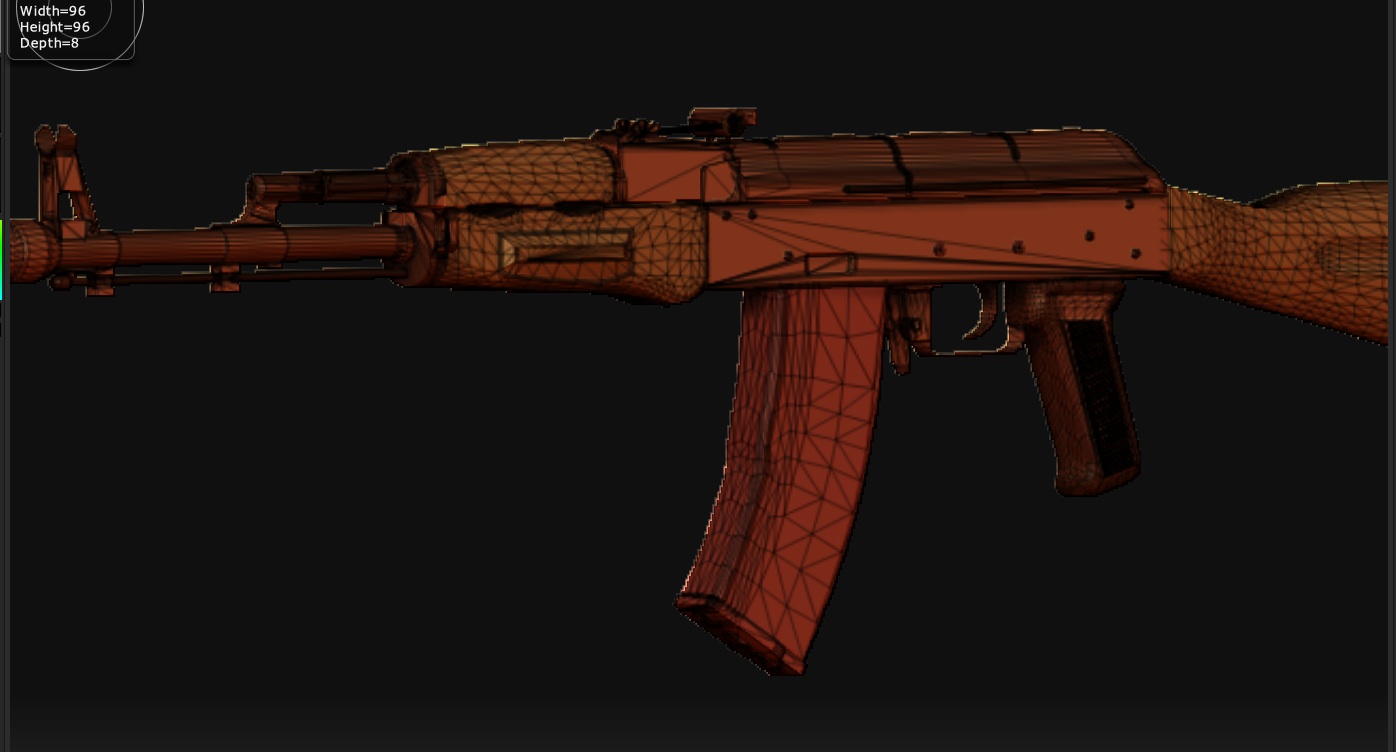
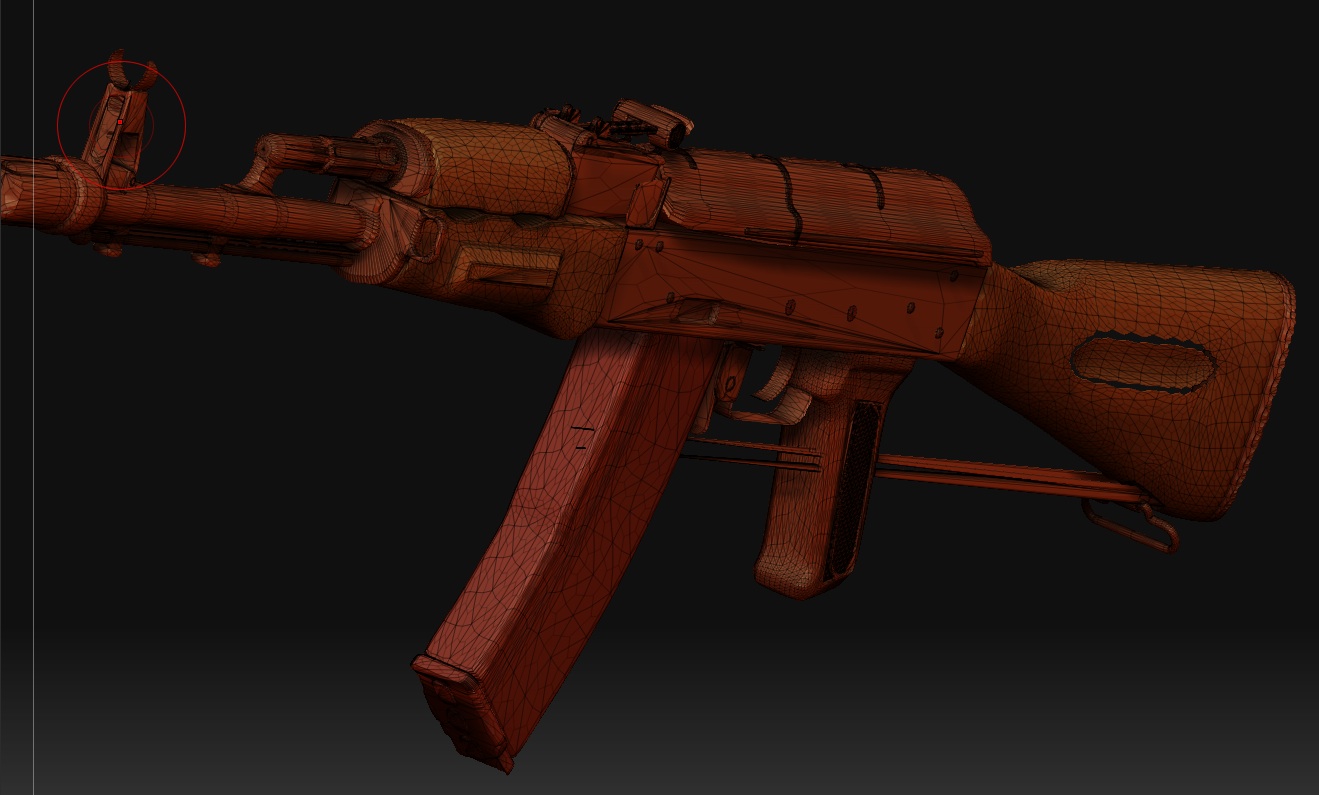
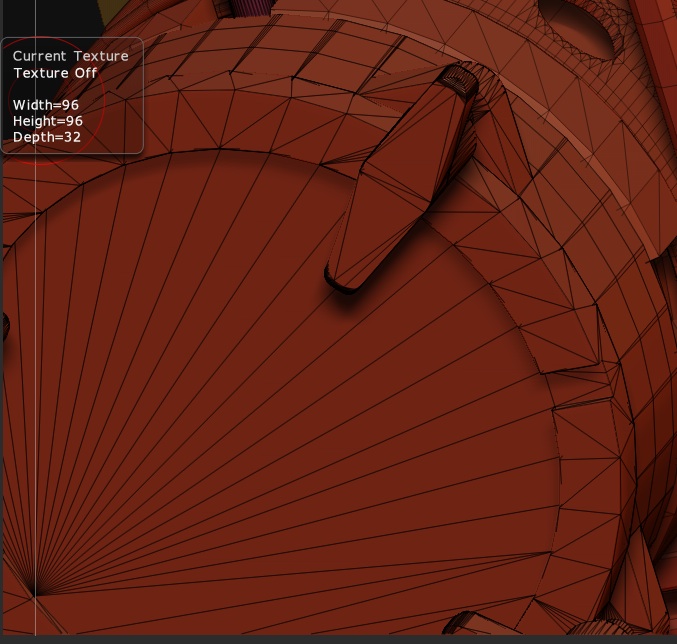
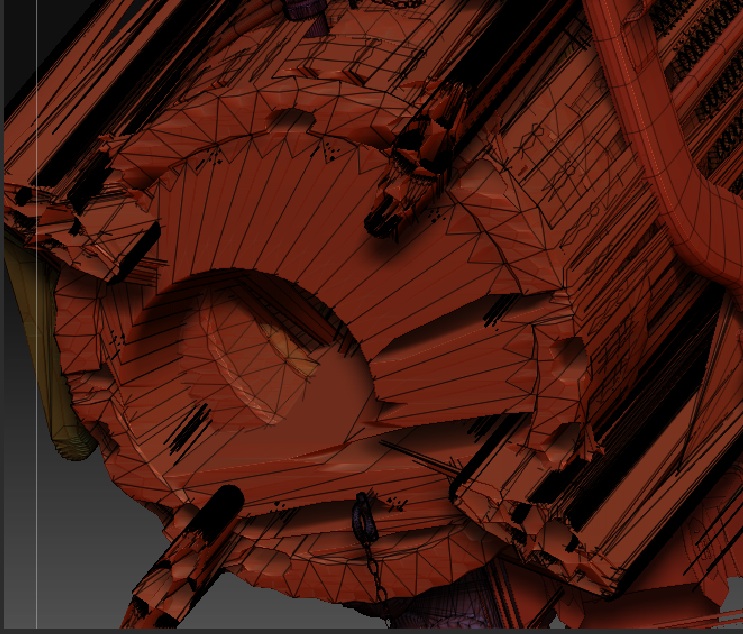
on a side note when i try to import the gun by itself its no problem, but when i tried to cntrl+ d to divide the geometry, the geometry explodes, like a porcupine in some parts, is this do to what ?
the triangulation?
thank you again for helping out
ciao :smiley:

There are two possibilities:

  1. There’s a problem with your copy of ZBrush, such as an incompatible plugin. That’s why my post above covered more than just asking for your system specs.
  2. There’s a problem with the model itself. Unfortunately, you’re not providing any images to illustrate the “explosion” that you described. So there’s not much help that can be provided.

hello aurick :slight_smile:

ok;

i have the latest copy of zbrush, 3.1

i did a fresh install, for i just got my macbook pro

there are no plugins installed at all

i did not touch the preferences, so everything is default

to make sure my copy wasn’t bad i re-installed zbrush 3.1 last night

the ak. i bought from this website:

http://www.deespona.com/3denciclopedia/categoria_weapons.html

i would like to know why the geometry goes “crazy” and looses it form when i divide
for, when i imported the gun by iteself it looked good, but as soon as i try to divide it well you can see for your self

the other screen shoots are from :
when i try to append a “non” native zbrush object, (like the AK) as i append to the demo soldier, the AK, is invisible, (yes i tried to increase its size under transform to 100 &- 50 etc… nothing happened) and the demo soldier is pushed to the top left corner and z brush freezes and crashes !

as far as subtools are concerned,

does the " parent" object that you append others to, has to be the one with the highest poly count, does it matter if i have lets say,
have a spheare as the parent and the more complex and higher poly count “character” as the child ?

and what is the max. polycount i can have per subtool ?

please help i need to finish this character asap, for it’s for a client !

thank you again for your time

AK-47_BEFORE.jpg

Attachments

AK-47_AFTER.jpg

BEFORE.jpg

AFTER.jpg

AFTER I TRIED TO APPEND THE AK..jpg

ERROR_.jpg

i posted some screen shoots about 2 hr ago, but some how its not on my thread yet ?
is that because it needs to be approved and its the weekend ?

There are two problems here.

First is to do with scaling. It looks like your model is pretty huge. After importing it, try using Tool>Deformation>Unify. That should help with some of your problems.

Other problems are due to the fact that your model is triangles. Triangles do not divide the same way that quads do. When you divide a quad, it’s split into four new quads and the surface is smoothed. When you divide a triangle, it’s split into three new quads and the surface is not smoothed. This is where the funky curved lines and stuff are coming from. There’s no way to get around this one – if possible, your model should be all quads. If it must be triangles, expect some challenges from the subdivision.

hey aurick thanks for the info… much appreciated
thanks for your time :slight_smile:
ciao