ZBrushCentral

Subtool issues (Verry urgent)

Hey everyone.
Ok i have done my homework on subtools andi now i bit of it.
My issue is actually quite simple.I first broke my model down into sbu groups and afterwards made the groups into subtools. the reason for this is because of polypainting.i increased all my subtools’ divisions for max poly usage on each of them so that i can maximize my polypaint capability.

Now My question is how do i go about reversing this so that all my subtools goes back being one object again so that i can create the texture from the the color

You can’t. Doing that would exceed the number of polygons that is possible per SubTool.

Did you UV your model before you split it? If so, then you can create a texture for each SubTool and merge them. But you’re going to lose a lot of detail. After all, a 4K map can hold a maximum of 16 million points of information. With most UV mapping it actually comes closer to 12 million. If your model has 30 million polys between all the SubTools, then you’ve got twice the detail a single 4K map can hold.

The best solution is for each SubTool to be mapped to its own UV region. Then you can have mutliple texture maps – one for each SubTool.

yes i did do my uv in maya before i imported them ito zrush. the big broblem im having is that when i first imported the model i disabled my uv’s (got that from meats meiers training dvd) and then broke them up into poly groups,then group split them. Now i cant get my original uv’s back unless i import the original .obj.Even then zbrush tells me that my polycount of each should be the same… They hkant be the same cuz i made them all into subtools… how do i get past that?

i still cant get it to work for some time now if you could please help me aurick

Unfortunately disabling UVs deletes them. There is a way you might try to get them back. You will need the plugin Transpose Master, avaliable from the Download Center. Install it, restart ZBrush, then do this:

  1. With your split-into-subtools mesh selected, press the TPoseMesh button. This will create a new single mesh of all your subtools at their lowest subdivision level.

  2. With the single mesh created at (1) selected, export it as an OBJ from the Tool>Export button. Save to somewhere handy.

  3. Now select the PolyMesh3D (the Star) in the Tool palette and go to the Import submenu towards the bottom of the Tool palette. Turn on the Mrg button and then press Import. Select the OBJ saved at (2).

  4. The mesh imported at (3) should now be the same as your original, except that it will have polygroups and no UVs. To get the UVs, first store a Morph Target as a precaution (Tool>Morph Target>Store MT), then import your original file with its UVs. Press Tool>Morph Target>Switch.

  5. Now split the mesh into subtools with the GrpSplit button. Name each subtool so that you can clearly identify it. These will each have UVs. Export each subtool as an OBJ. (Subtool Master will quickly export all subtools as OBJs.)

  6. Now return to your polypainted split-into-subtools mesh. For each subtool:

  • Go to subdivision level 1.
  • Store a Morph Target.
  • Import the relevant OBJ exported at (5).
  • Switch the Morph Target.

After completing (6) for all subtools you should be able to create a new texture of the size you want and then convert the polypainting to texture at the highest subdivision level. You will then need to merge the separate textures into one in a program such as Photoshop.

HTH,

marcus_civis : Thanx for helping me out i really appreciate it ;):+1:

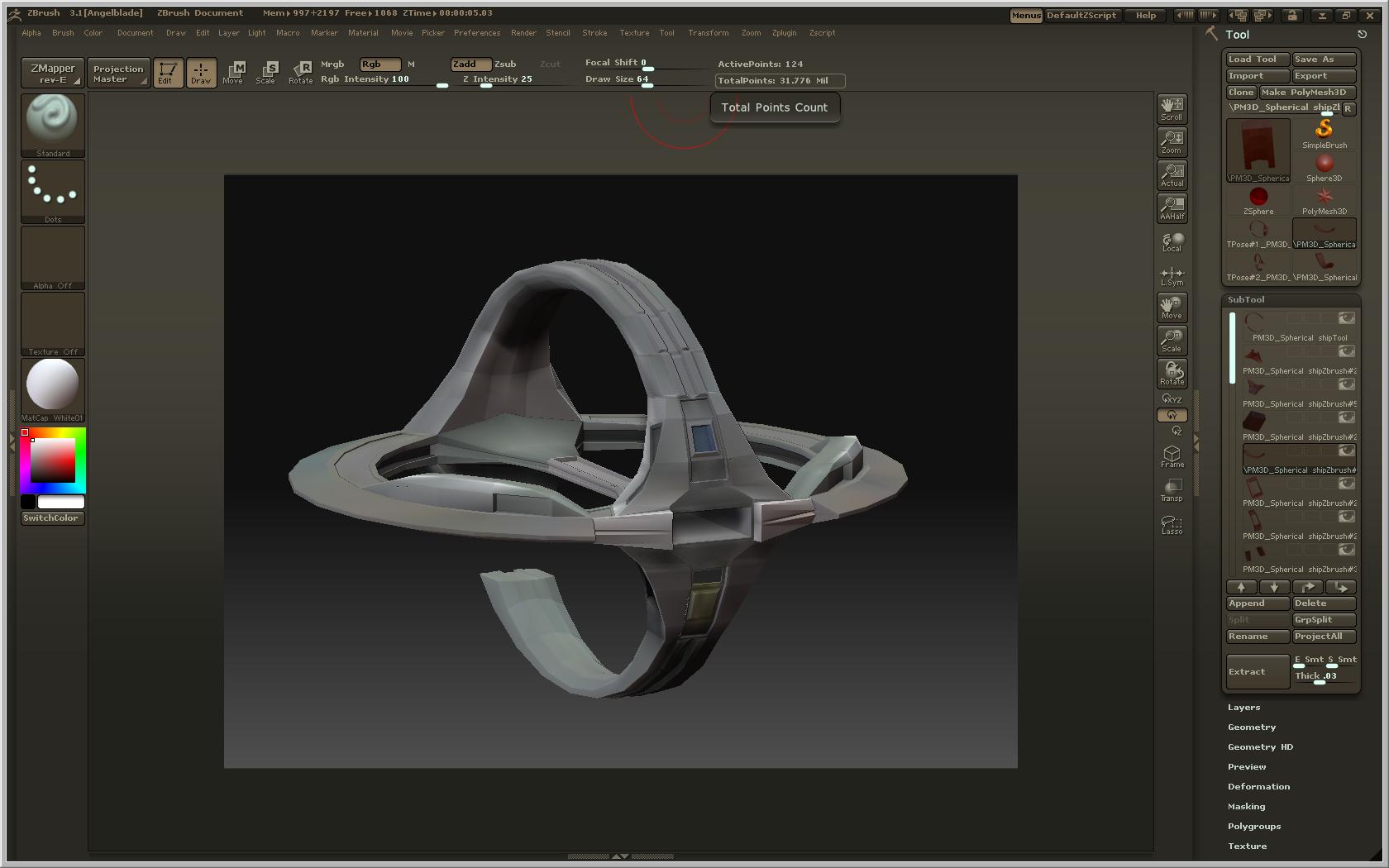
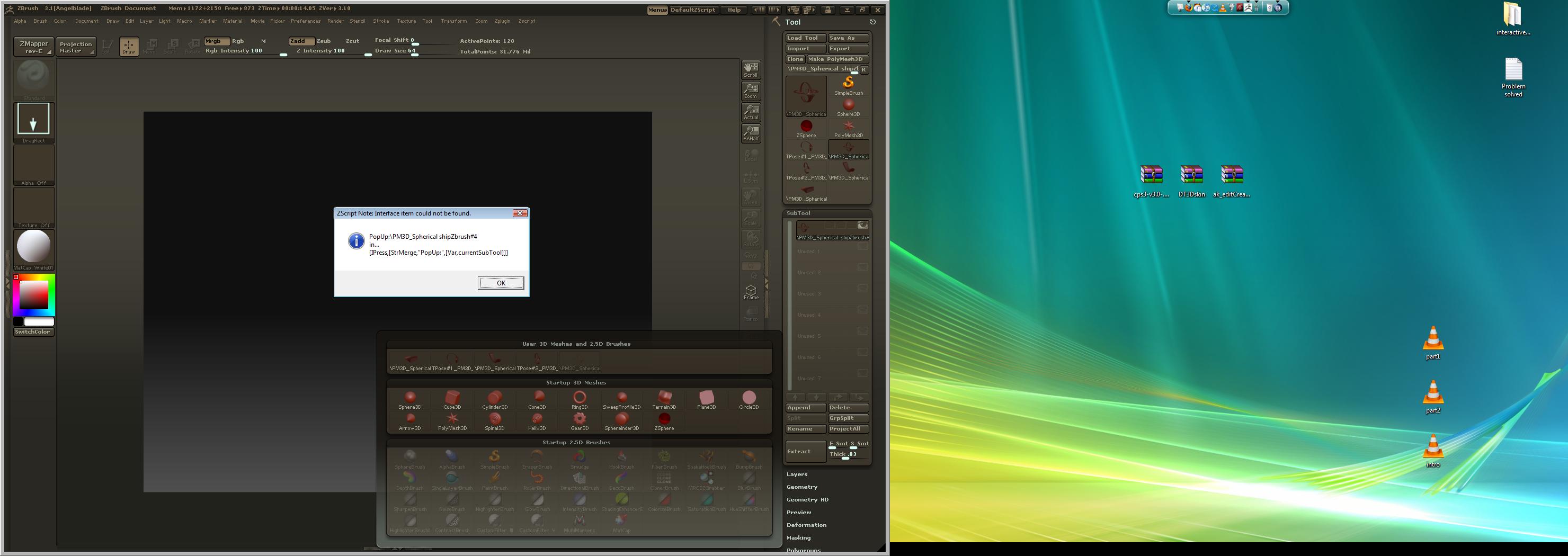
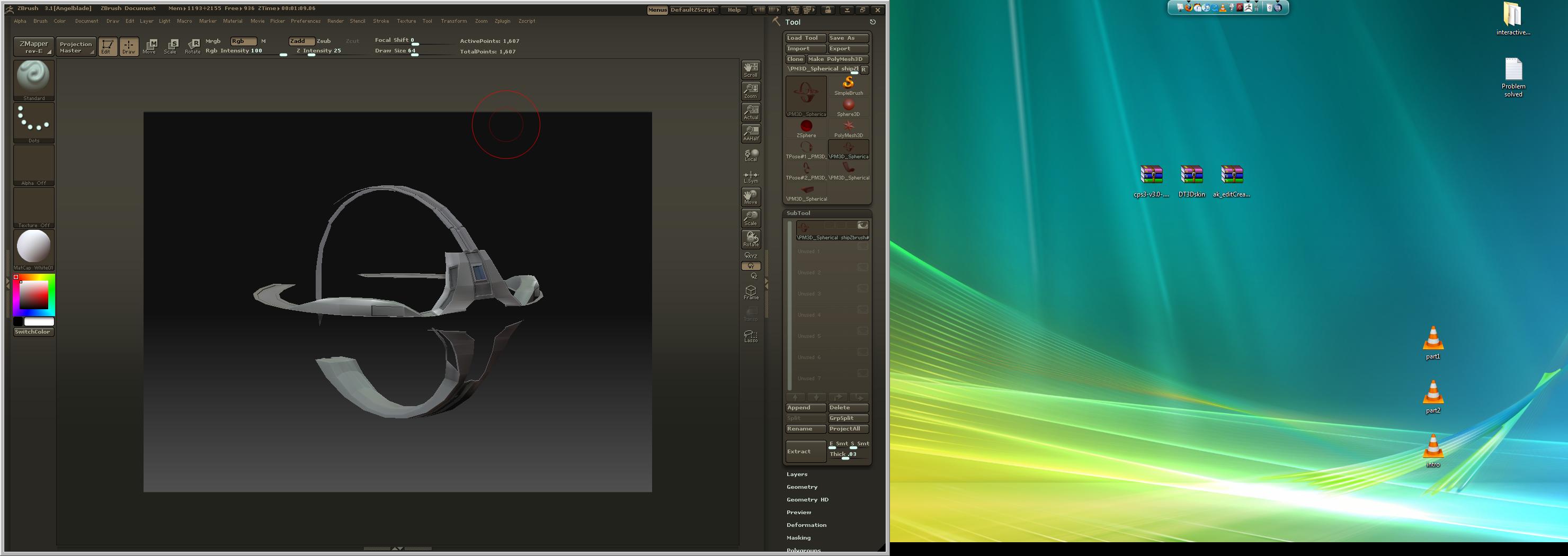
hi marcus i tried to do the first step by selecting my subtool mesh and going to tposeMaster and the is what i get: some supporting images.

What should i do :cry:?

Attachments

mesh.jpg

error.jpg

result.jpg

Hi Marcus just reporting back. it was my own sillyness. some of my subtools had the same name.That why i got the error… thanx anyways…

Angelblade,

I’m glad you got it sorted. :slight_smile: Yeah, it’s best to rename the subtools after a group split because the method ZBrush uses to name them can cause Transpose Master to fail. Unique names, rather than piece#1, piece#2, are best.

Hi marcus: i still cant get it to work properly. just when i stored the morph target at (4) and import the original .obj with the uvs, the switch button disables and only the DelMT still available. is there any other way or what should i do.
Please help.

At (5) you say that the i should also then split the mesh with groupsplit. as Soon as i import the original obj with the uvs the poly groups also gets deleted What should i do

Apologies, I missed out a step. As you say, when you import an OBJ with no groups it will delete the groups. Fortunately, there’s a way around this:

After step (3) Export the mesh that is created by the import. This will have polygroups.

Then after you have imported the UVs at step (4) import the mesh you exported above (which will have polygroups). This will restore the groups but not delete the UVs. You should then be able to do a Group Split.

Thanx marcus . Ill try it out and let you know thanx for your time.you helped me allot.
:wink: