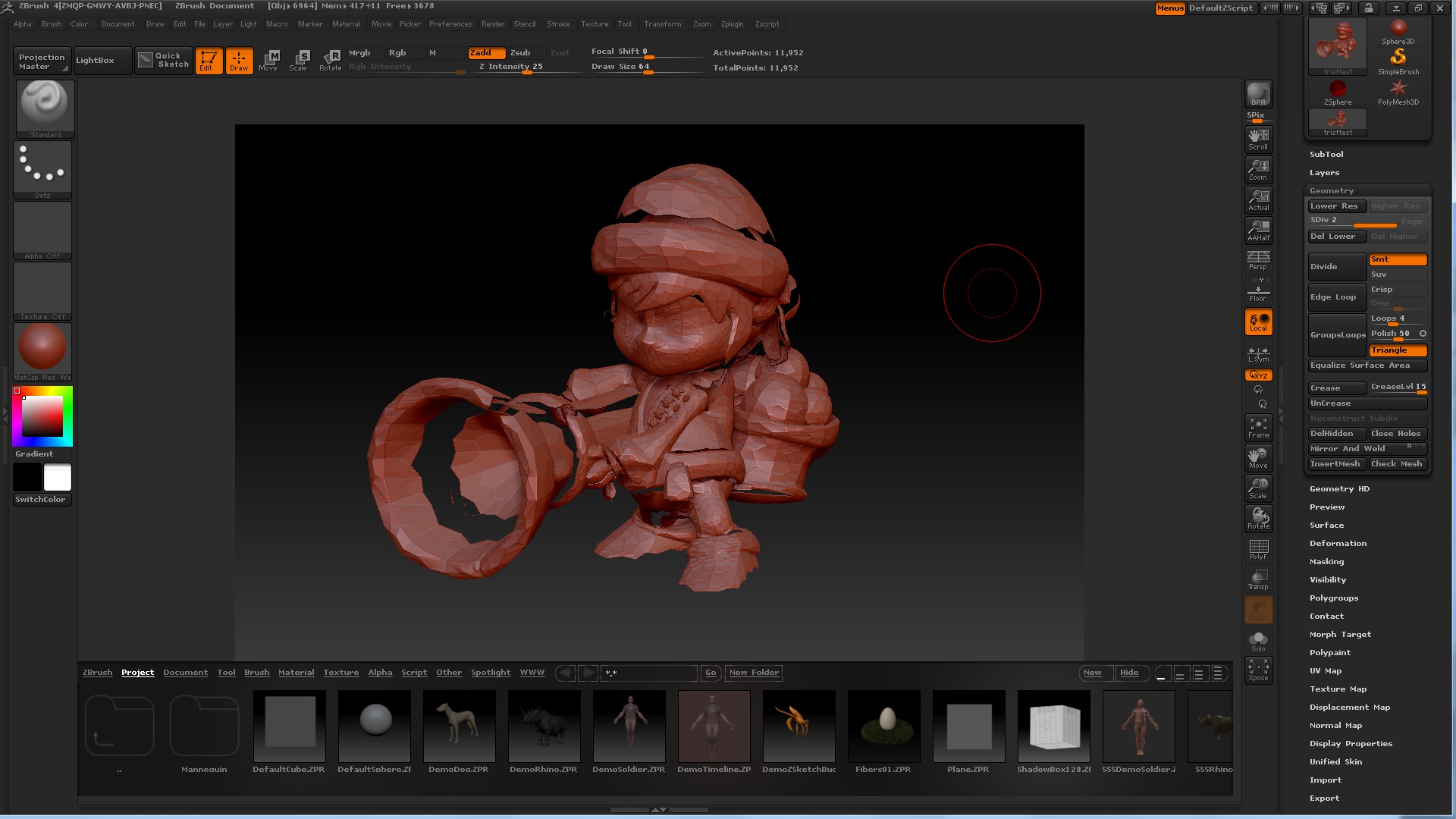
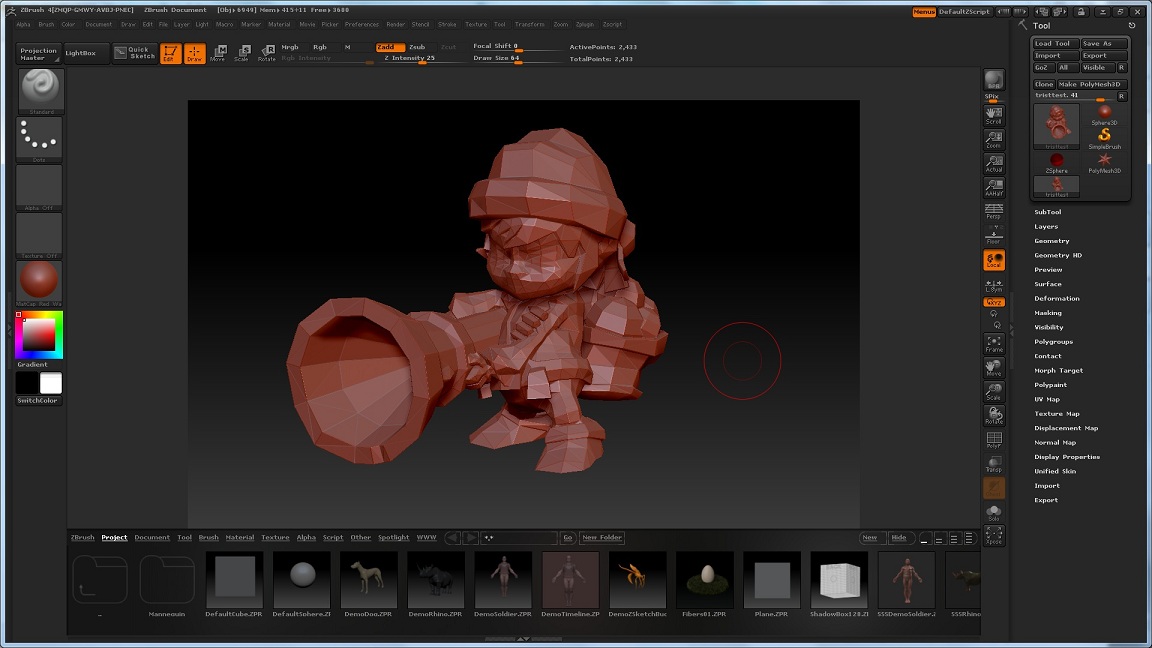
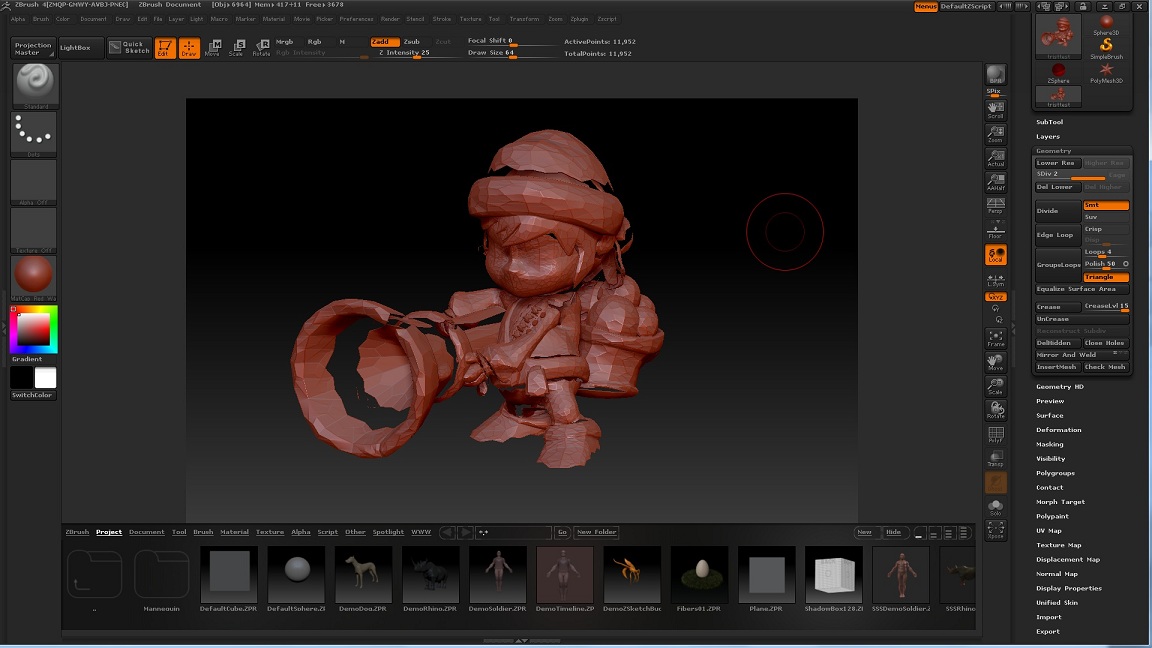
Those are places where the edges aren’t welded. By default, dividing the model also smooths it. This causes unwelded edges to pull apart.
There are several ways around this:
- Weld overlapping points before importing into ZBrush.
- Press Tool>Geometry>Crease before dividing. This doesn’t weld the points but it does prevent the edges from contracting when dividing.
- Turn off Tool>Geometry>Smt before dividing. This adds polys without smoothing. Of course, that means you’ll still see the model as if it has few polys.
- Set Tool>Import>Weld to a higher value before importing. The higher the value, the less it’s necessary for the points to be identically placed – but also the increased likelihood that nearby points will be welded when you don’t want it.
By the way, ZBrush works best with quads. When you divide a quad it becomes four smaller quads and the surface is smoothed. When you divide a triangle it becomes three quads and the surface is not smoothed. If at all possible, you should convert your tris to quads before importing into ZBrush.