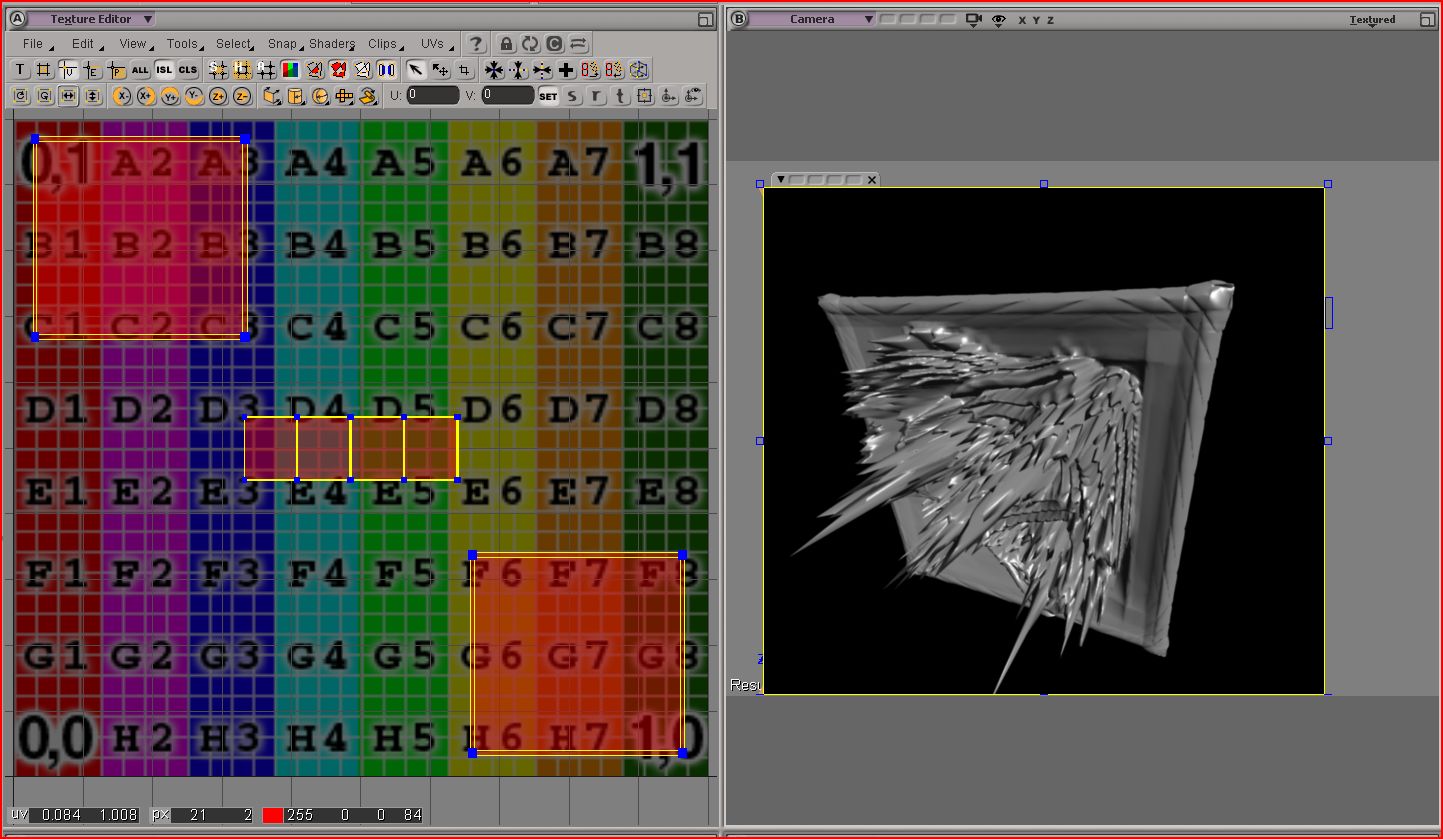
Hello I have been following these XSI to zbrush and back displacement tutorials
http://www.zbrushcentral.com/showthread.php?t=48894
And they work excellent on a flat plane. All results were as expected.
However ramping up the difficulty I tried doing the same workflow on a cube.
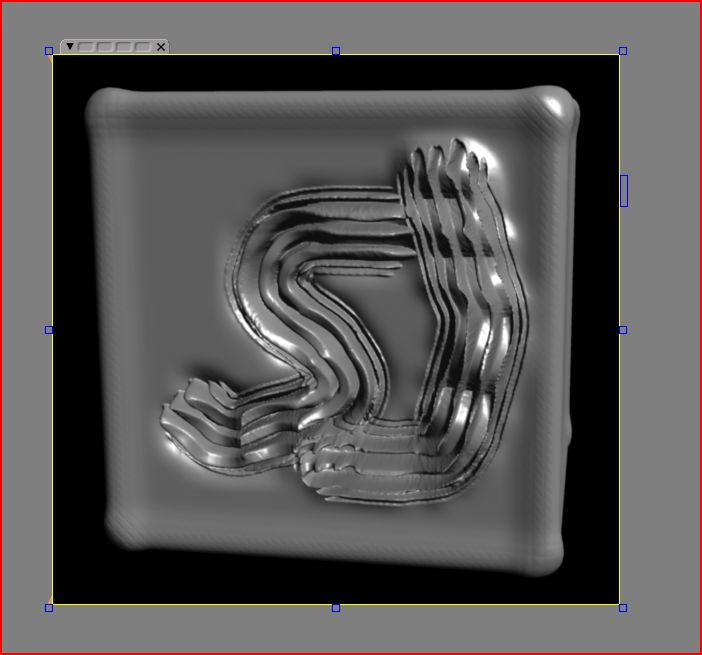
However when I subdivide the cube in zbrush and paint my displacments when i export the displacement map it has a lighter shade of grey on all the corners and edges that I did not paint?
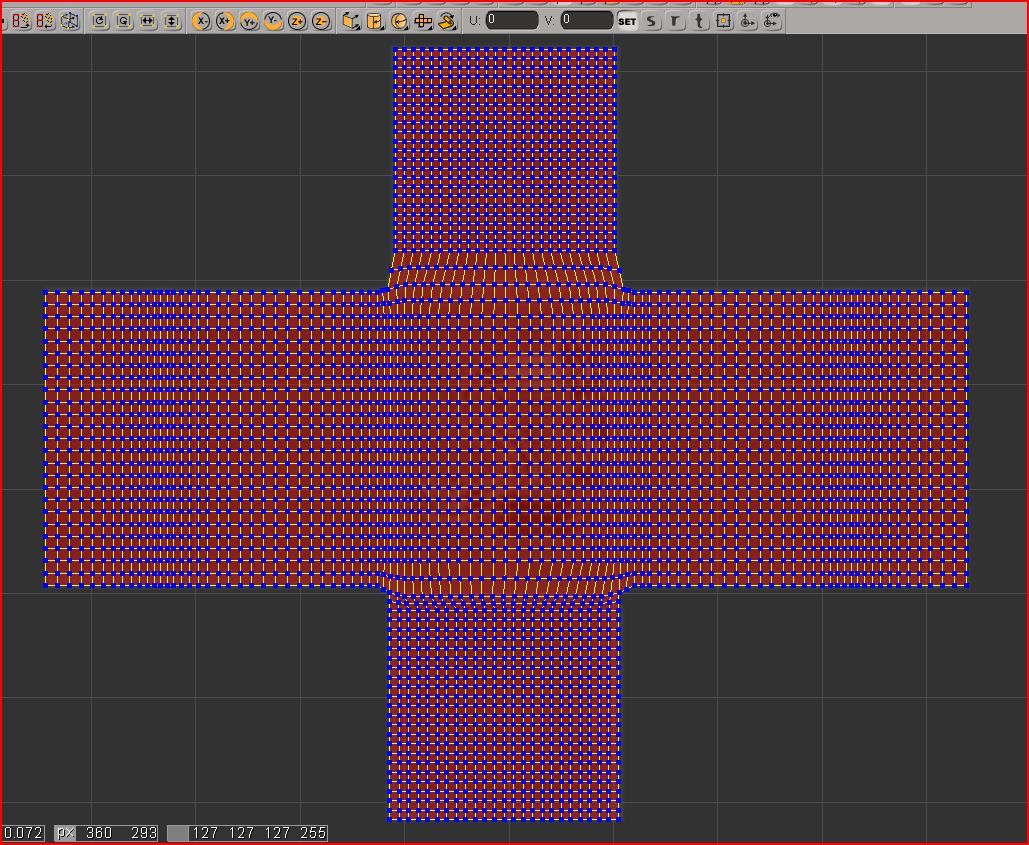
I have added in a few extra edge loops in xsi first to keep volume on my cube when i subdivide in zbrush…however there was no mesh smoothing at all applied in xsi.
If someone can point me in the right direction that would be great.
Thanks.
I’ll post pics.
Attachments