ZBrushCentral

SubDiv working differently then tutorial I'm following?

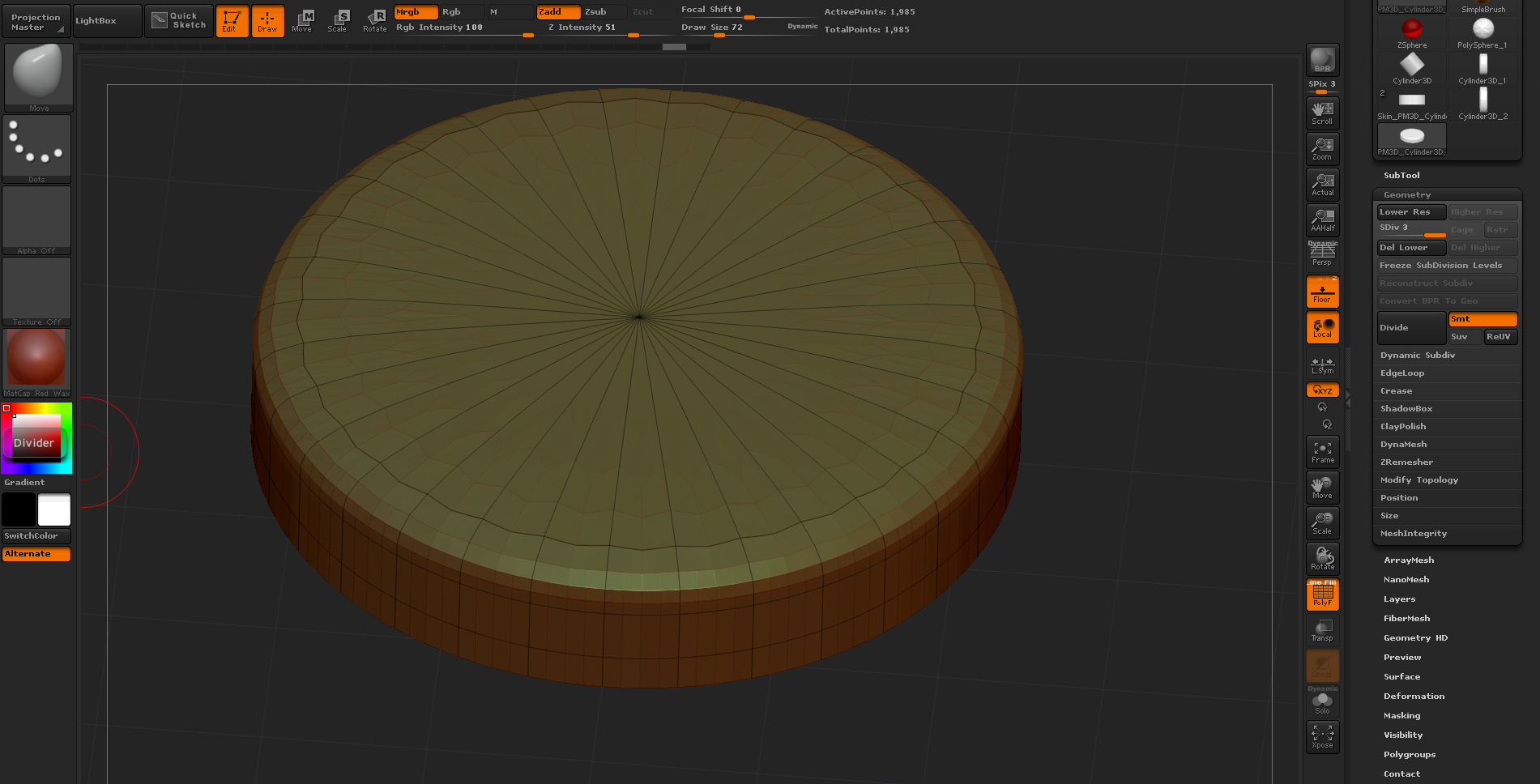
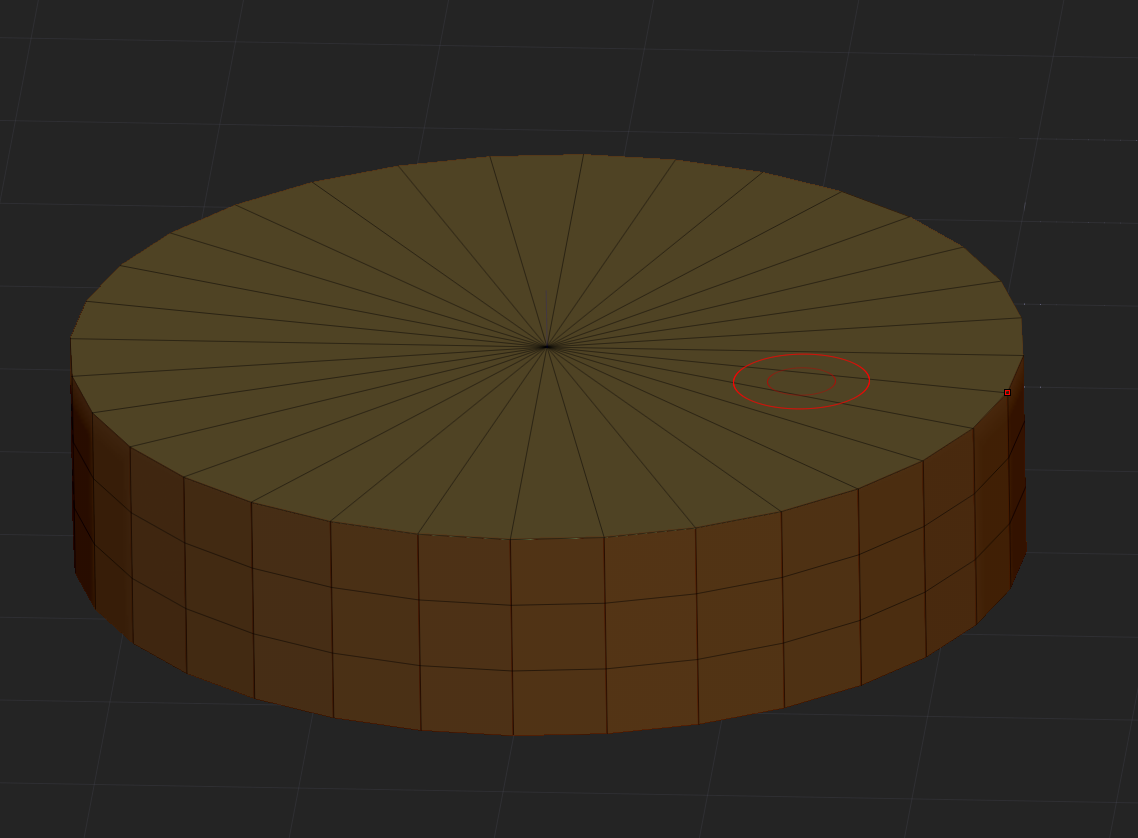
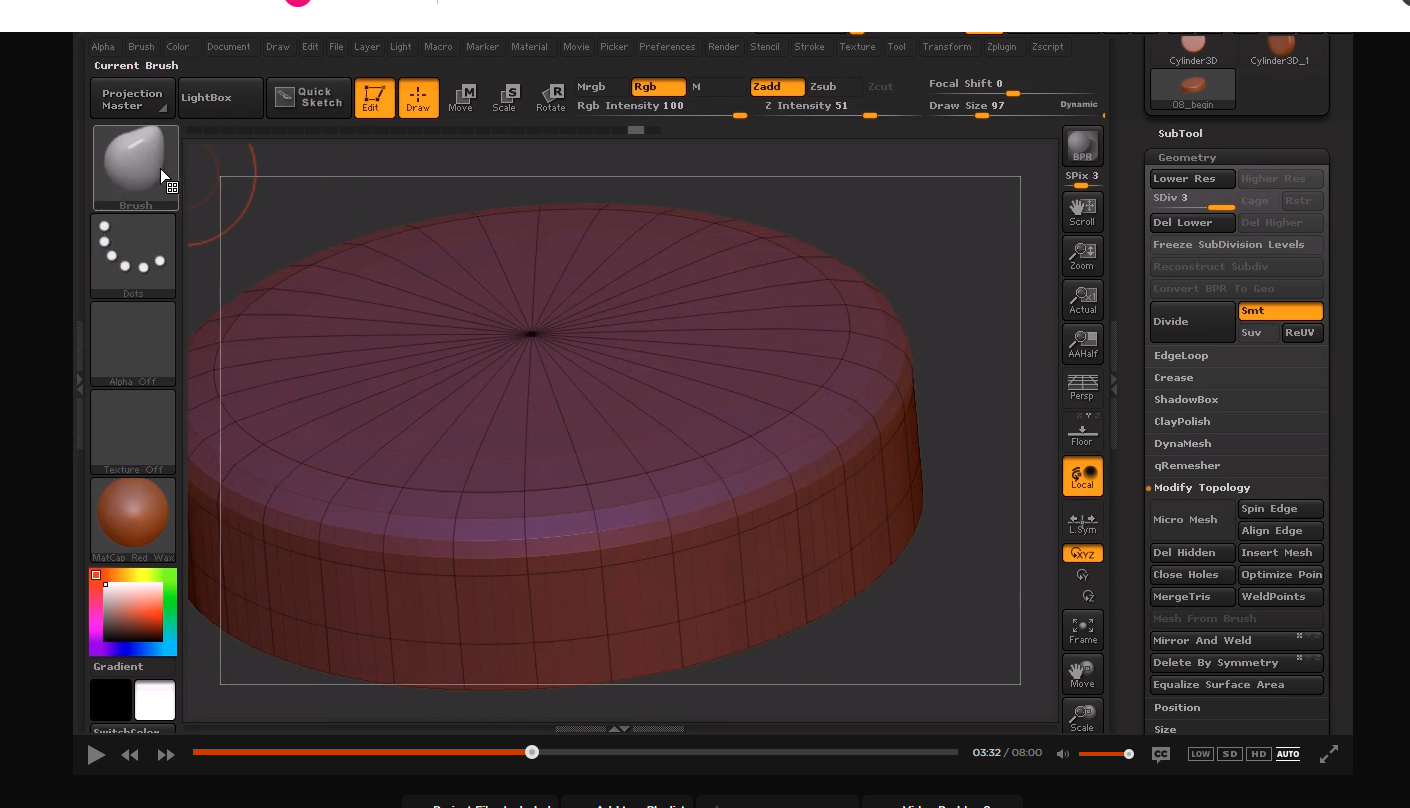
I’m following a very simple ZBrush tutorial on subdivisions, and everything is perfect until I subdivide. The base models we are using are identicl but the results I get when I subdivide the model are different. Why would this be happening? I’m using ZBrush R7 and the instructor is using R5, but I can’t see this making a major difference?

What is looks like in the tutorial (What it should look like)

What mine looks like

This is the base mesh

Attachments
SubD Proper.PNG.jpg

SubD Wrong.PNG.jpg

Base.PNG

The primitives have been changed recently to include more options and to correct some problems. For example, the old primitive would develop a hole at the poles when subdividing - this no longer happens.

Does the change result in you not being able to complete the tutorial or is it a purely visual difference?

The next step is to remesh all, and this is where the real issue comes out. The shape comes out all jagged and not smooth - like it should.

As Marcus has commented the geometry of that primitive has changed in the last version and this will not allow to follow that tutorial exactly. The subdivision behavior is exactly the same but the geometry not, giving different results.

Included the old version geometry converted to polymesh 3d that will allow you to follow exactly the tutorial.