Hi ZBC,
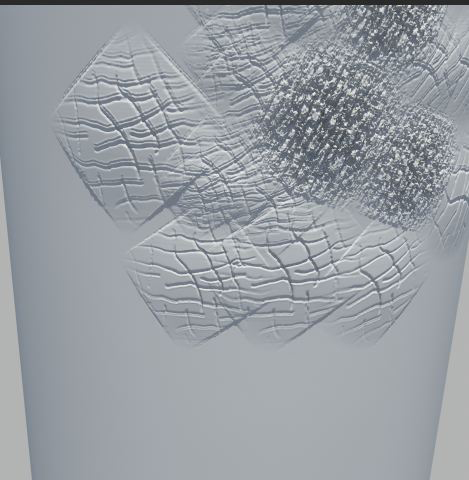
I need help. I’m working on a project that will require me to sculpt using HD geometry. I’ve been doing basic testing to work out any kinks in my workflow related to generating displacement and normal maps with HD Geo since I usually only need to use normal subdivision sculpting. I’ve encountered one issue so far. After subdividing a basic cylindrical mesh with clean UVs to about 9 million polys which my system can handle easily, I enable HD Geo mode and divide two more subd levels bringing my total poly count to around 146 million. While in sculpt HD mode at the highest level, I add very fine details as seen in the below screen shot.
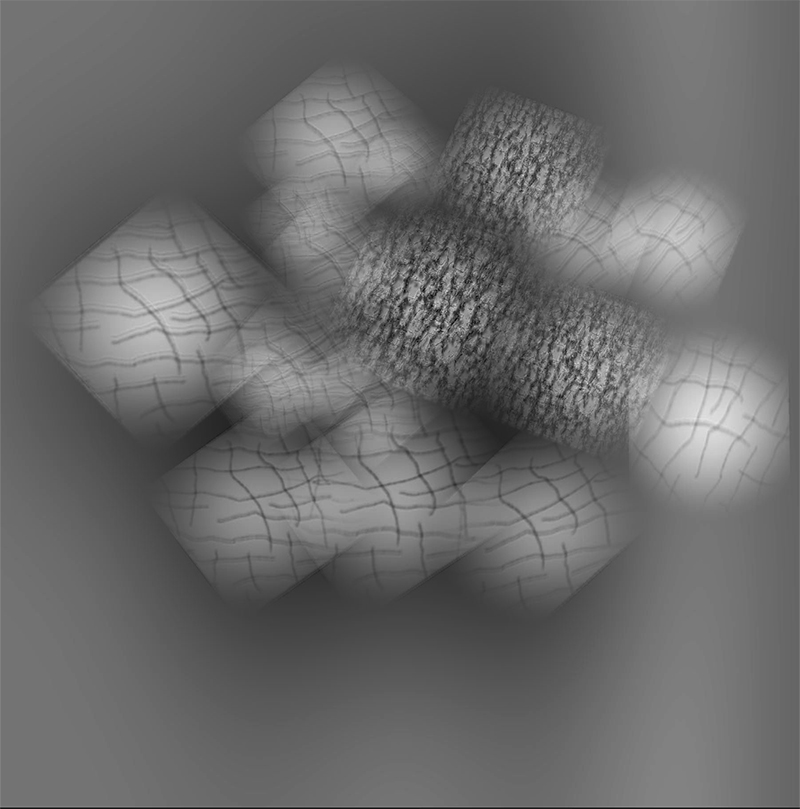
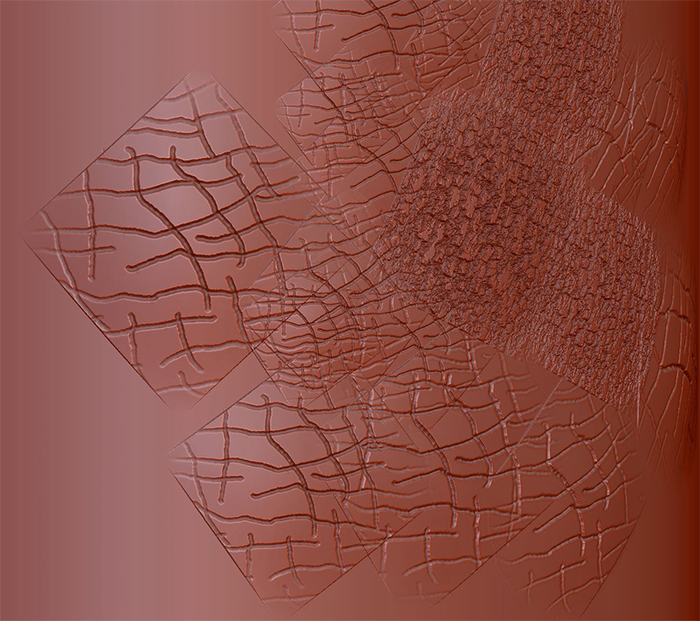
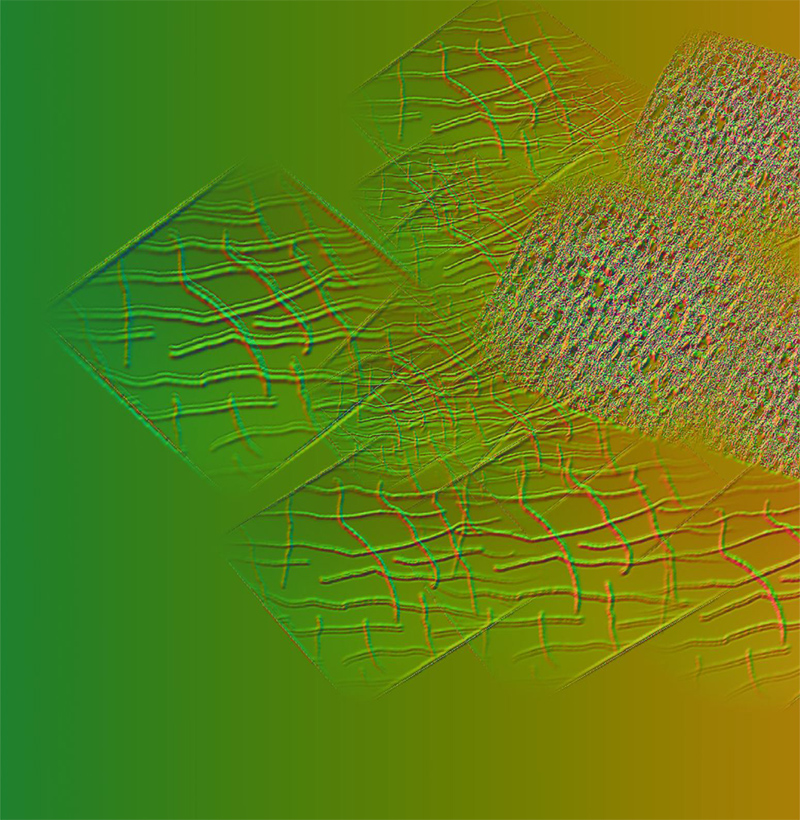
I then want to generate a 4k 32bit displacement map to be used in maya. I move to my lowest subd level for my regular geo, and keep my HD geo slider to the highest. For my DispMap settings I use Adaptive,SmoothUV, FlipV, 3 Channels, and DPSubPix at 2. My mid range is set to 0 so I don’t have to do any offsetting in maya. The resulting disp (and normal) map has what appears to be ghosting or doubling of some aspects of sculpted details. It is most noticeable in the furthest left sculpted patch seen below.
I have never encountered this issue with generating maps from zbrush using normal subdivisions sculpting. Is there something I’m missing here? Has anybody else seen this before? I’d appreciate any assistance/suggestions.
Below is the render from maya for compassion with the original zbrush sculpt. It is very noticeable in the left largest patch. I’m not sure why some aspects of the map are fine though and some aren’t.
Thanks,
D
Attachments