ZBrushCentral

Stamp/ mask application issue

Hello all,
I am hoping to take a high resolution image of a coin and make a nice imprint onto a flat plane in Zbrush, something that looks as close toa coin as possible. The final output will be a CNC’d coin enlargement.

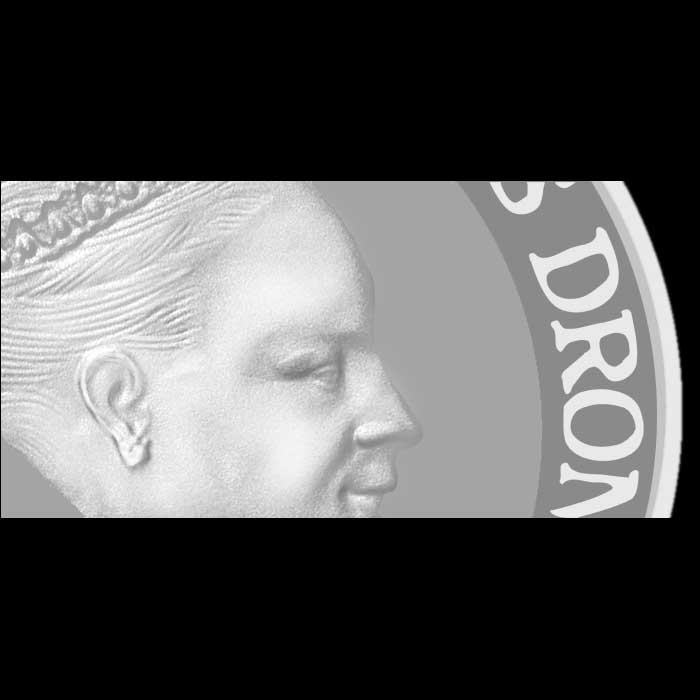
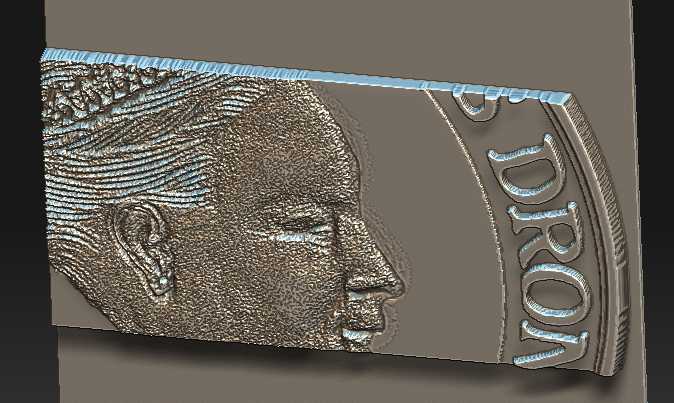
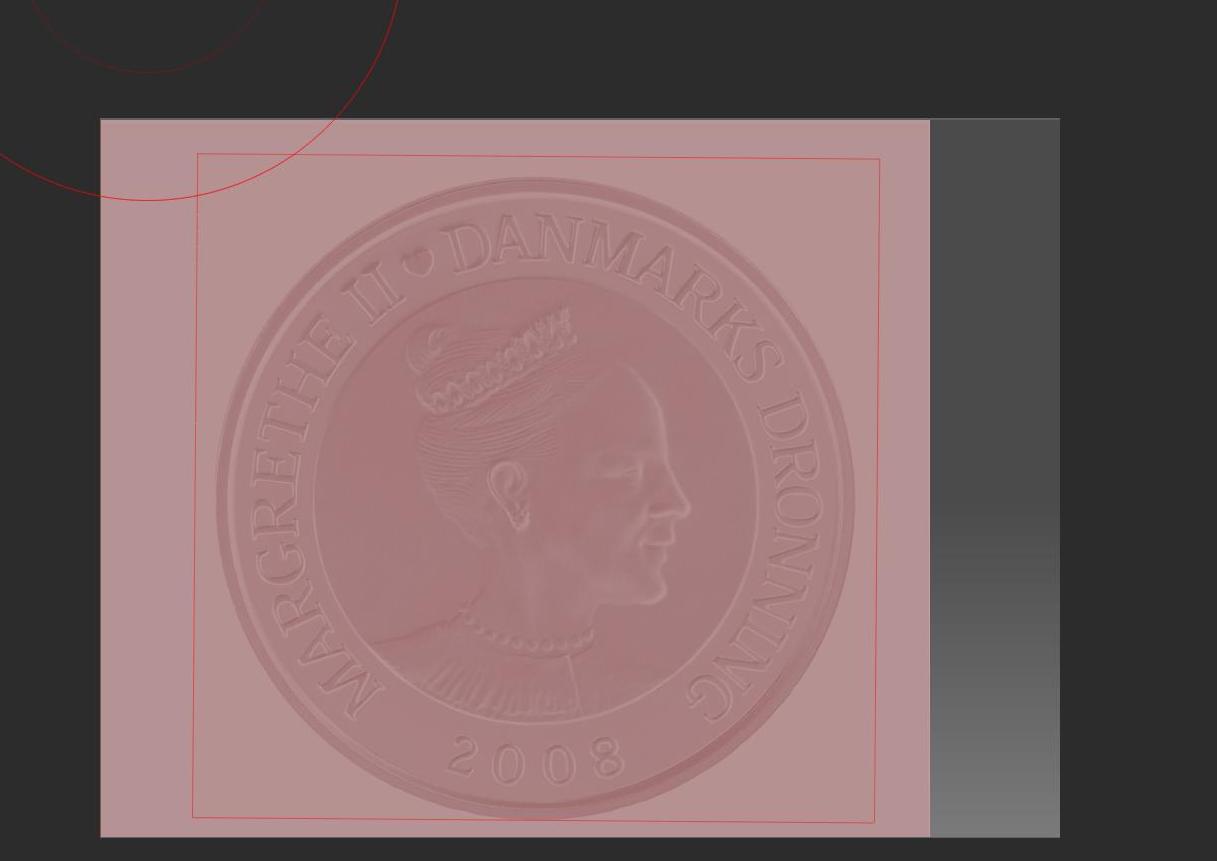
So I start off by creating a 16 bit grayscale image in CS4 photoshop and adjust the contrast a bit for sharpness. I then tried a few ways to use this grayscale image in Zbrush with not much success onto a highly subdividing plane (14million pts.). I first tried applying it as a texture then masking by intensity, the mask itself looks great but when I go to the deformation menu to use inflate it gets all bumpy, see images below.
COIN.jpg

The one photo above shows me using the stencil command but I get the same results whether I stamp, texture to mask or alha mask.

The original high res file I am trying to do this with is here-
http://www.nationalbanken.dk/C12571460044841F/sysOakFil/sirius_guld_hoj/$File/sirius_blaa_baggrund_hoj_1000.jpg

Any advice would be greatly appreciated!
(edited for spelling)

Vince

Attachments
COIN_2.jpg

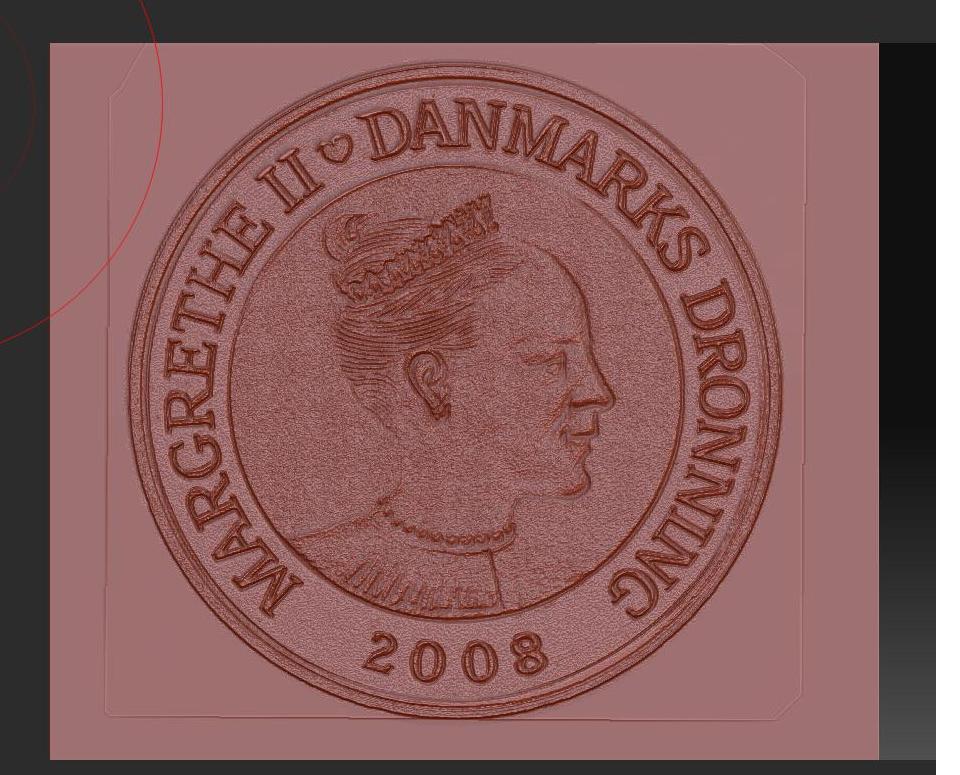
There is noise in the PSD itself that is too faint to be seen by the naked eye. Unfortunately it’s still there and is affecting what you’re using the PSD for.

Did this alpha actually start as a JPG? If so, then that’s the problem. All JPG images have artifacts in them because they’re a compressed file format. They’re also 8-bit images. Converting to a 16-bit PSD won’t remove the artifacting or add any extra data. It spreads the 8-bits of data out over a greater range.

Hi Aurick,
Thanks for the reply.

Yes the alpha did start as a jpeg, that must be part of the problem. Should I shoot the coin in RAW format or other?

Theoretically this should work with a clean image and the proper source image?

Vince

take it into a vector based program like illustrator and live trace it. Mess with the settings so you get the look you’re going for and then export that out as a .psd or another format, that way you can be sure that the noise is being removed.

also after looking at your highres source photo you can see all little dots in the face, its part of the coin’s texture, thats going to cause problems no matter what you do, it might be possible to wipe that out with levels in PS but who knows. what are you planning on doing with this anyway?

lighting.jpg
All the comments that everyone made about noise are valid. But I see one even bigger problem, and that is the lighting! To make this work the lighting on the coin would have to be very flat. In the image that you are using the lighting is coming from the top left. This will also make it problematic to get a good impression.

Did you take the picture yourself? Could another one be taken?

Thanks for all of the advice.

This is a test I am doing for a job coming up. I need to make an enlargment of some rare coins which will be touchable exhibit items for a museum in DC. Yes I may have picked a poor test subject because of the sand blasted finish on the coin and poor lighting. No I did not take this photo, A professional photographer will be taking the photos of the coins to be enlarged. Ultimately the coin enlargments will be CNC’d on our mill in brass or bronze.

I agree the lighting is not ideal with this example for stamping but even in areas where the lighting is flat the stamped surface on the Zbrush plane is very bumpy. I wonder if that is the result of artifacting from an 8bit JPEG (Which was what Aurick was talking about)?

Should I have the phtotographer shoot in RAW format? I don’t know much about photography nor what formats are 8bit/ 16bit, 32bit etc…

Theoretically is it possible to get a convincing coin image from a clean, sharp 16bit grayscale mask? I know I could nail the text for any coin in zbrush or a CAD program but the bust worries me.

Thanks.

Vince

A good photo in RAW format would certainly help. But for an ‘instant’ solution you really need a height map - where the higher parts of the coin are lighter and there’s no shading due to side lighting. You could then apply the map as a displacement in ZBrush.

Although it would be possible to paint a height map using a photo as a guide (see my quick example) probably it would be better to sculpt the bust using the photo for masking outline proportions. The end result is likely to be better in my opinion.

HTH,

Attachments

coin_alpha.jpg

Coin_disp.jpg

Thanks Marcus. It is good to be reminded that someties looking for the fastest solution you can spend the most time…like an old teacher of mine once said, slow is fast.

Vince