ZBrushCentral

SSS- Layers Workflow?

Bpr only works on active subtool.

…so the only way to keep the image after you render with Bpr (to get the SSS Look) is to Grab Doc or export the Bpr rendered image IMMEDIATELY after because you cannot bake the material to the layer?

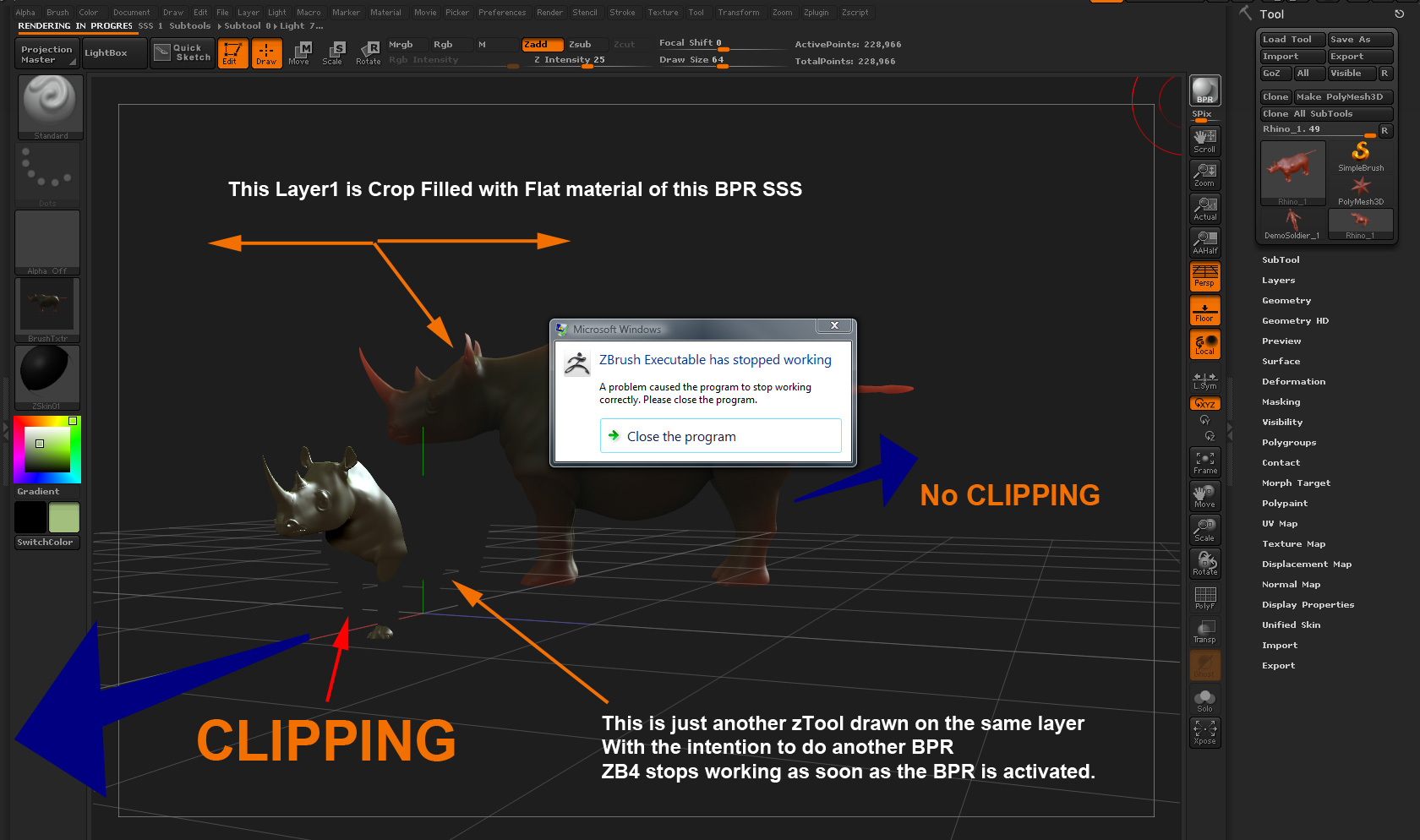
Trying to do something like this:
Ztool with Bpr rendered SSS on Layer 1 SHIFT + s to duplicate zTool, move and repeat.
or
Ztool with Bpr rendered SSS on Layer 2
etc.

I’d follow through with this but ZB4 keeps crashing every time I try to render more than one SSS ZTool.

Attachments
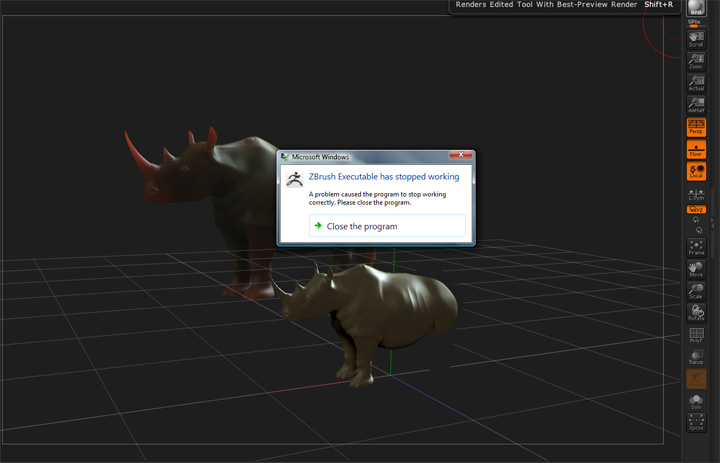
ZB4_SSS_CRASH.jpg

Are you using SSS across subtools option? This enables it to render SSS across all subtools that have SSS active in their material shaders during a single BPR.

It’s a button in the render palette/bpr sss menu.


  1. open Rhino SSS
  2. bpr
  3. Texture Grab Doc
  4. select Flat material
  5. Crop Fill
  6. Select (Rhino) Skin Shader
  7. draw tool
  8. bpr
  9. CLOSE PROGRAM CRASH
I’m going to try some more tests before submitting a support ticket, that’s why I’m posting here first. Maybe other have this happen if not, It might be a setting I can change.

Extra Dimensional “Are you using SSS across subtools option?”

Yes. (I have tried bothways, with the same result)

Although if Layer 1 is a Screen grab of the BPR SSS, then Crop and filled with the Flat Material I don’t see why that would choke the life out of ZB4.

Attachments

ZB4_SSS_CRASH2.jpg