ZBrushCentral

Spotlight won't work when bacground on

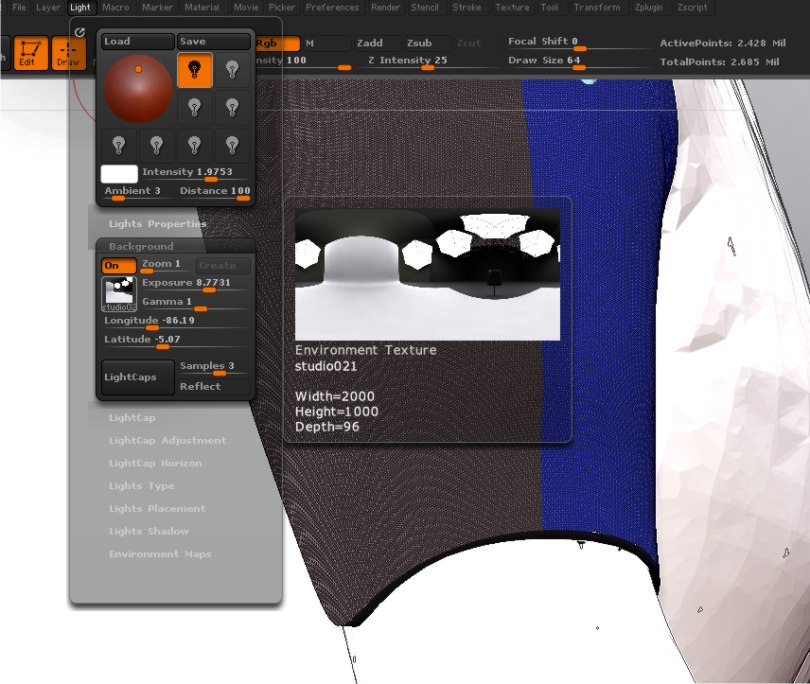
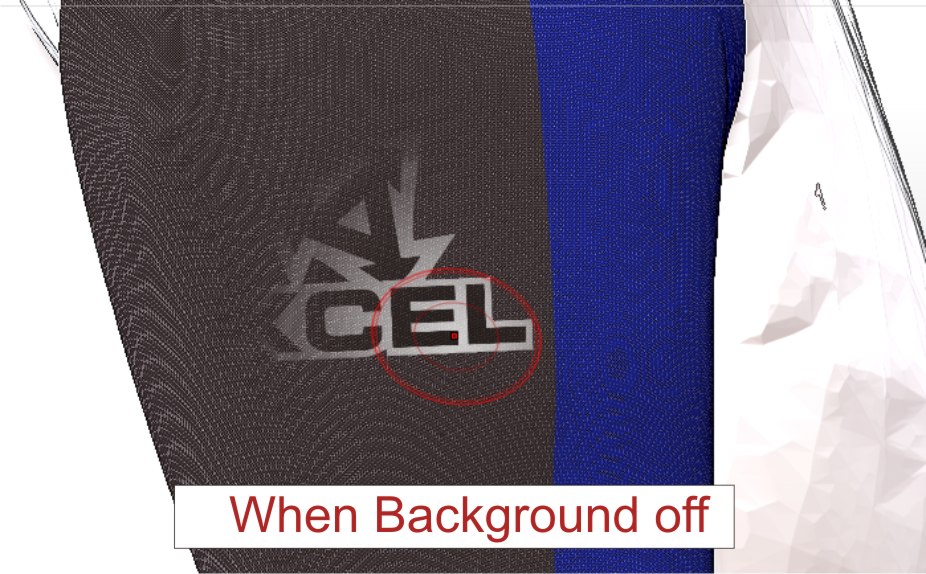
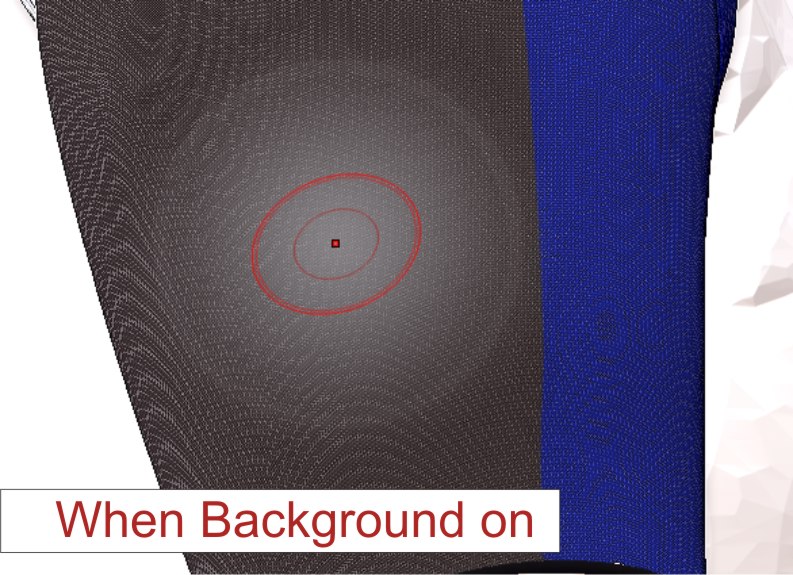
Hello. Just to share a trouble I had since I use 4R2. I noticed that my spotlight radius was white and didn’t project my textures but only grey color when I had an HDMI background on. As my startup doc had such kind of background, it took me a while to find what was wrong with spotlight. Nothing about that on the forum.
Well, as soon as I turn off my background through the light menu, it works properly.
Hope it might help some of you.

Regards, from Brittany, France.

Attachments
trouble1.jpg

trouble3.jpg

trouble2.jpg

Thank you, I’ve been having the same problem – pulling my hair out trying to figure out why all of a sudden it wasn’t working. Thanks again for solving this problem.:+1:small_orange_diamond:+1:small_orange_diamond:+1:

Hello

This is actually a new feature for ZBrush4R2. ZBrush will allow you to paint the background onto your model. You can even turn on transparency to see through the model. There is a transparency slider in the Preferences>Draw to use to make the model more or less transparent.

Paul

Hello Paul,

Many thanks for this information.

Regards,

Exuo.