Hi folks!
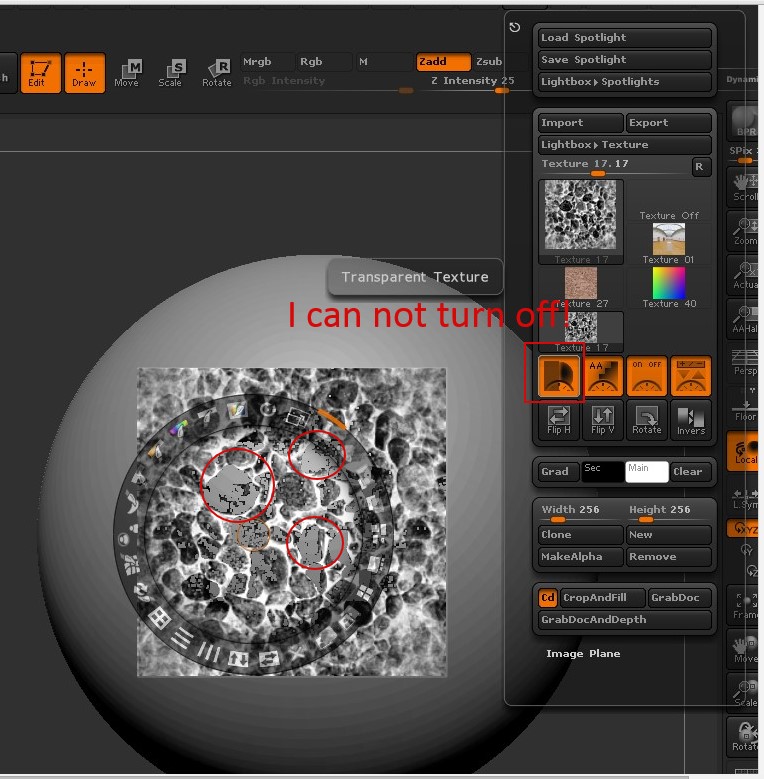
I have long been suffering from this problem. If i dont need transparent and if i want to project RGB painting with pure black areas, i can’t disable this feature. Transparent Texture button is strongly enabled if i select the texture, which i added to Spotlight. It is a old bug?
From help:
Transparent
The Transparent Texture button enables texture transparency. When this button is pressed, all solid-black areas of a texture are transparent.
Attachments