I’m loading an edited image into zbrush via. the Texture dropdown. Works just fine, but I wanted to invert the the colors.
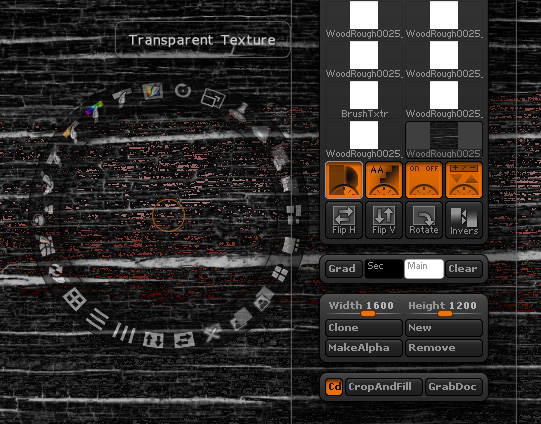
When I click the image, it appreas to have automatically enabled Transparency and Anti-aliasing, but I can’t deselect them.
I’m loading an edited image into zbrush via. the Texture dropdown. Works just fine, but I wanted to invert the the colors.
When I click the image, it appreas to have automatically enabled Transparency and Anti-aliasing, but I can’t deselect them.
SpotLight automatically uses pure black as transparency. Simply slightly modify the image so that black is no longer pure black. Even a very slight shift in color is all it takes. You could slightly adjust intensity, selectively fill the pure black areas with almost-pure black, etc.