Hi! I am on a Mac and I don’t understand how to use Spotlight to browse for images using the web? Hope someone can help. Thanks!
/ tennet
Hi! I am on a Mac and I don’t understand how to use Spotlight to browse for images using the web? Hope someone can help. Thanks!
/ tennet
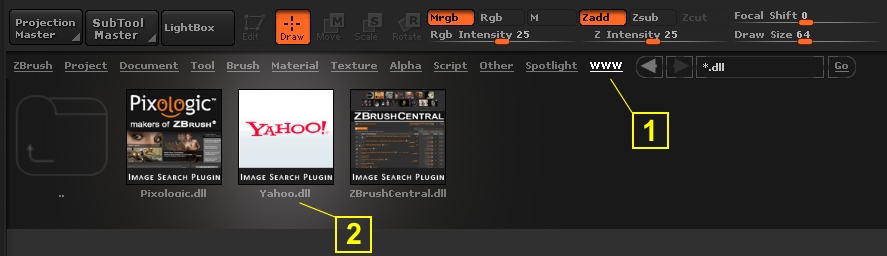
I’m on PC, so if this is different for Mac, then my appologies.
1. Open Lightbox and click on WWW.
2. Double click on Yahoo Image Search Plugin. (the other 2 don’t have anything.)
3. Enter your search word and click Go.
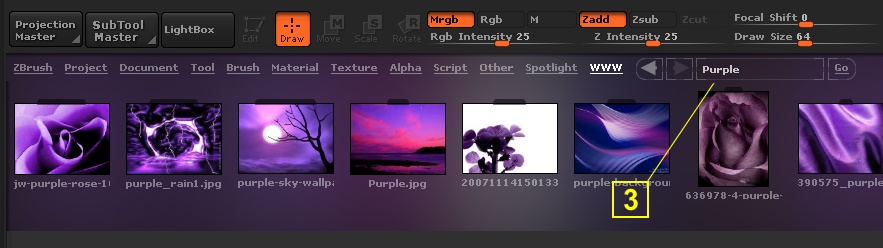
This currently won’t work on Mac OSX. The plugin necessary for searching the web from Lightbox on MacOSX will be released as soon as available.
Hi! Thanks, but I can’t find the Yahoo-plugin under WWW, the tab is empty? Something I have missed to install?
/ tennet
Oh, didn’t see your answer Marcus. OK, thanks then I don’t need to try anymore. 
Don’t worry tennet, your not missing much. IMHO
OK, cool.
Can’t one use Google for image searches?
Not through Lightbox. It would need a dedicated plugin.
is the google plugin being developed?
I don’t have any information on that.