ZBrushCentral

Spotlight and resolution

hi guys
I’m sorry for my english (i’m from Poland).
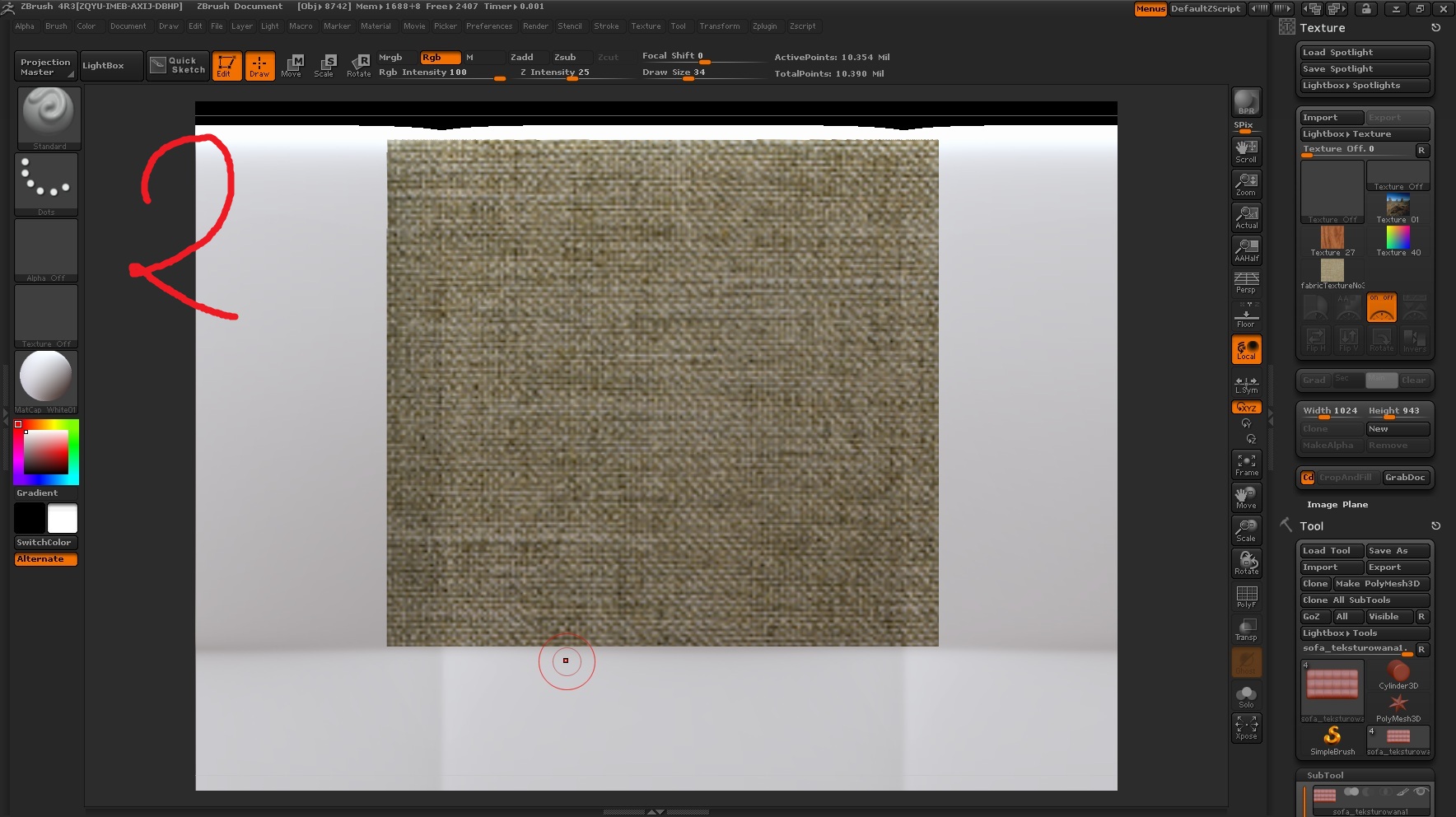
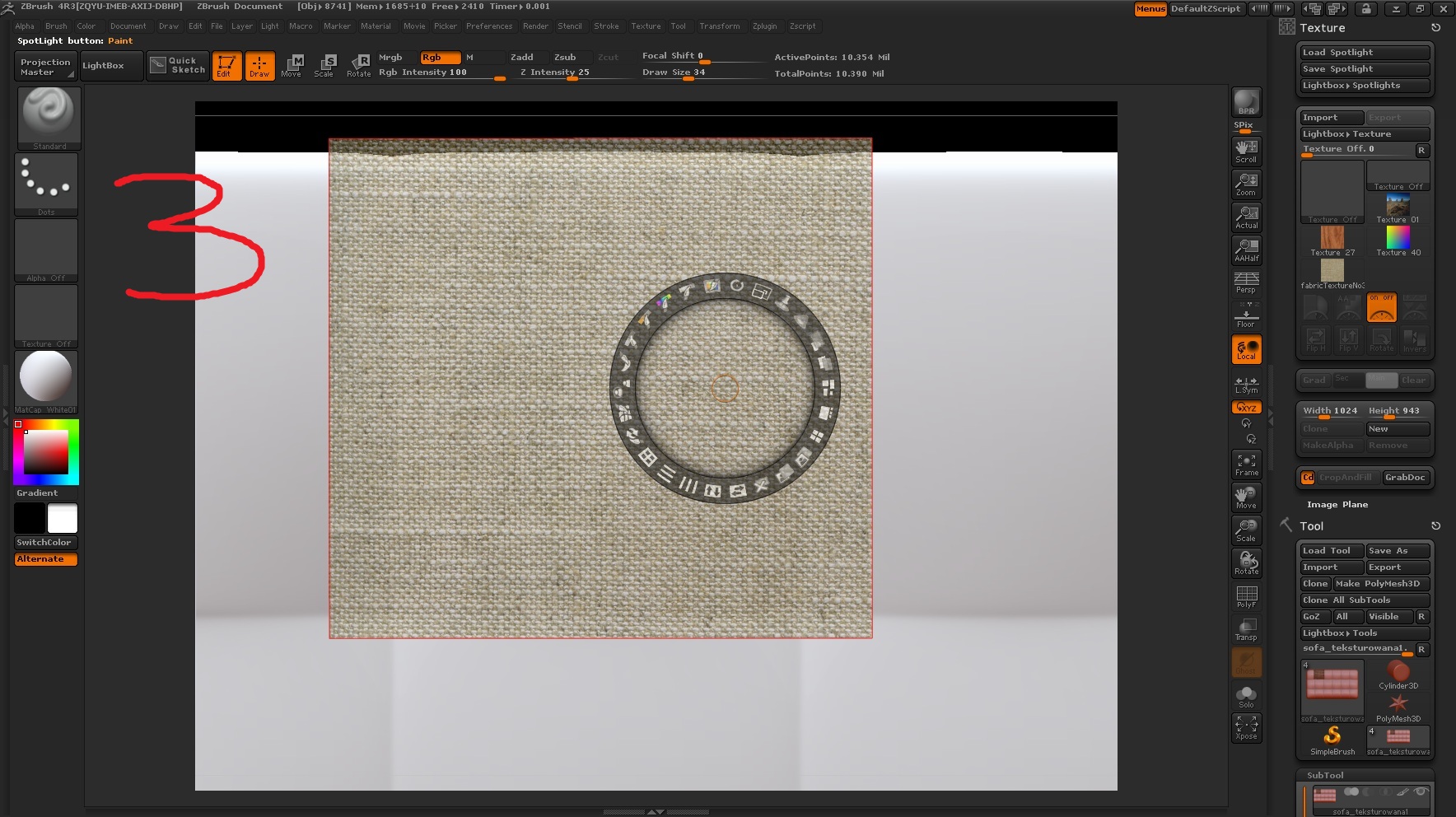
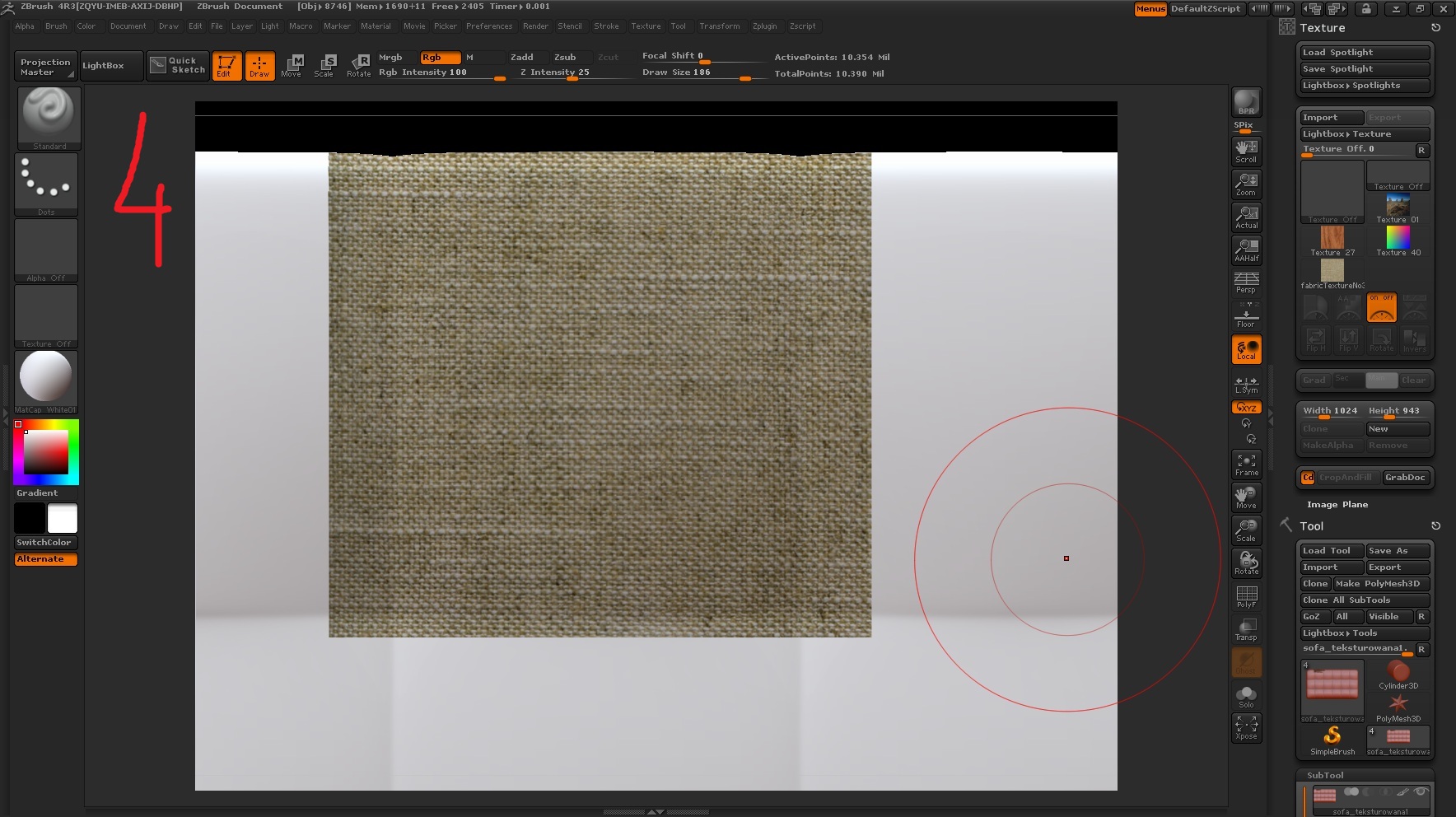
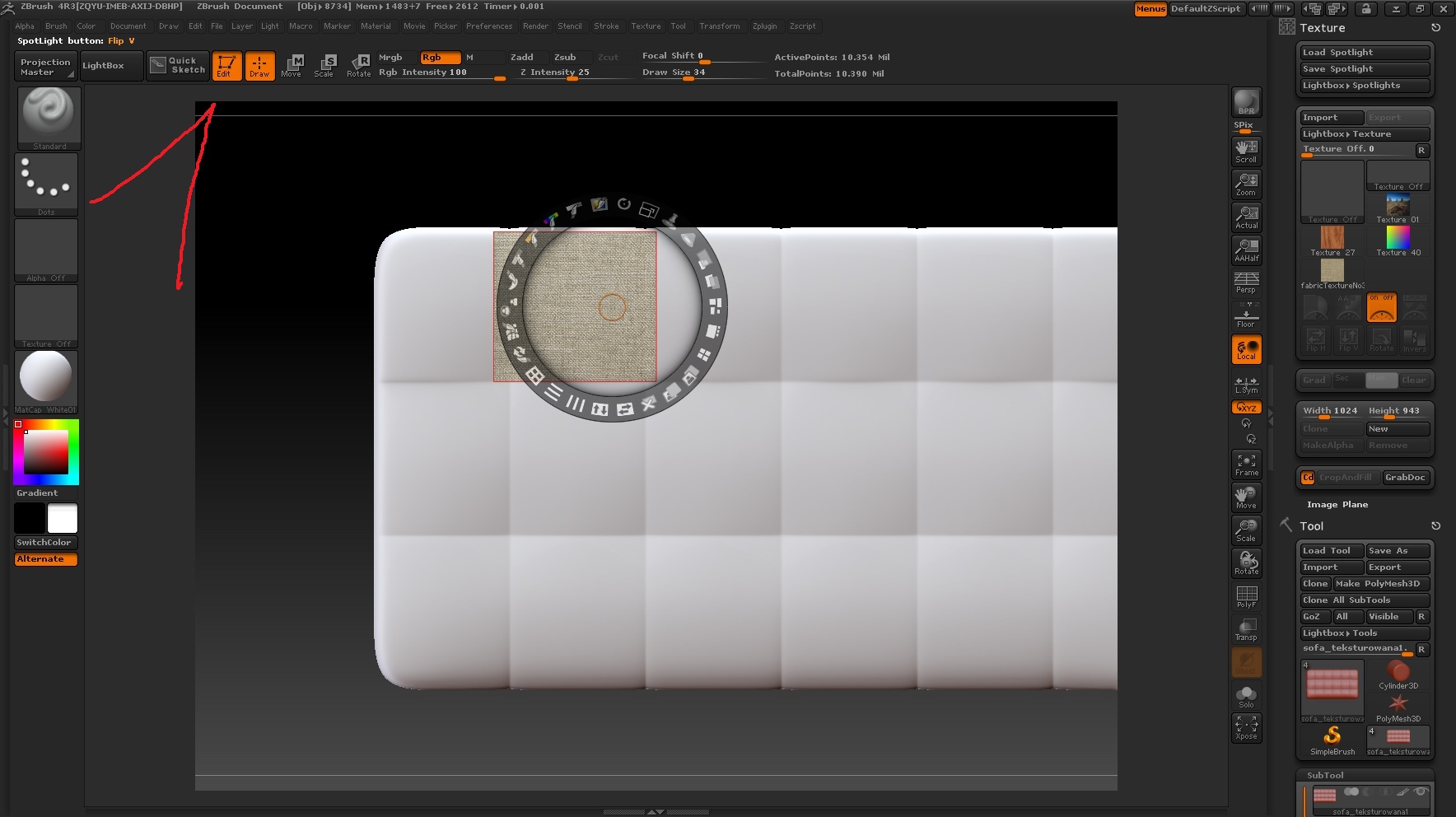
I have a problem with spotlight. I have made 4 sreenshots to show exactly, what is my problem. On all screenshots i have painted with texture with the same resolution. But, on 1 and 2 I had outlying console and on 3 and 4 I had brought closer console (closer to my object). I have get the better result, when I was much closer to the object. And now my question:
How to get this better result with my object is outlying ?

Attachments
z1.jpg

z2.jpg

z3.jpg

z4.jpg

I’m not 100% sure if this is accurate when it comes to the technical under-the-hood stuff, but I think this type of projection is still dependent on your document/screen pixels, so it would be more or less working with exactly what your eye can see. So even if your texture has a super high resolution, if you scale it down like that in spotlight and zoom the view of the model way out, then it’s not going to have a lot of pixels in that area of the mesh for the projection to punch through. One pixel where your spotlight is might cover hundreds of vertices, and so they’ll all wind up with the same color information projected onto them. The result is then blurry like that, as it would become a lot like trying to enlarge a smaller photo.