Is Spotlight supposed to be available while in Projection Master mode? When I double click on the texture in lightbox the circle widget and texture appear on my screen but the painting of it has no effect. I check the manuals and wiki and haven’t found any info on this.
ZB4_What New…pag96
icon Paint: you press it and …paint:D
Attachments
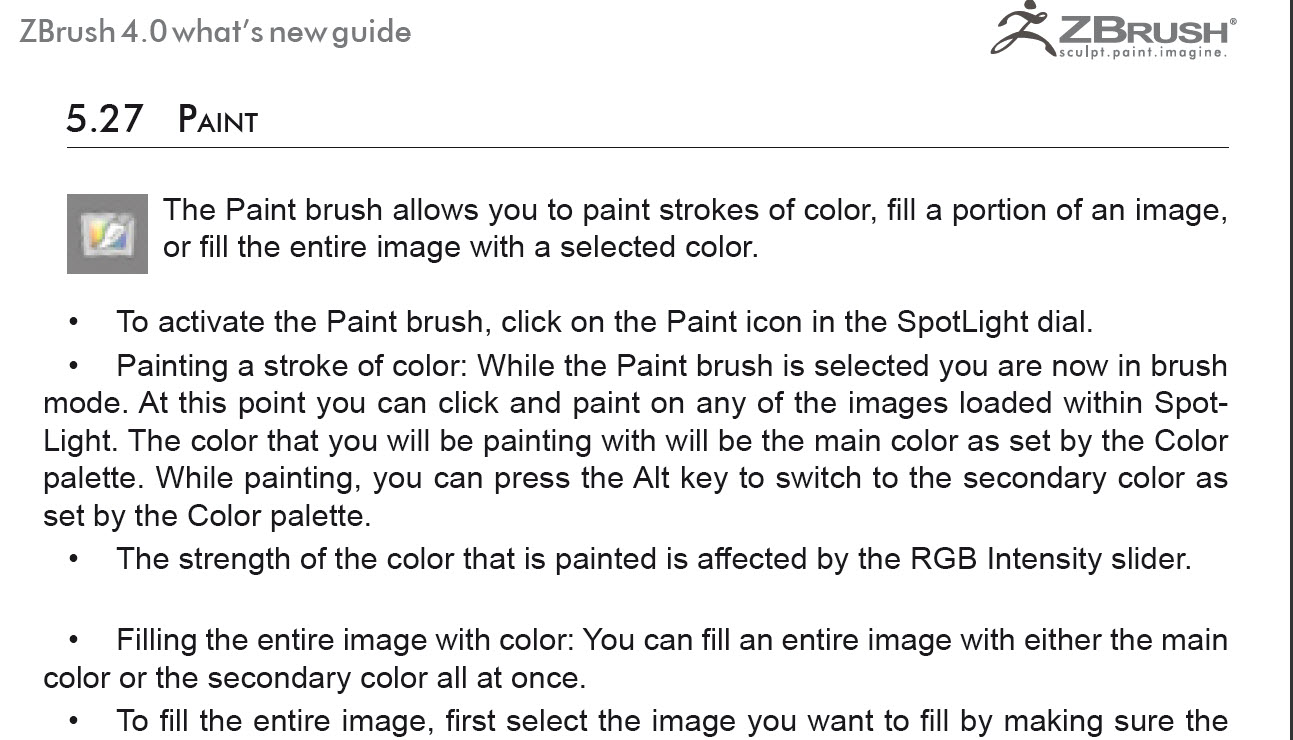
Well that much I understood, but thanks. My question more specifically is whether Spotlight should work when you drop your 3d object to the canvas via projection master. Again, I can access the spotlight widget from lightbox in projection master mode while double clicking on my desired texture. It appears on the screen and I set it up to paint, but the image doesn’t transfer. All I get is the color in my color palette where I made my brush marks.
Otherwise when not in projection master I have no difficulties understanding how to use spotlight.
Hello Nancyan
I remit you to this post:
Spotlight & Texture Painting
http://www.zbrushcentral.com/showthread.php?t=92826There I have wrote down some related links and hope Pixologic answer us about this subject.
toniloCoyote
Lots and lots of info…I"m checking it out now. 