Hi,
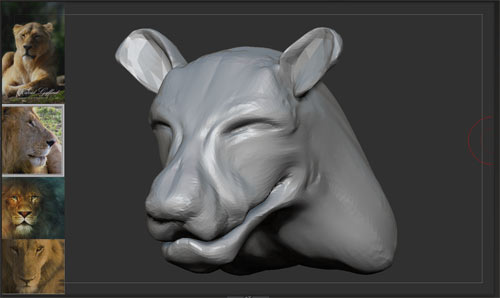
I am wondering if it is possible to keep spotlight active while sculpting.
At the moment if I have it set up like this
[ATT=]referencevisible.jpg[/ATT]
![[ATT=]referencevisible.jpg[/ATT]](http://javascript%3Cb%3E%3C/b%3E:zb_insimg%28%27%27,%27referencevisible.jpg%27,1,0%29)
I can continue to use the Move Brushes but no other brush works.
Is there a workaround for this ? I really like spotlight as a quick reference base
Attachments