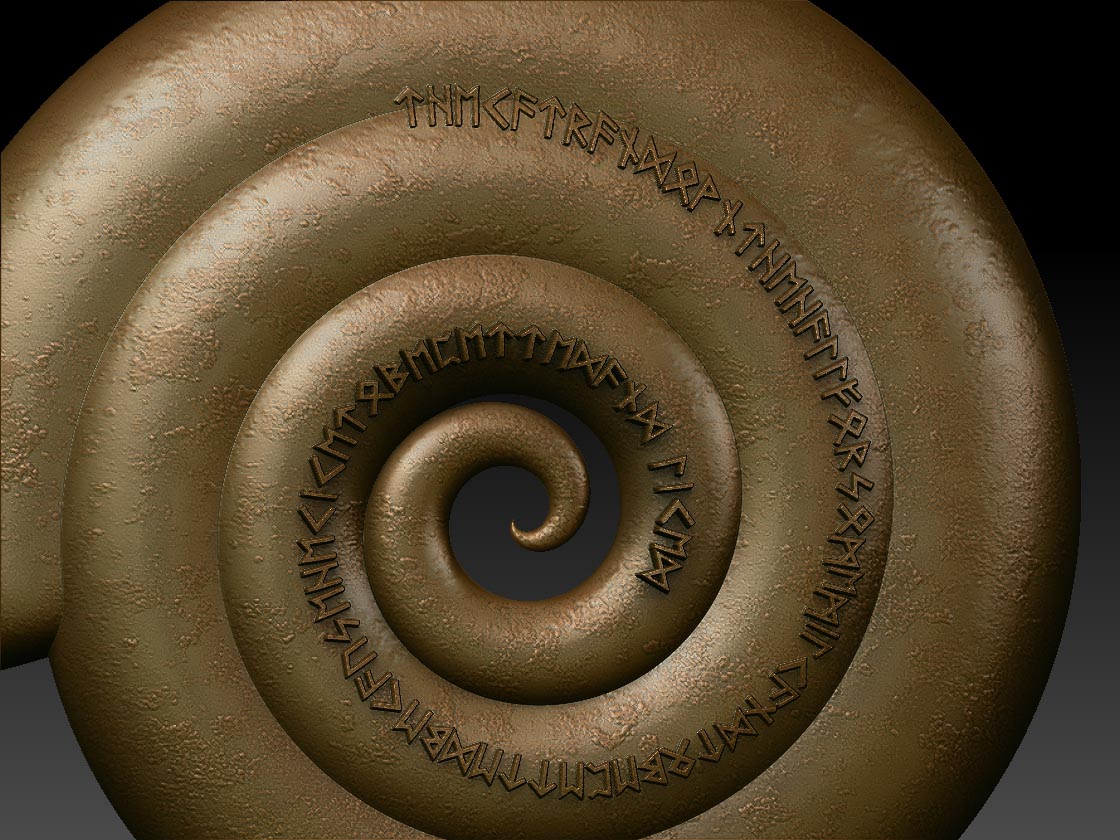
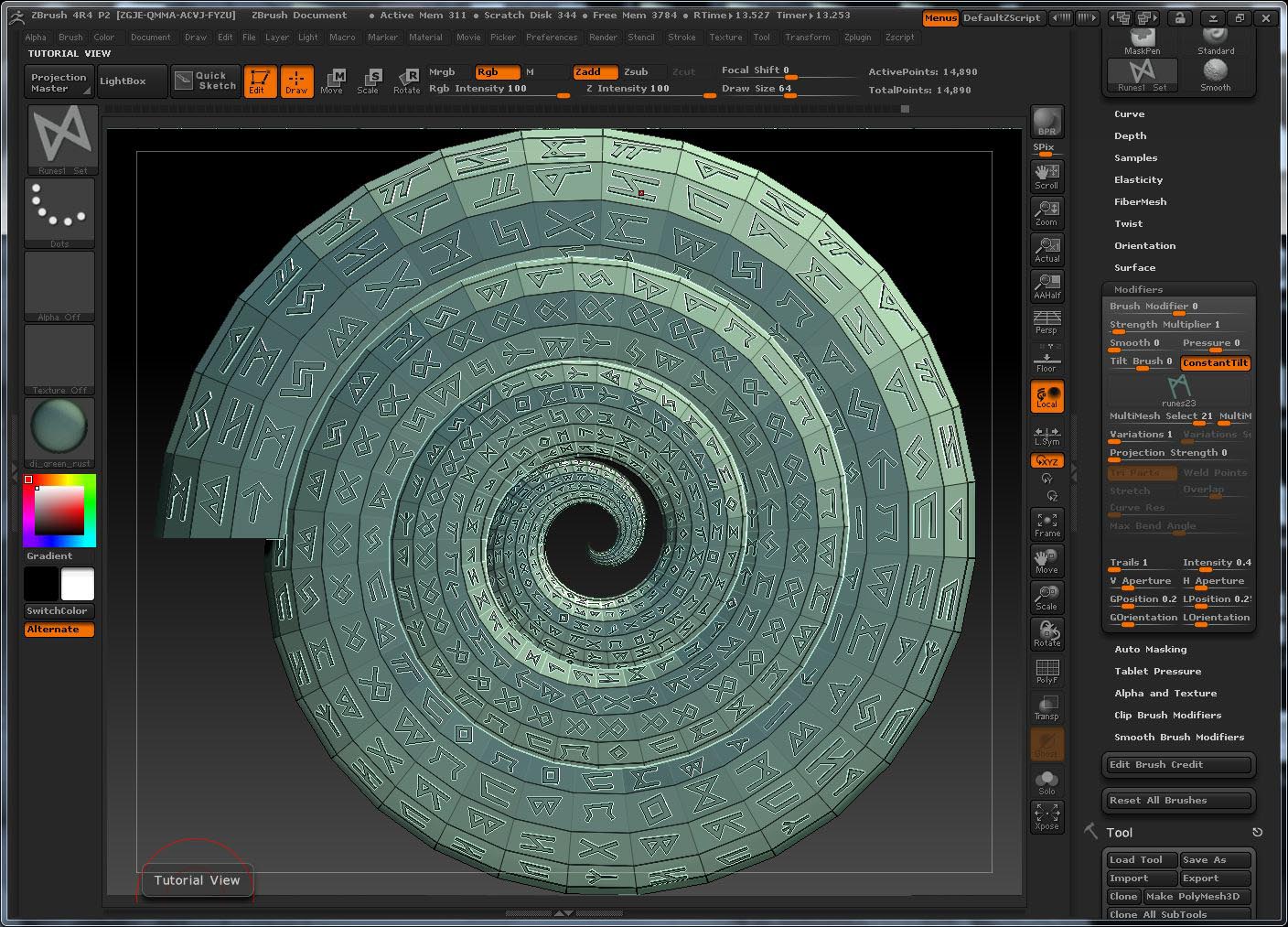
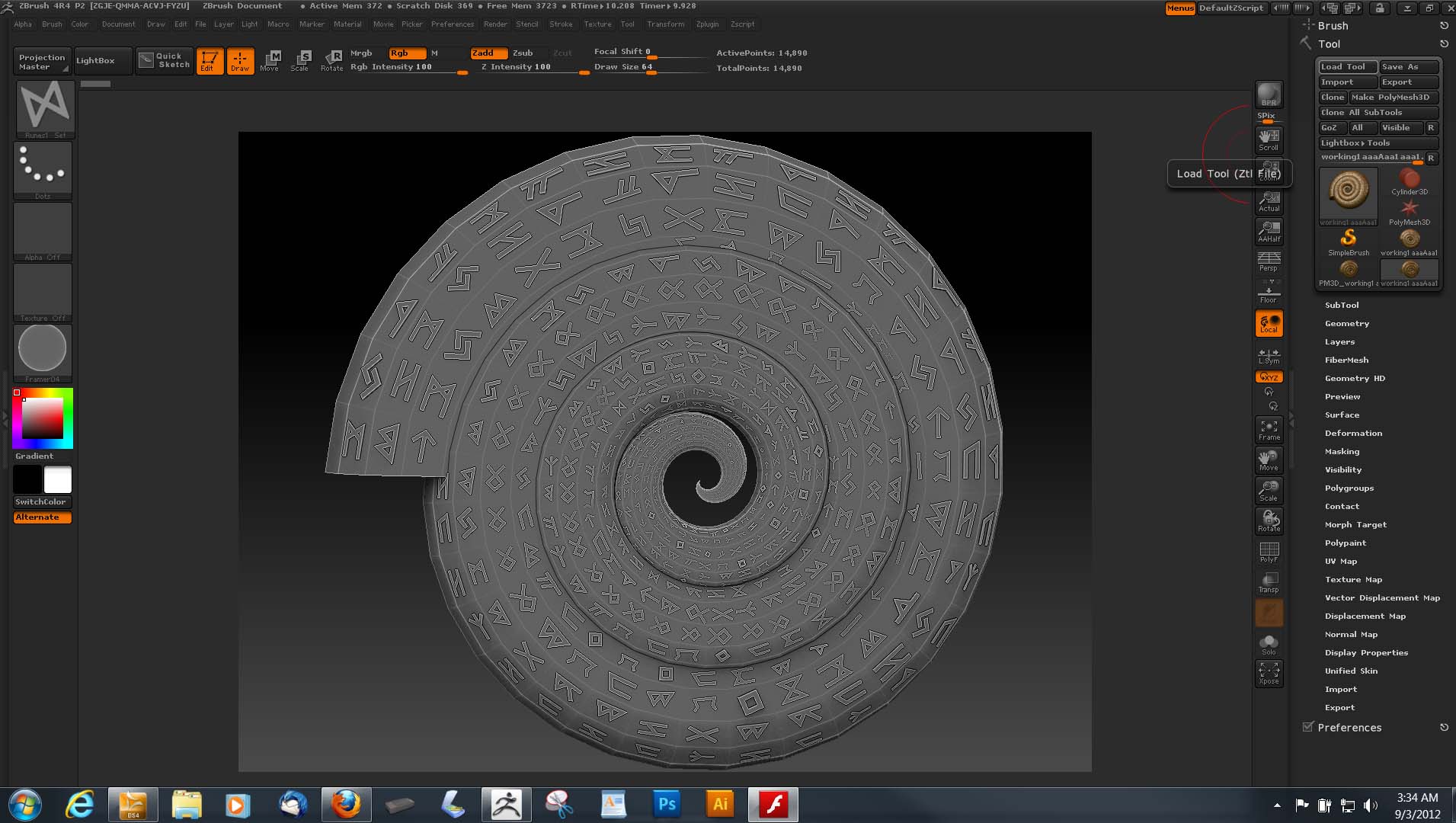
How can I add a spiral to and object and move around to conform to and object.
I have tried alpha to do this and haven’t found a way to do it. The MatchMaker brush conforms but not able to move to conform to the spiral.
I can use one item (as seen in the image attached) as an alpha - which is a very slow process.
I have thought about insert multi mesh brush with curve and snap but do not know how to get 50+ objects into one of these brushes.
Any help on how to do this appreciated.
Attachments