ZBrushCentral

Some new stuff

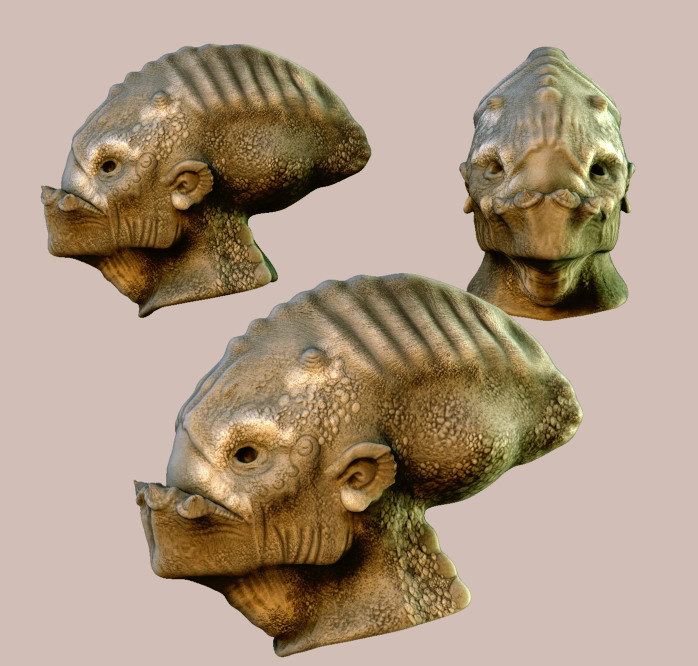
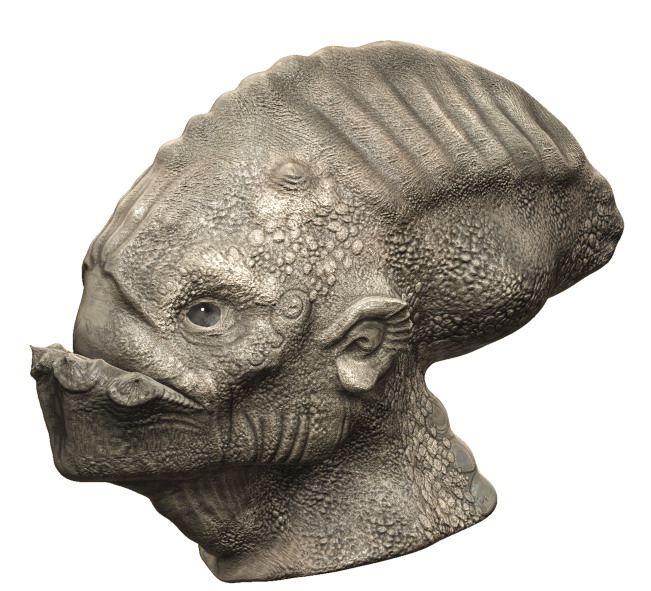
After a long while I finally managed to understand how the displacement maps work inside Zbrush. I still have lots of things to figure out so any comments and suggestions are more than welcome.
The light on these is based on one posted here by F. Rimasson, many thanks to him and Mahlikus the Black, I played a lot with the setups they shared and learnt a few things while doing it.
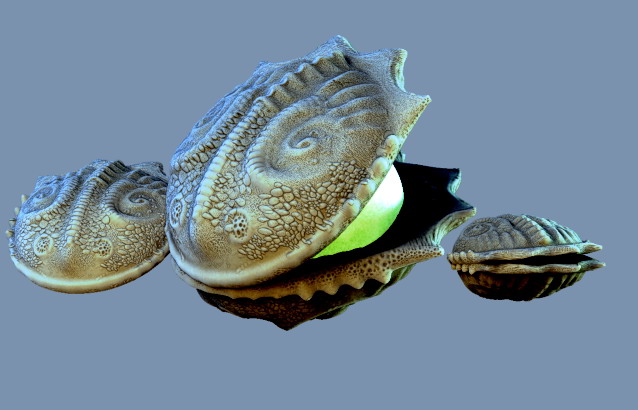
shellz.jpg

Attachments

Teethy.jpg

Teethy2.jpg

treeonglass.jpg

Excellent work. Keep it up.

Excellent Stuff! I am so glad I was able to give some assistance. Makes me happy because allot was given to me when I was fresh with Z and I love giving back. Makes me kinda blush in a way to because I saw the image and was going to tell you that I love the render but would love to get my hands on that shell material and play around with it. :o:D:+1:

Keep it coming and would love to see more.

MAH

All very cool and mystic alien imagery! :wink:

first "chapeau/bravo " for your work. i love so much.

second can you explain us your way for have this results.

The UV and displace map (normal/cavity) are for me “Arrrgh!”. Can you share a little video quicktime… or can you capture a little bit with your next model for we can see how you made the displace and we´re you put them in your render soft.

thx

Thanks a lot,all of you. Im happy that finally some people appreciate my work. I will try to explain my workflow a little bit later. Its nothing new, all I do was learnt from here but maybe I could make it clearer. Because I know for sure that many great tutorials are hard to understand without knowing Zbrush very well.

Ill have to think about it, I dont want to skip some important step.

Nice texture on the first ones,especially on teethy.
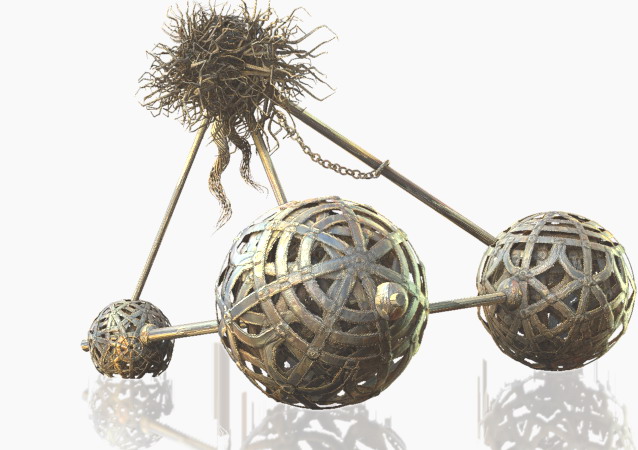
And what i really liked to see are the cage-balls on the
last one.:wink: :+1:

cool pieces, very gritty, looking.

:grimacing:
Awesome stuff! :+1:

Thanks again, its great especially whne coming form people who have poste great images here. I wanted to make a fast little "tutorial" to answer the questions but then I realized that its not much to say, it would be like repeating things already said.
For the displacement stuff I learnt a lot from an old tut posted by Grub, its there in the tutorials section. A little difference would be that I use the resulted alpha map as texture too, it works well with these materials. Here is another one, I consider it sort of a sketch sicne it was very fast, 1-2 hours. Zbrush is great for that, to quickly visualize an idea. Now Ill turn back on the zsphere model and work more on it then remake the whole image. If I have time…
alienbox22.jpg

Nice shells and Alien-in-a-box !

As you can see, colored lights helps a lot…

Yes, they surely do! Thanks again for sharing that setup.

I really like your texture on your alien head and shell. I think you should do a body for him. That would be cool. :+1:

Hi,

First you have some cool concepts here and I like your style.
What I find really pleasing is the spirit this site has by the way of artists helping each other out.Some of the artists here are so kind hearted I think they must be mad (joke).I only learn from threads such as this with the masters linked in the workflows and such.Thanks to them all~we love you!In a manly way!!
My librarys are filling forever with new materials and light settings…

Well,lets see your work again soon.

All the best,

cal
www.calum5.com