ZBrushCentral

Some beginner's problems with ShadowBox and trim curves.

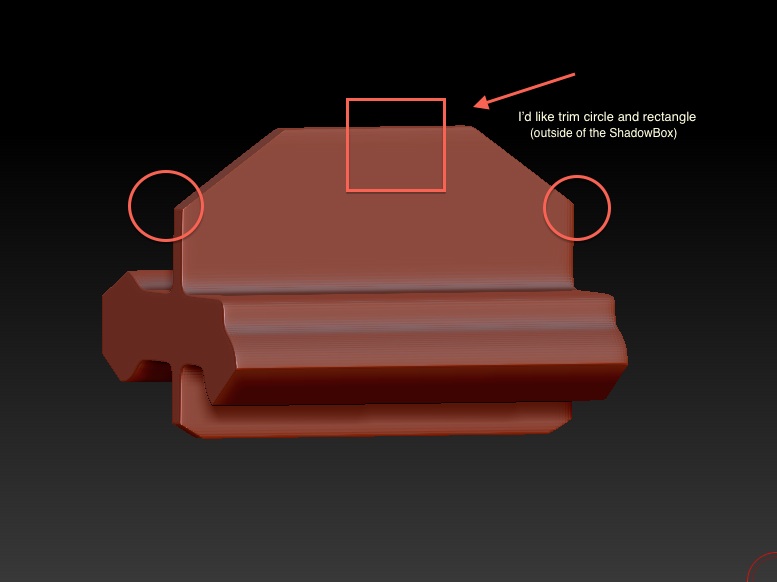
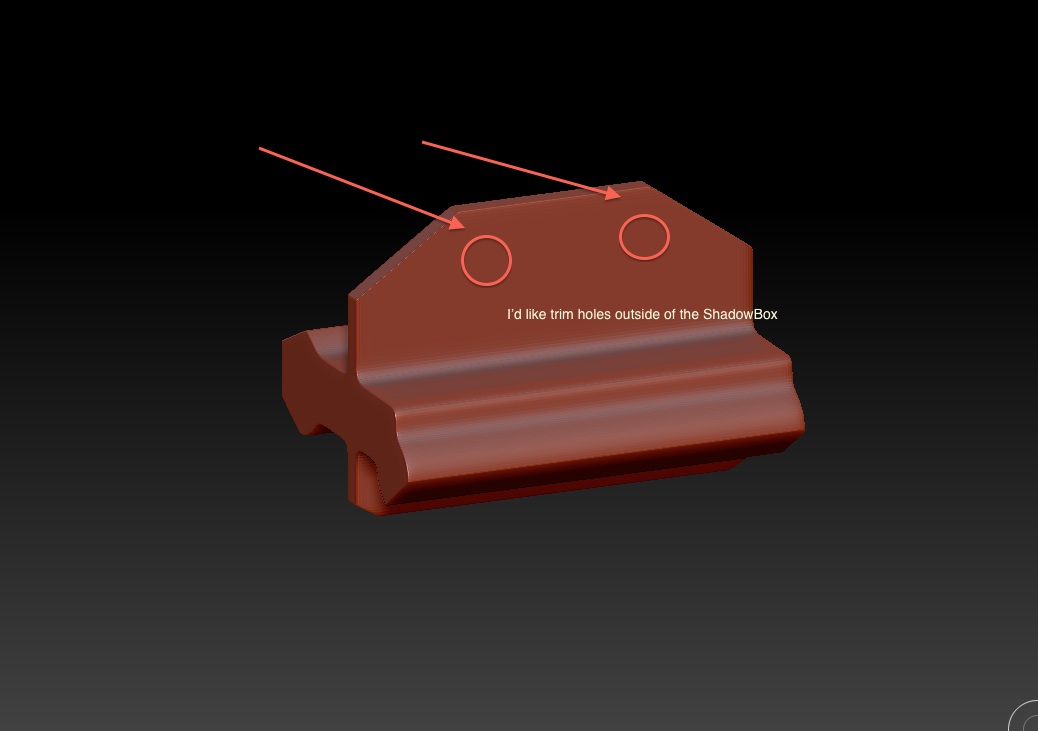
Hello Zbrushers, I’m novice in Zbrush and I’ve started learning with ZrushSchool. I’m learning now using ShadowBox and I’ve got any (from many) problems - I’d like trim two holes in this shape - I’ve tried many trim-clip-etc- brushes, but I’ve get negative mesh. And next problem - when I’ve trimmed shape - trim curve still snapping (behind) in unwanted position.I can’t to do straight angle with tapping Alt key with trim curve. Many thanks for your patience and time.

Attachments
catch-screen.jpg

creen two.jpg

I highly recommend the Axis Plug. You need to tap twice for a sharp bend. This will help with the other issue. http://docs.pixologic.com/user-guide/3d-modeling/modeling-basics/creating-meshes/dynamesh/with-subtools/

in order to cut those holes you have a few options. You can use dynamesh and a negative insert cylinder. Or you can use the slice circle brush and create a circular polygroup through both sides. Delete the new polygroup and then use the bridge brush to create the inner geo.

Many thanks for your replies, I’m going to try it.