ZBrushCentral

[Solved] UVMaster UVs Shrinking

I’ve put several hours into this problem and just cannot figure it out, nor find any information about it anywhere.

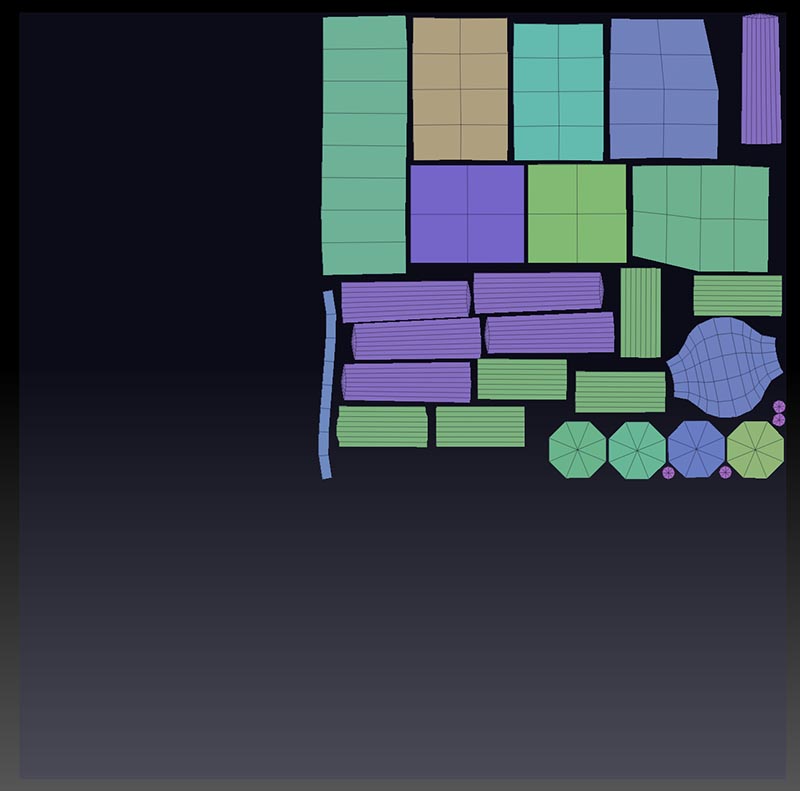
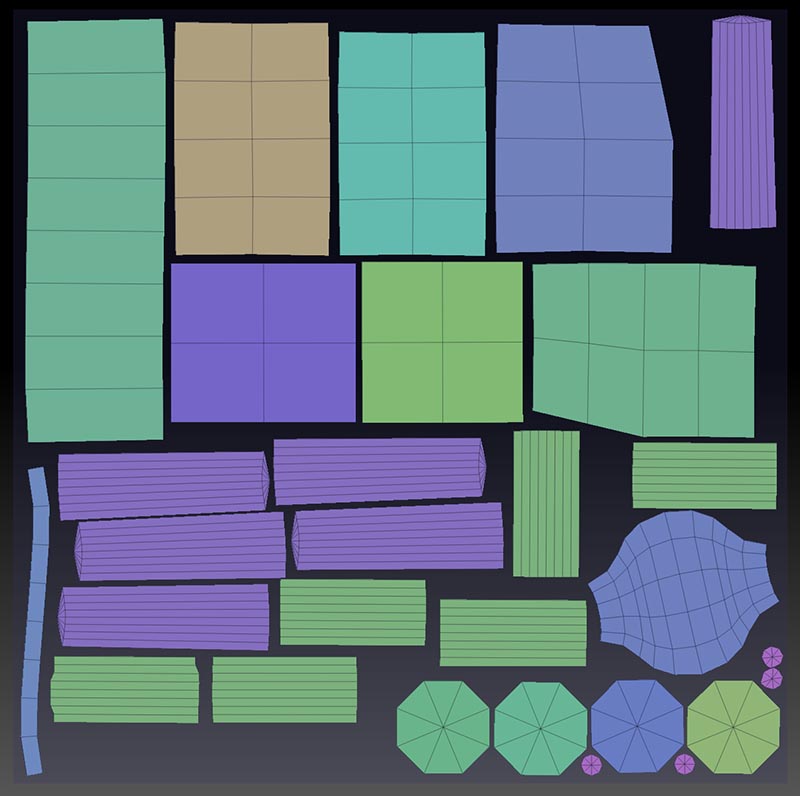
I unwrap in UV Master, Flatten, make my adjustments, and the layout looks like this when finished.

Nice, right? But when I unflatten, something happens. It turns into this.

My layout shrinks within the UV space, severely reducing texture quality. Please help :frowning:

Edit: I just noticed the policy regarding information required for troubleshooting.

System Specs:
Windows 7 64-bit
16GB Ram
AMD Phenom II X6 1090T Processor

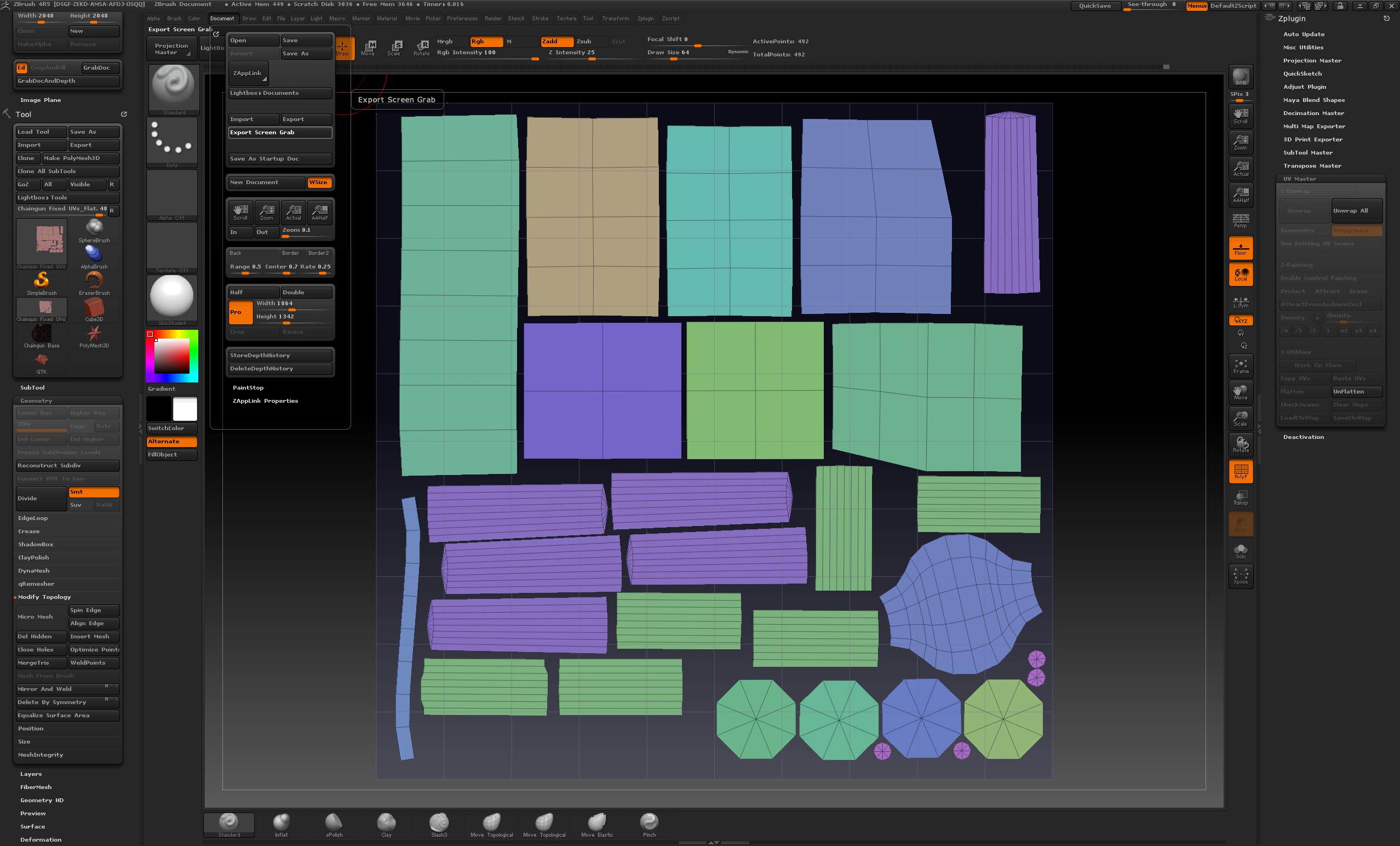
Interface Screenshot

Attachments
Help.jpg

Help 2.jpg

Fullscreen.jpg

Your first two shots don’t show the grid, so I’m unclear as to what is happening and what stage your full screenshot represents. UV Master uses the grid as an indication of the UV space and if you move shells beyond the grid it will scale the whole lot down to fit.

The first two shots show the full UV space, just to show what happens. Didn’t think the grid would be necessary. The last screen shot is the full UV layout before pressing Unflatten. I wasn’t sure what stage in the process should be shown or what elements of the interface might be important in ways unknown to me, but thought too many screenshots would be unnecessary and annoying.

Based on your response, I do think I might know what’s happening. There are a few polygons that I can’t find when I flatten the model. I wasn’t worried about them, because they aren’t visible anyway. Those are probably getting invisibly stuck somewhere outside the grid. Let’s see if deleting those fixes the UV issues.

Update: That did the trick. Thanks for your help.

Great, glad you got it sorted!