This one’s got to be easy. I poked around with Subtool Master but I didn’t see how to say the other bits are parented to the initial object.
I just want to put the feet on the floor so the shadow is correct.
Attachments
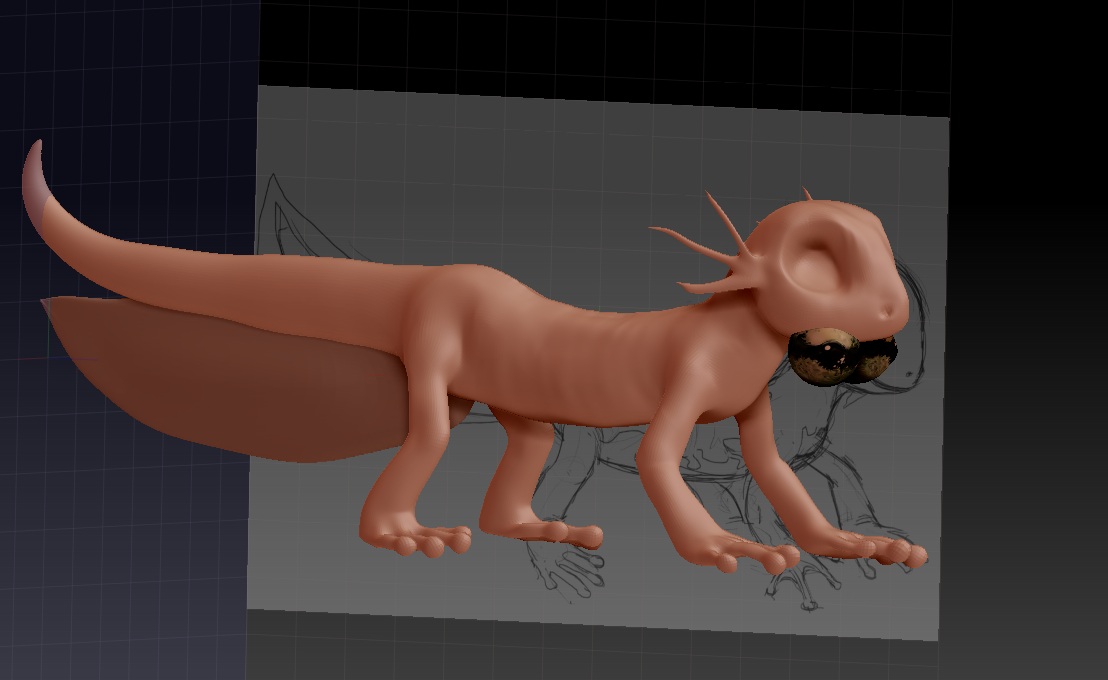
This one’s got to be easy. I poked around with Subtool Master but I didn’t see how to say the other bits are parented to the initial object.
I just want to put the feet on the floor so the shadow is correct.
This should be what you need.
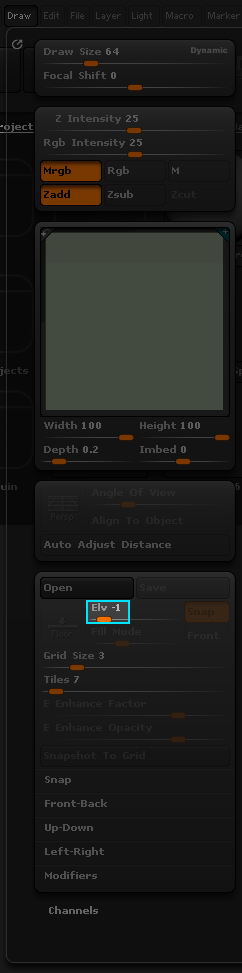
Transpose Master will temporarily join all the subtools so you can move them all at once. Press the ‘TPoseMesh’ button, move the mesh, then press ‘TPose>SubT’ button and watch the magic happen.
And… done. Worked perfectly, salamander feet are now on floor.