Hi Guys,
Attachments
Hi Guys,
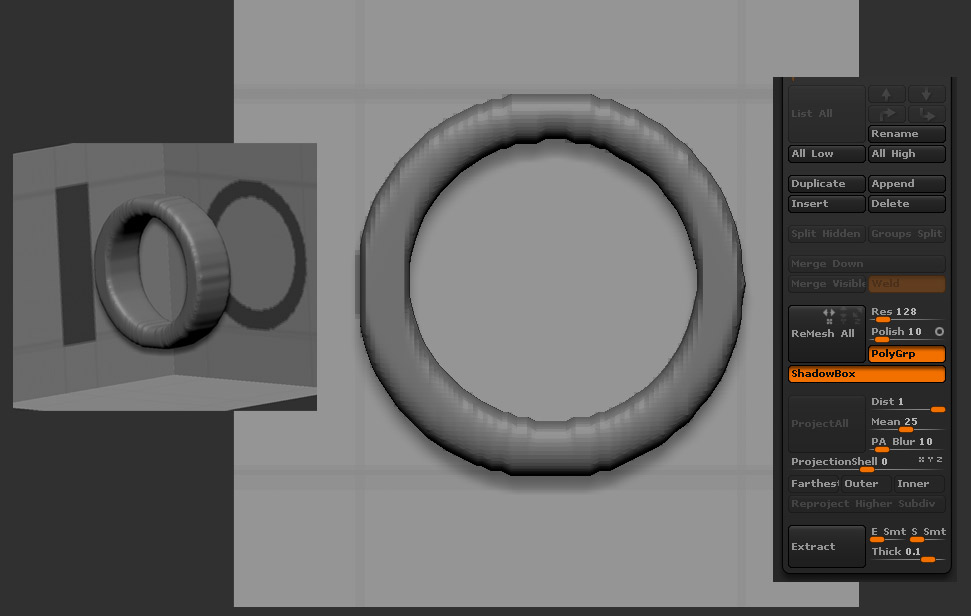
I’m not sure why your having that problem. I just tried it for myself using the default 128 Shadowbox from Spotlight Projects and got this.
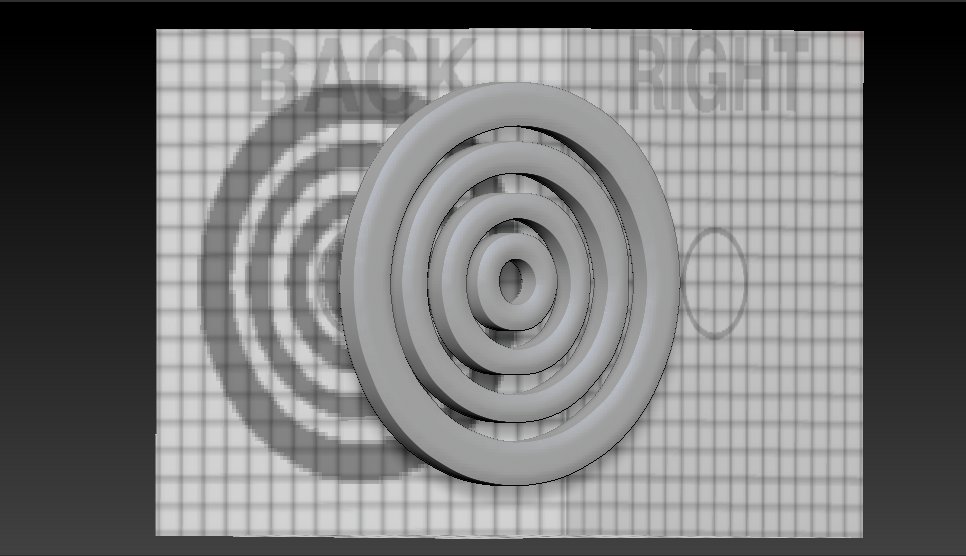
Ezra
Thanks for testing and replying Ezra! It’s really appreciated!
I’ve tried that just using the “back” plane…and it comes nice and clean like yours at 128. Even if i define the thickness using the right plane it’s still smooth. But if I use the right plane to build any circular shapes (by default it extends the circles for the width of the shadowbox), and try to narrow this down to a slim circle like yours (using MaskRect), it gets that horrible choppy mesh like in my first post. Do you get the same bad results if you build off the “right” plane?
After some trial and error to see what was causing it. To get the smooth mesh, I need to draw the “bottom” shape too! But Ryan didn’t do that for his gun and it came out nice and smooth (although he did use a v4 beta).