EDIT I found out the solution. Export scale must be set to 1 with offsets set to 0.
Hi,
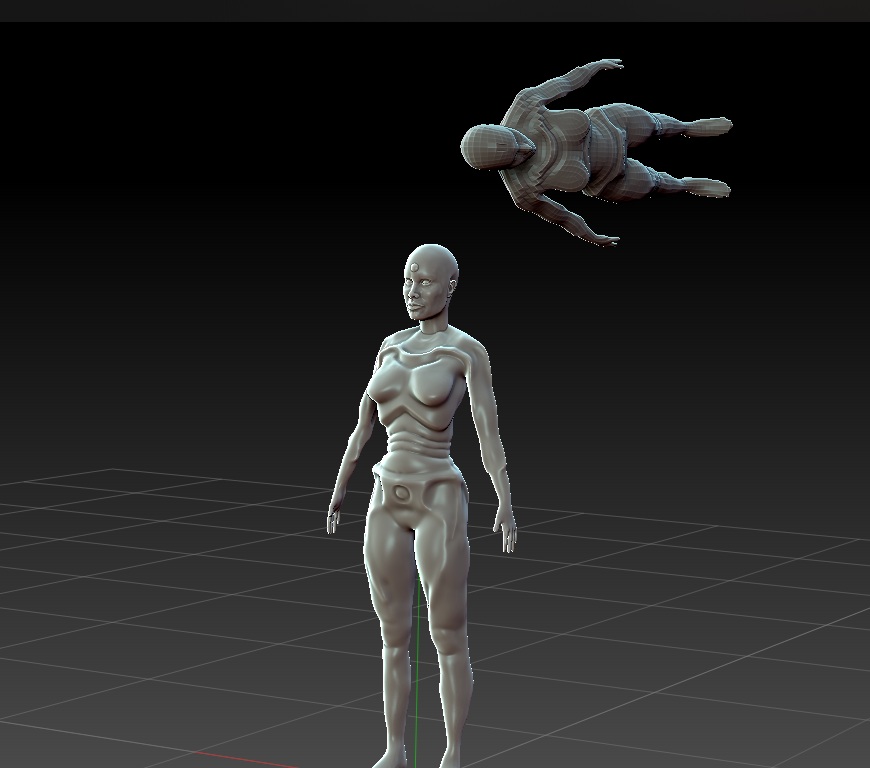
I made a low-poly mesh in 3d coat. I imported the .obj into Zbrush to retopologize my 2.1m point mesh.
Upon importing, the mesh is sideways and is not inside my main mesh. I want to have both my meshes in the same place so that I can project details onto the lower poly mesh.
Any help/suggestions are greatly appreciated.
Attachments