ZBrushCentral

(solved)How this guy do this(drawing zsphere )??

http://www.youtube.com/watch?v=cmury2eT_io

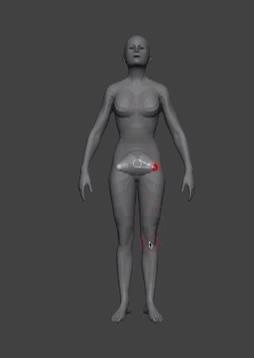
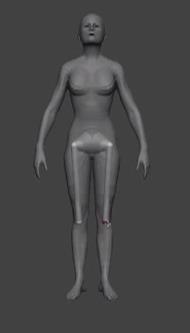
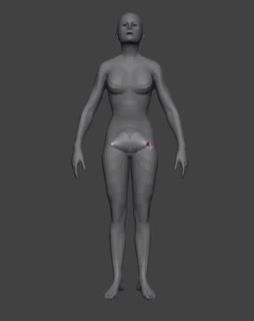
how this guy can draw a new zsphere just by a click on the position he want and without touch the parent-Zsphere???:rolleyes:

1-make zsphere

2-move mouse to the position he want(knee)
3-only one click…the new zsphere appear…

Attachments
Screenshot_1.jpg

Screenshot_2.jpg

Screenshot_4.jpg

Just make sure you have the Zsphere you want to continue selected (use move, rotate or scale) Then switch to Draw (Press Q) And just draw your next zsphere on the model, It will be snaped to it´s surface

yes this is what the video showing but i fail…:frowning:

Turn on Transparency but turn off ghost and give it a try. Hope this works.

omg! it work!:sunglasses:small_orange_diamond:laughing: thanks

You’re welcome. I found the solution at Zbrush Workshops. If you register you can find some useful free tutorials there. This one is in the new course by Paul Gaboury. I has some more useful hints on creating Zsphere rigs.