I am new to ZBrush 4.0. I am trying to clean up a model of a person’s head that was created using Autodesk’s 123D Catch. Upon completion, the model will be 3D printed.
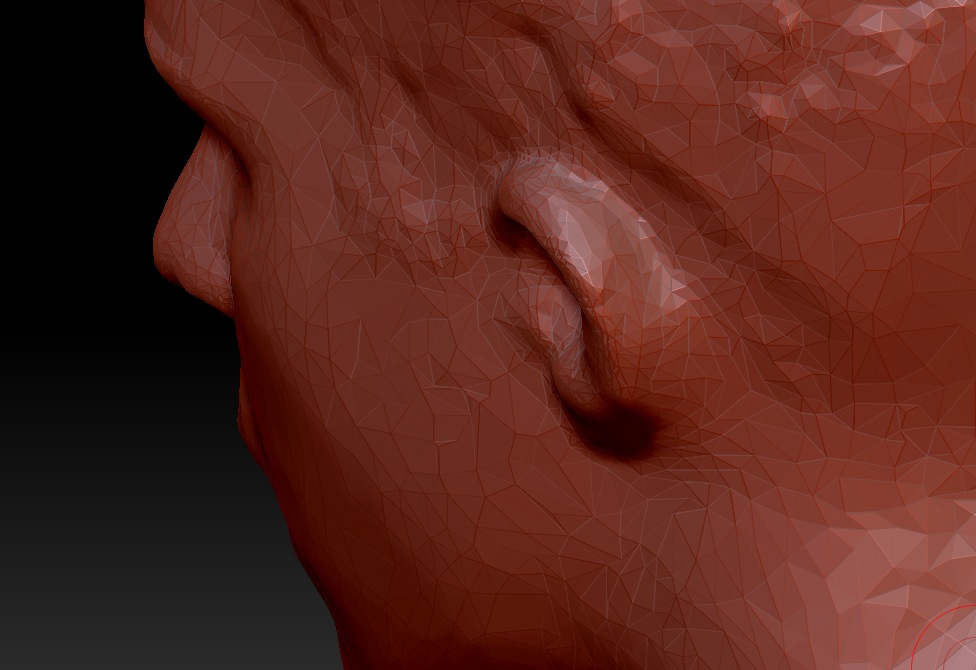
Here you can see that the back of the person’s ear is completely connected to the side of the head, which is not what the back of an ear looks like:
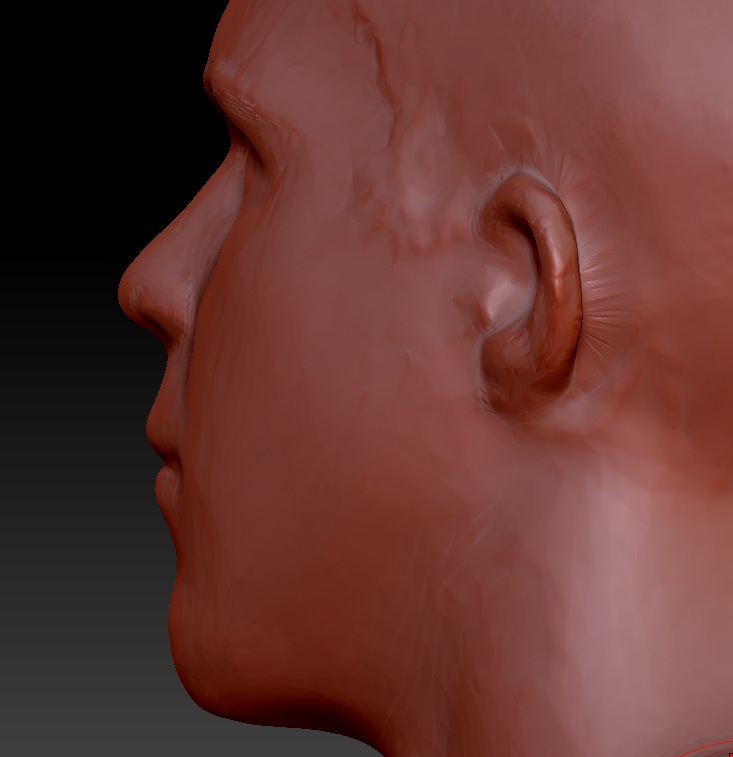
The above mesh has only 24,000 faces. I subdivided it to over 9 million. After that, I tried to use the Standard subtract tool to create a crease behind the hear so that there is some empty space between the ear and the head:
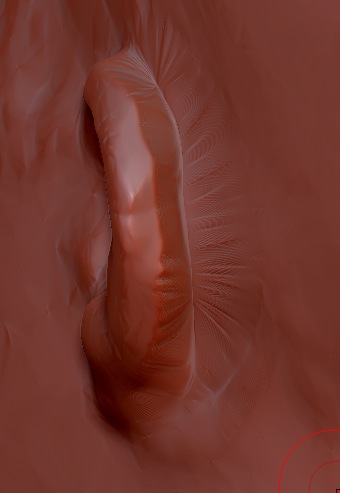
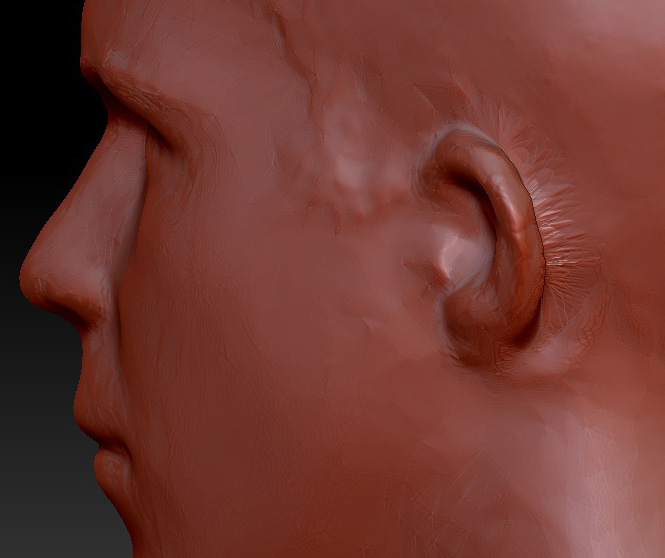
The geometry looks horrible, and this is after extensive smoothing. Why? Is there a tool better suited to creating a crease like this? I assumed that ZBrush’s smooth tool would actually introduce geometry like Maya’s smooth tool, which is what I think I need to do. I am essentially stretching out this small area, so the polygons are being stretched and therefore looking less and less healthy. Even after deleting my subdivision history, I tried to select this area and selectively subdivide it, but it create some monstrous artifact, so that it out the window.
Thank you.
Attachments