:qu: Hello there…
I’ve got trouble with the visibility of my object.
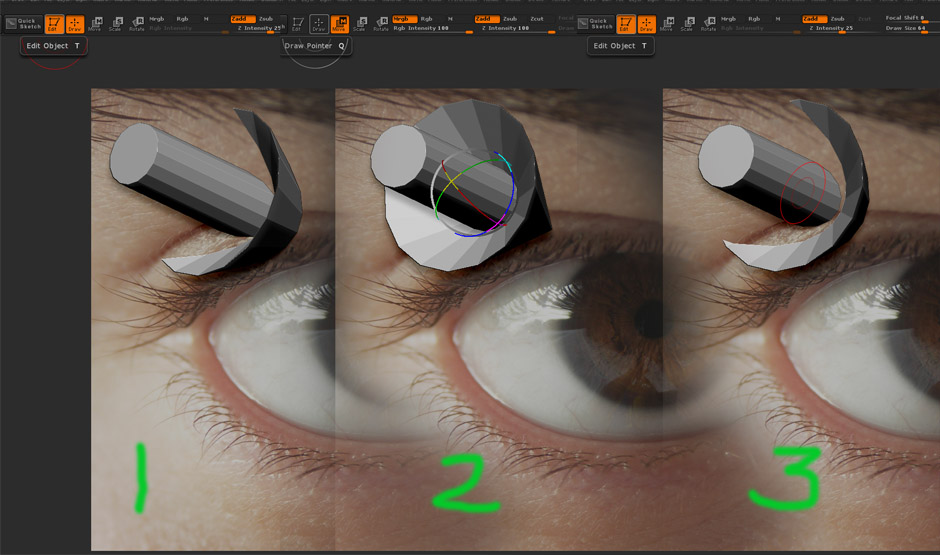
I loaded texture. Crop and Fill it (without any plugs). Then this texture plane hide part of my object.
I turned off Edit and Draw mode and tried to move invisible clipping plane. Fine. I saw all my object,
but after i press Edit button again - everything go back. My object hidden again…
What’s wrong? Picture below…
illustrating my problem.
thanks for answer…
Attachments