I’m rendering with Mental Ray in Max 2009. I always subdivide my models when I render them with displacement maps. I usually use TurboSmooth to subdivide in Max.
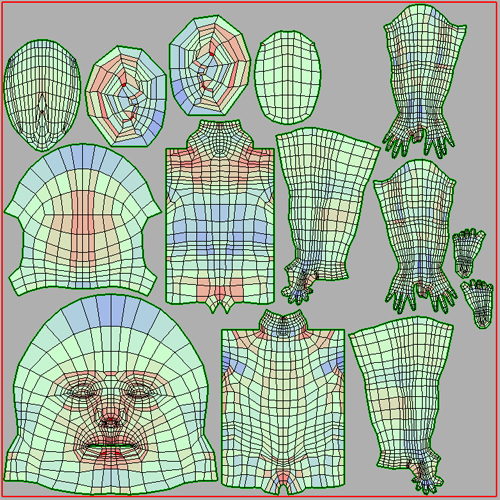
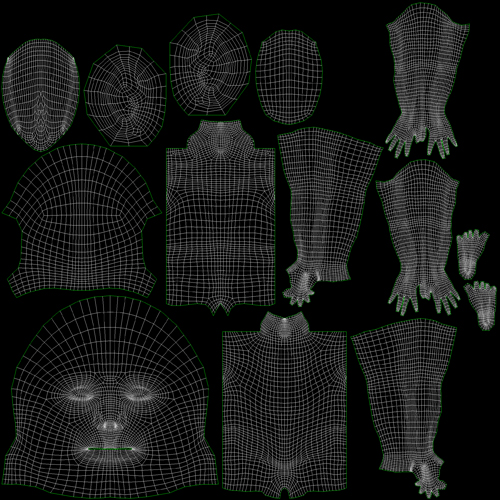
My UVs are being created on the level 1 base mesh in Headus UVLayout, and they look good when they’re not subdivided.
What is the correlation between the SUV button in Tool: Geometry and the SmoothUV button in Tool: Displacement? Given how I’m creating my UVs and rendering my models, should I be using these two ZBrush features?
I looked around for an answer…
The Online docs have this to say:
Sym, Mrg, IExtr, ReFit, Suv, I-Grpm O-Grp: See online documentation.
I see. Onward. Scott Spencer’s ZBrush to 3ds Max guide has this to say on the matter:
Tool:Geometry:SmoothUV will also affect the final result.
More from the online docs!
Smooth UV: Affects the “smoothness” of the final effect when the displacement map is applied. When sculpting organic models, you will normally want this on. If your model has sharp edges and you find that they are not maintained adequately in your renders, you may want to try making displacement maps with this turned off.
Ah-ha! but I have heard that this depends on your renderer and certain other factors. I honestly am not certain if Max is subdividing my UVs or not. I don’t know if TurboSmooth smooths UVs as well as geometry. I also don’t know if there is some render time UV smoothing occurring.
I found a similar thread on a Mudbox forum, but it seems to be as nebulous a subject for them as it is for us.