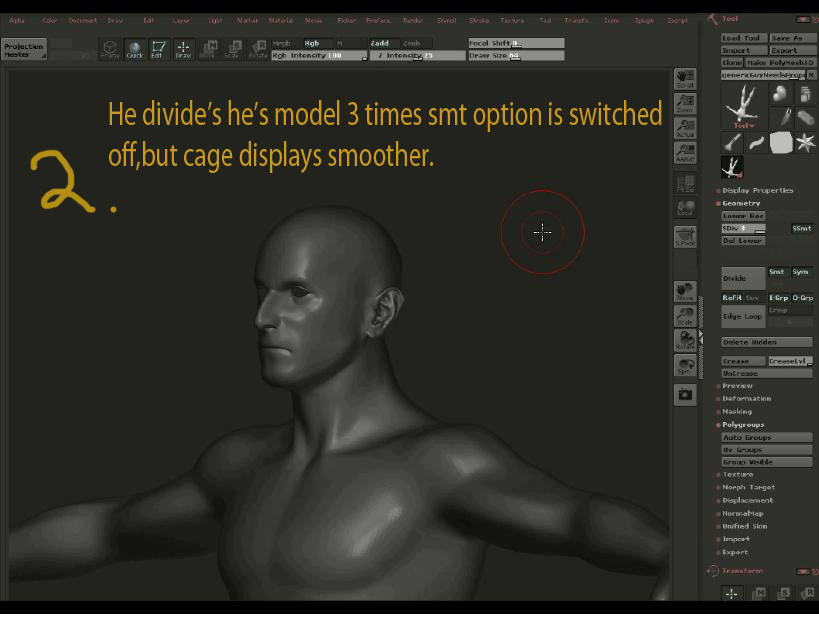
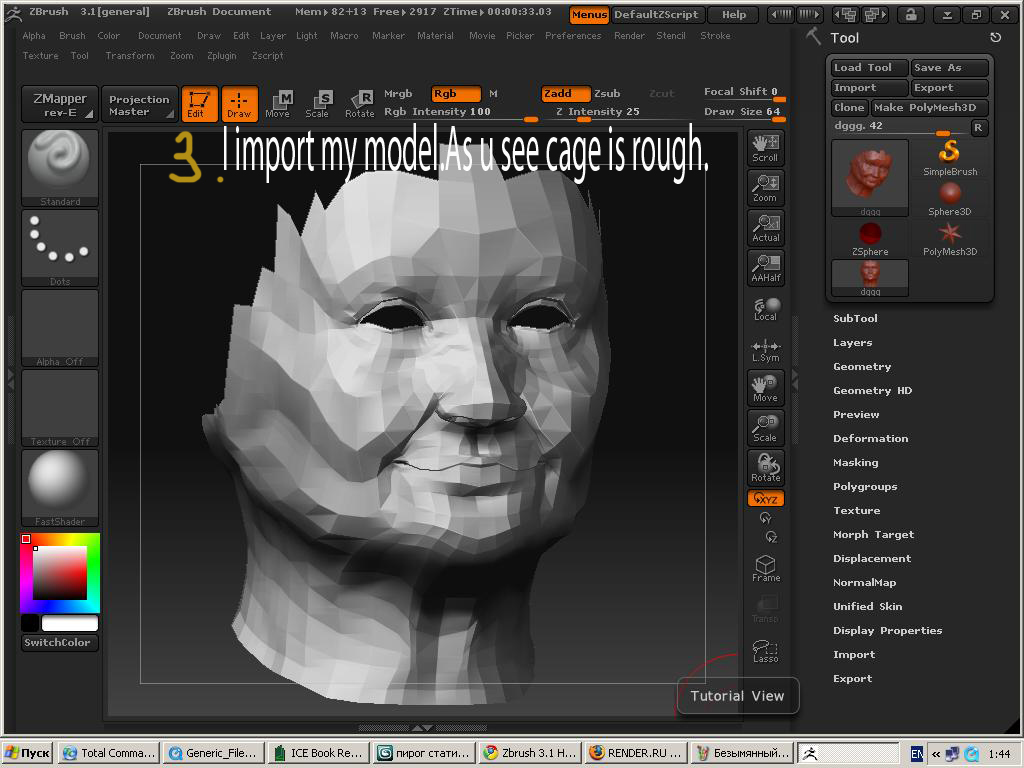
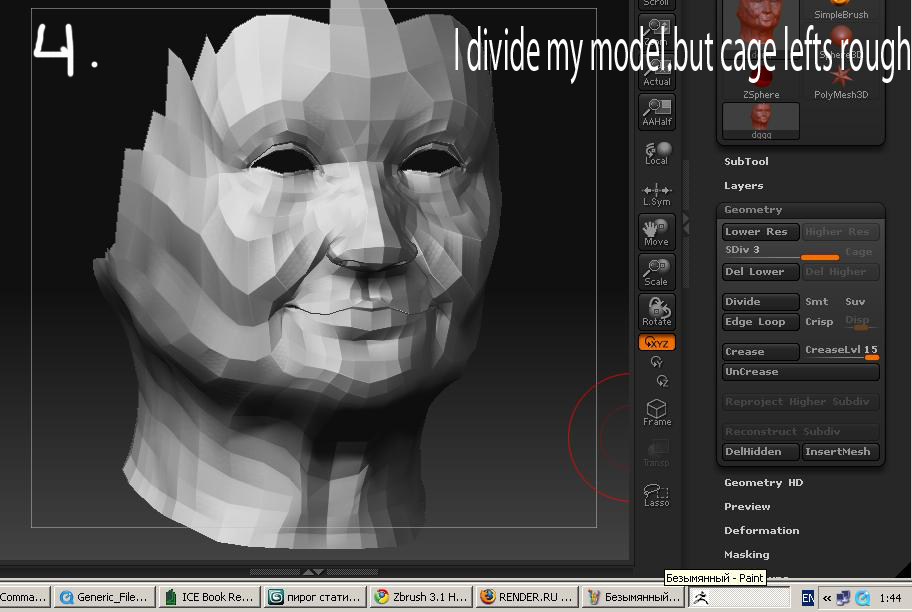
Hello!I have 2 questions.Everytime when i making my model in 3dmax and then export it into Z-brush…i have a problem.Because when i divide my model several time, correcting it and then going back to first divide level .the topology of the object losts its sharpness.Please give advice what should i do to
avoid this problem.
And the second question is at the same theme.Yesterday i saw one tutorial where guy makes a character.He exports raw model from 3dmax into Z-brush.And there he divide’s it but he doesn’t switch on smt button.And not review on this model displays rather smooth(there is screenshots)/So he can easily continue sculpting.and when he returns to 1st divide level he hasn’t smooth
topology it’s remaining sharpen and nice.When im dividing my model with smt button swithed off.my model doesn’t displays smooth,so it’s very difficult to me sculpting in these way.Please help me.And excuse for my bad english. 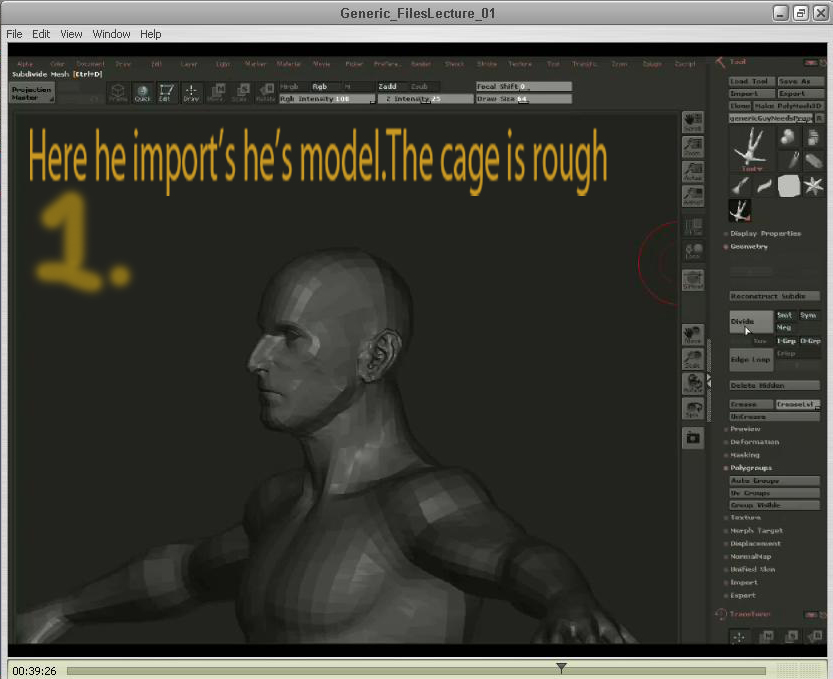
Attachments