ZBrushCentral

Smoothing Adaptive Skin from ZSpheres

Hi, :smiley:

I am currently doing the “NO more wine” tutorial (great one btw !) with ZBrush 4, but i have troubles to get the same result as the artist with adaptiv skin.

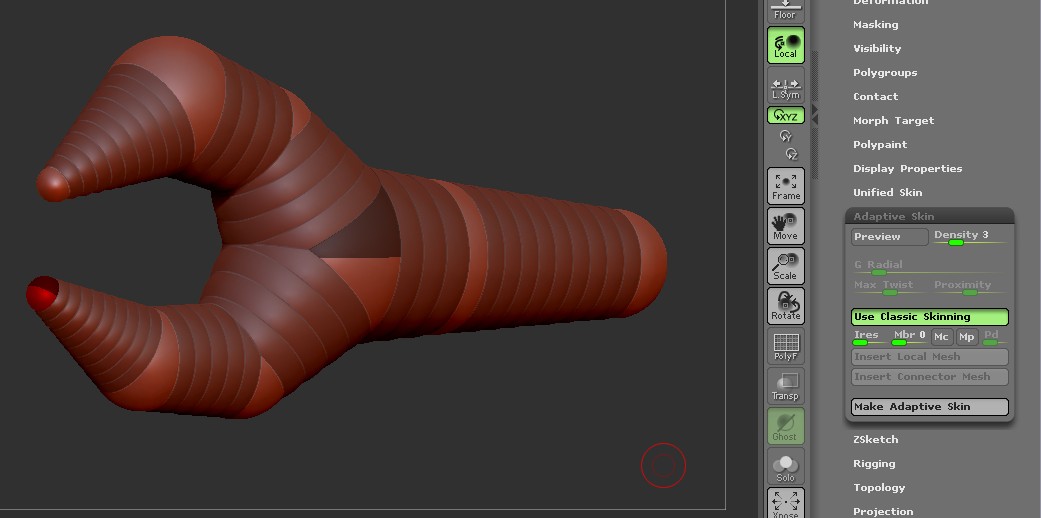
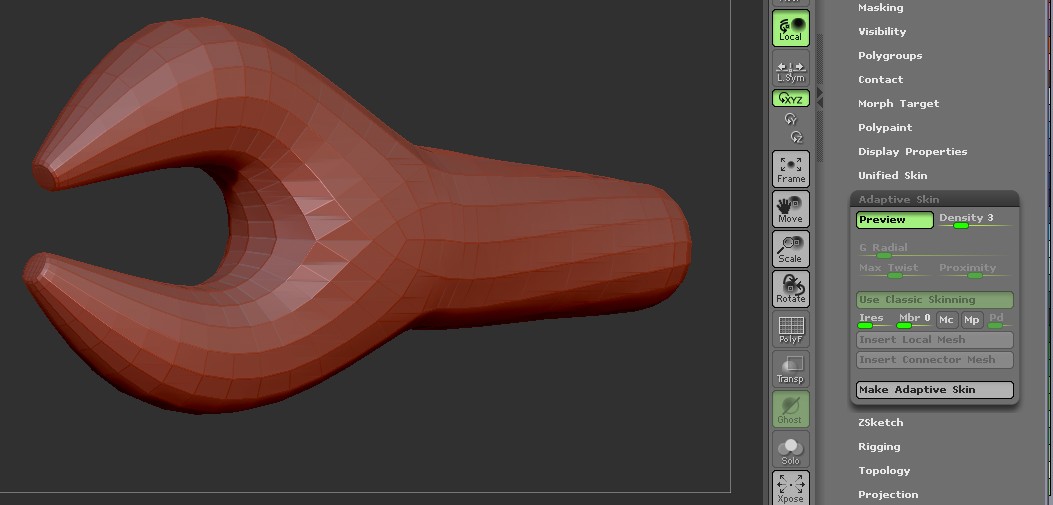
If i don’t touch any options, the default adaptive skin is really not smooth and the tentacles are unusable :
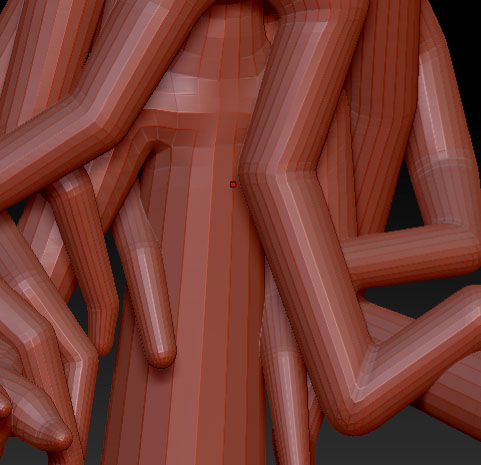
tentacle rough.jpg

The options “Ires”, “Mbr” or others of the Adaptive skin panel did not help that much :confused:

So i’d like to know what is the good use of Adaptive skin to get the same result as the tutorial, something smooth and closer to the ZSphere structure.

Thanks !

Attachments

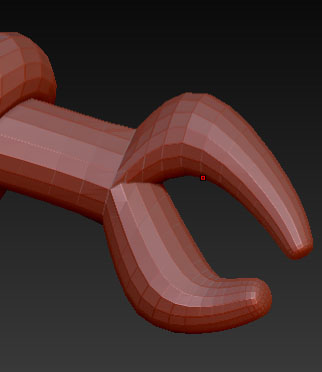
hand_Zsphere.jpg

hand_ugly.jpg

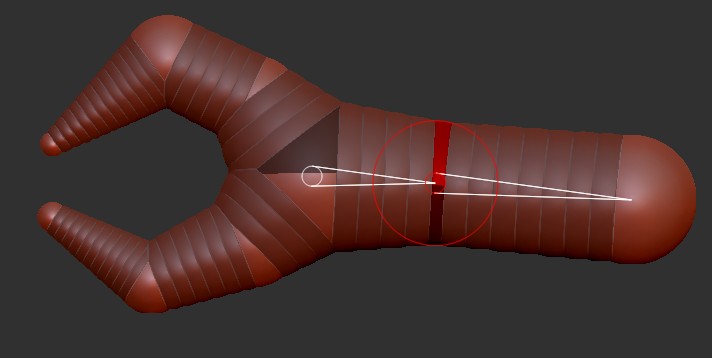
You don’t have enough zspheres in the claw. Watch the video a little closer.

Hi,

Thanks for the reply, but im not sure this is the answer to my problem.

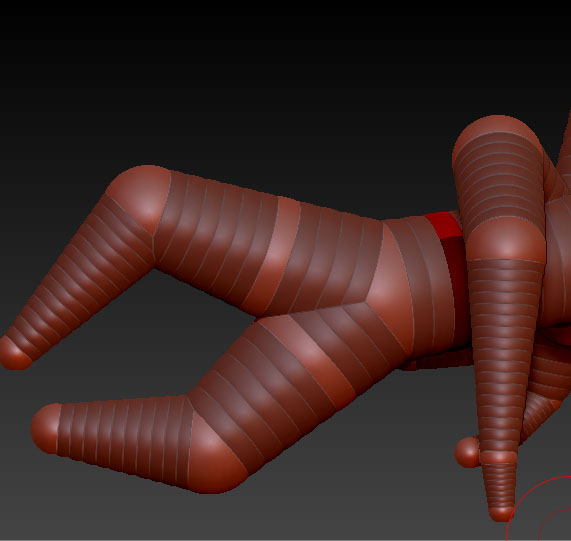
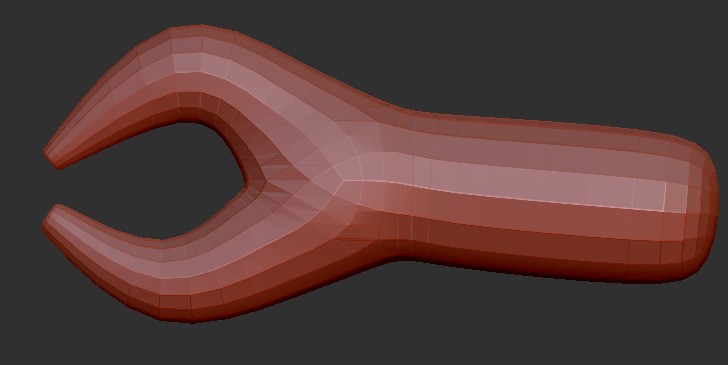
If i had more Zsphere like in the video, i get something even more weird ^^:

hand_complex_ZSphere.jpg

Attachments

hand_complexe.jpg

double :confused:

Attachments

hand_complex_ZSphere.jpg

hand_complexe.jpg

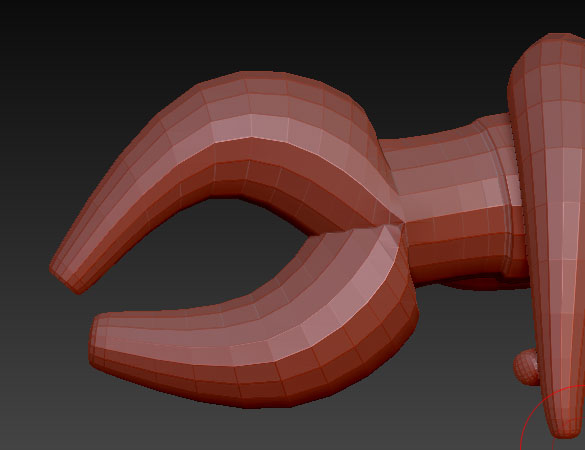
zsphere1.JPG

Attachments

zsphere2.JPG

zsphere3.JPG

zsphere4.JPG

Hey finally i managed to do it after several times trying to copy yours, i still don’t get why sometimes it works and sometimes no, but now i know it’s a lack of knowledge and not an option to turn ^^

Thanks a lot for your time !

cya