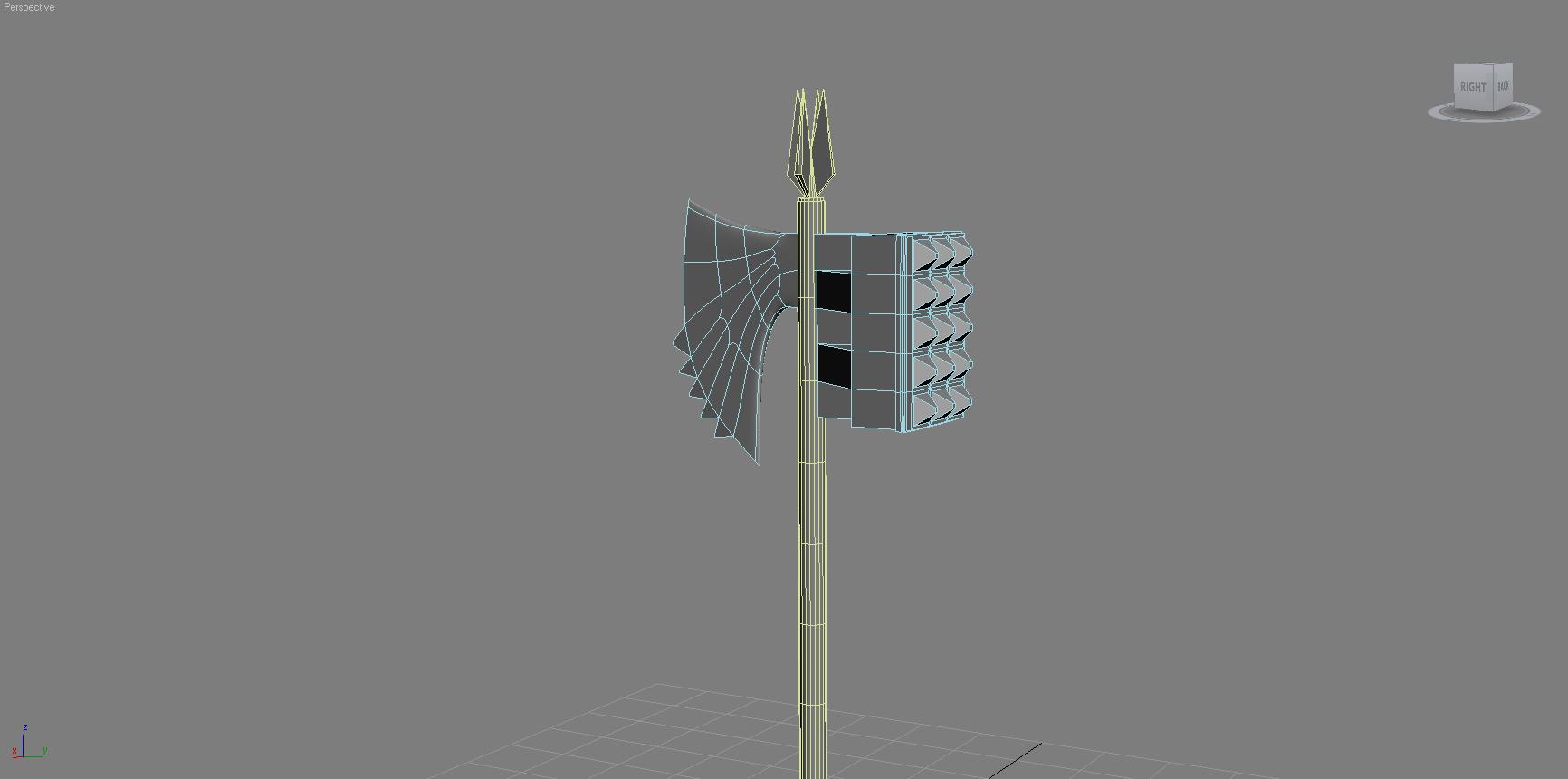
okok first of all i know theres posts about this. if looked everywhere for an answer. cant find anything. im new to zbrush and i would like to know why this hammer-axe im modeling isnt working right. i first model my base mesh in 3ds max 2009, http://i1010.photobucket.com/albums/af224/kyleschreur/3dsmax2010-08-2618-52-37-06.jpg?t=1282885166 , then i start messing with the smooth groups so eeeevrything doesn’t smoothen out when i add the mesh smooth modifier. (seeing how this is solid object with lots of edges). so am i doing things correctly??? i see when i export the obj. there’s an option for exporting smooth groups but then when i bring it into zbrush, and give it subd levels, it of course gets all smoothed!!!..obviously im doing something wrong here. with either 3ds max or zbrush. am i adding way to many smooth groups to each surface of the hammer axe?? wuts the dealio!! :mad: or is there another way to add subd levels for an axe type solid surface model?? without it going all smooth?? i really hope you guys understand my problem here haha any help would be muchly appreciated 

Attachments