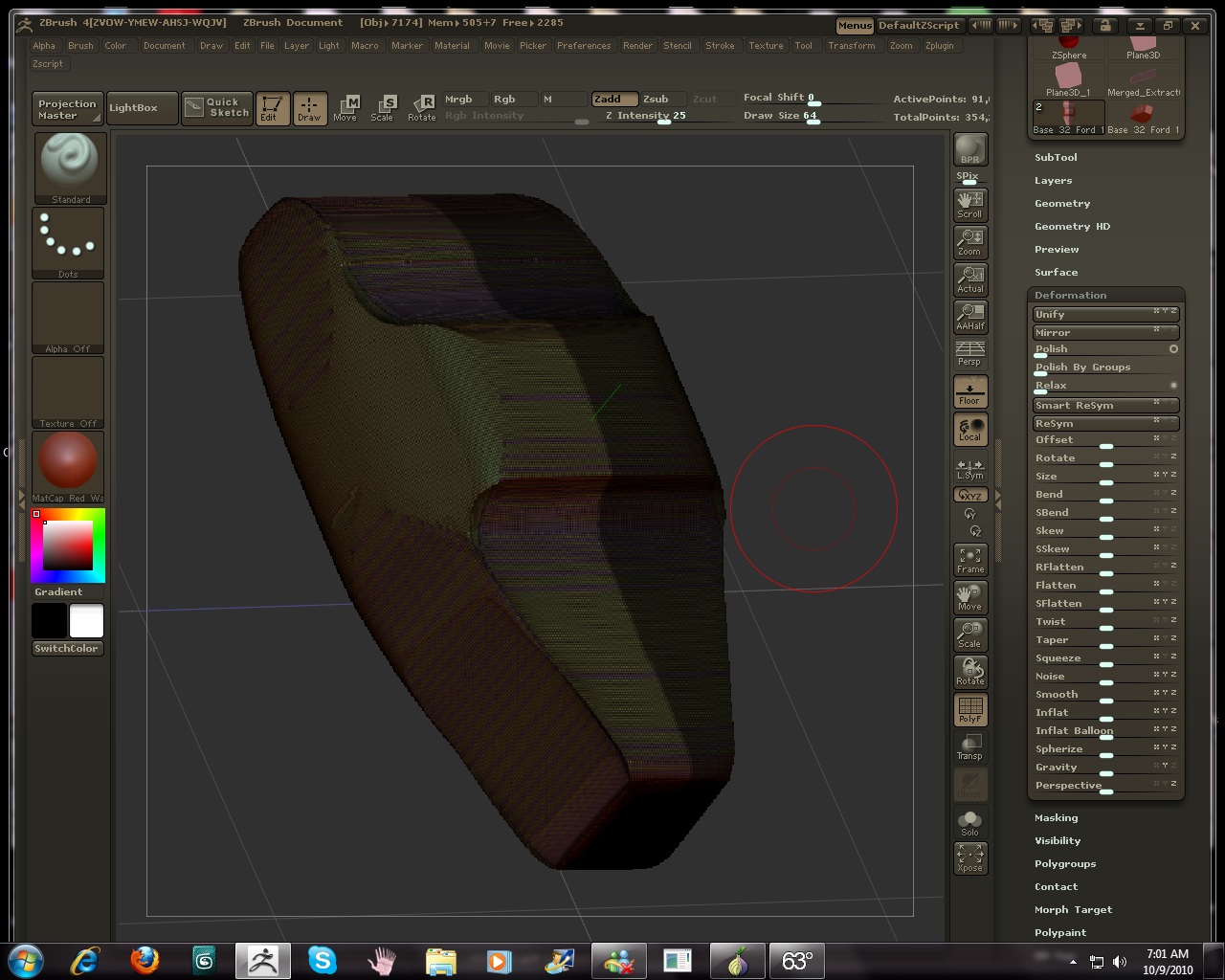
Can Anyone help me (I have tried the help posts, but no one is responding), I am having a strange issue when I try to Smart Resym my tool. I have been on Youtube and everyone makes it seem so easy. Heck, I even tried the tips on Set Pivot Point, Unify etc. I have attempted different axis X.Y. and Z. Still nothing. Can someone please help. What am I doing wrong. My screen shots are big enough to view my UI. Am I missing a setting somewhere? Please see all the links below that I am talking about and the images of my problem:
http://www.youtube.com/watch?v=OinW50E-z9s&feature=related (Getting Started- Smart Resym)
http://www.youtube.com/watch?v=IBP8AHd3NUU&feature=related (Smart Resym)
http://www.youtube.com/watch?v=tGBS5gmGc_I&feature=related (Fixing Symmetry)
- Masked for Smart Resym Ortho View.
[attach=220231]1Masked for Smart Resym.jpg[/attach]
- Smart Resym Issue.
[attach=220232]2Smart Resym Problem.jpg[/attach]
- Masked for Smart Resym Top view.
[attach=220233]3Masked for Smart Resym Top.jpg[/attach]
- Smart Resym issue Top view.
[attach=220234]4Smart Resym Problem Top.jpg[/attach]
- And when I only hit Resym, I get this issue.
[attach=220235]5When I hit only Resym.jpg[/attach]
They make it look so easy in the videos. Can anyone tell me what the heck is going on? I open ZBrush (default, I am no expert to be changing anything in the preferences or UI), I just simply open it, load my tool, mask and hit Smart Resym just like the folks in the videos.
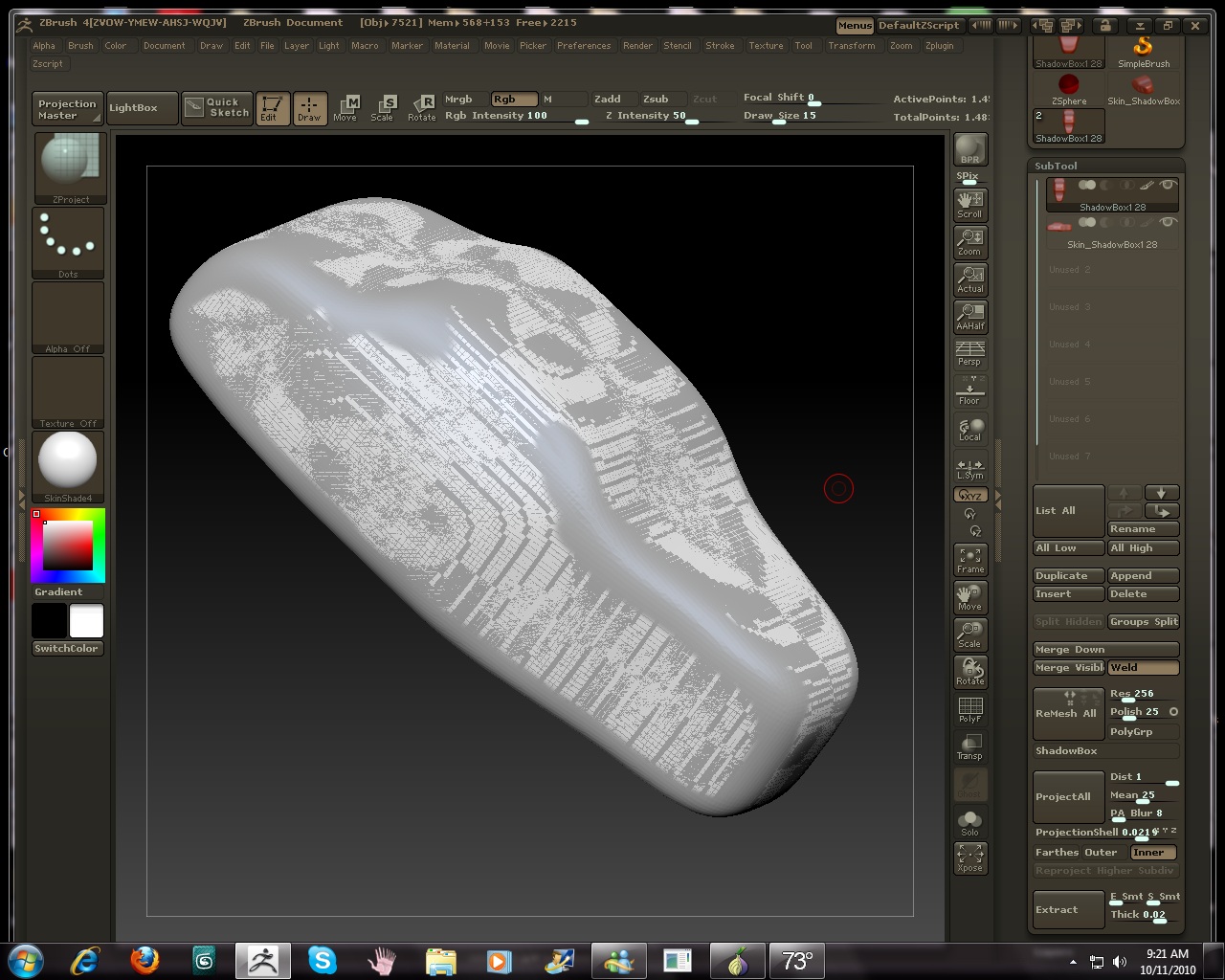
 ). Well, as you can see, I did the mirror and weld and that worked great.