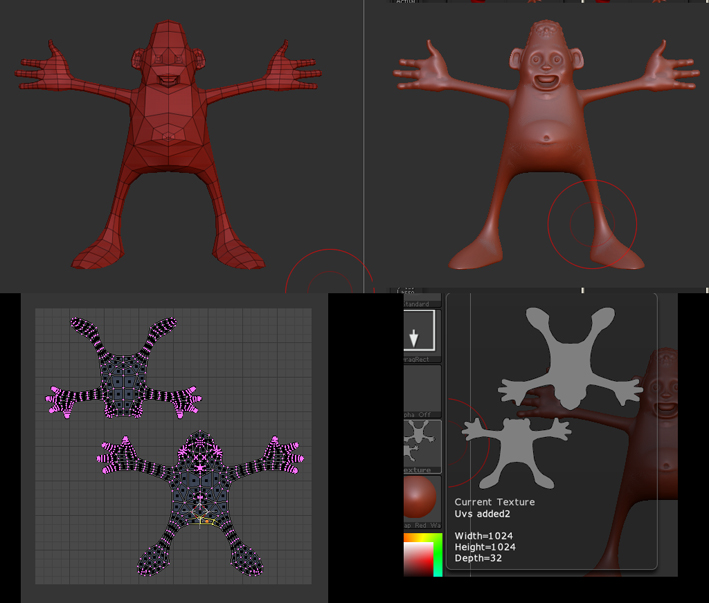
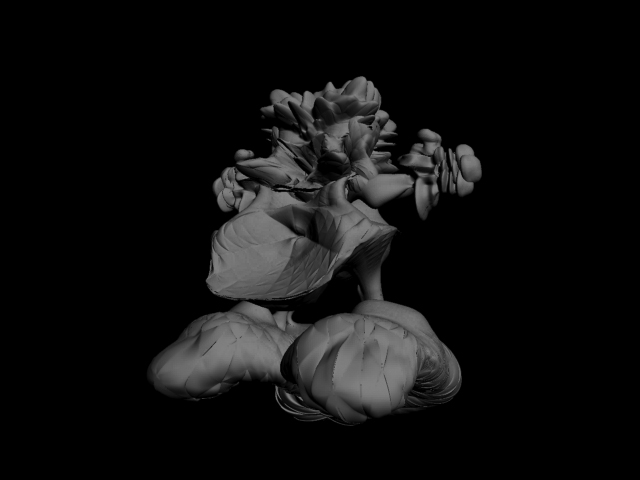
3 weeks ago I decided to try to figure out displacement mapping. 3 weeks later after much head scratching and hair loss I finally managed to get the UVs done and hit render. As you can see while the result is interesting its not exactly what I had in mind
I’ve been following the Canned Mushrooms Tutorials throughout (which are superb for a beginner like me btw).
My test model was originally created from Zspheres. I had some issues with symmetry and mesh blowups when doing UV tests like the CM tuts suggest but after scouring forums managed to sort these problems out.
My Uv’s are from Blender again following the tut. (pics attached). No red on them as far as I can see. I’ve simply cut my model in 2 for the UV’s. I’ve no idea whether this would cause problems this being my first attempt at this.They reimport back into ZB no probs and I can go up and down levels with no mesh problems occurring.
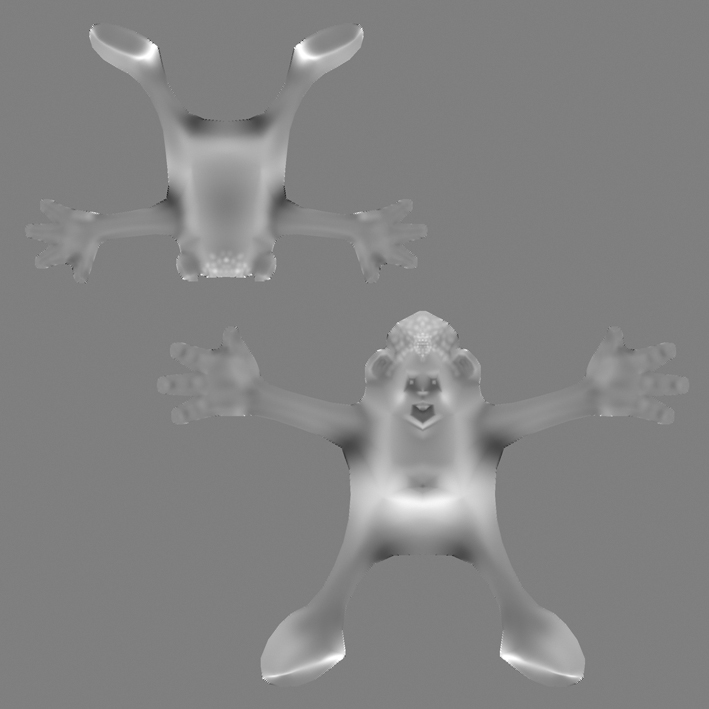
My displacement map is made again using the settings that the CM tuts use.
I export my model on lowest level out to an OBJ again following the CM tuts and using settings he does. In max I setup the displacement and render settings as suggested and am now at a loss as to whats going wrong.
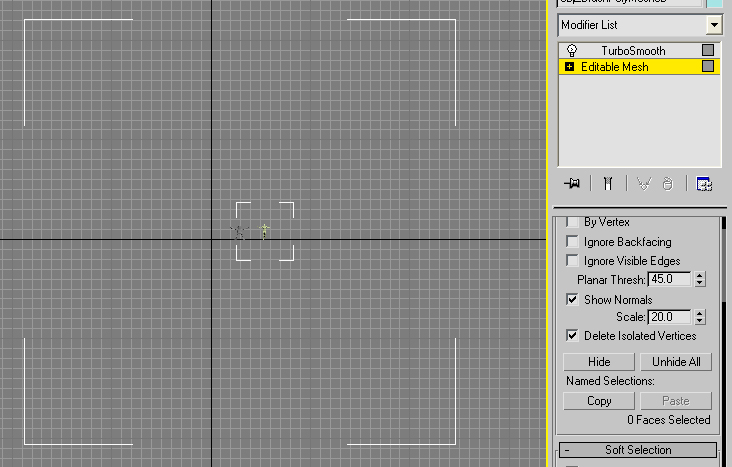
Things I have noticed while trying to track down a solution is that my model imports into Max vsmall compared to a test with the superaverageman. I’ve checked my export and import settings and tried unifying my model before export. But have no joy. I’ve included a pic of my model in max scaled up to same size as superaverage man.
Note the white (bounding boxes?) My models BB is huge. Would this be a cause of the displacement not working?
Sorry to be a bit vague but I’m now at a bit of a dead end. I’ve looked over the forums but can’t find a solution. Any help would be appreciated.
Attachments