ZBrushCentral

Slice curves result in unwanted chamfering effect

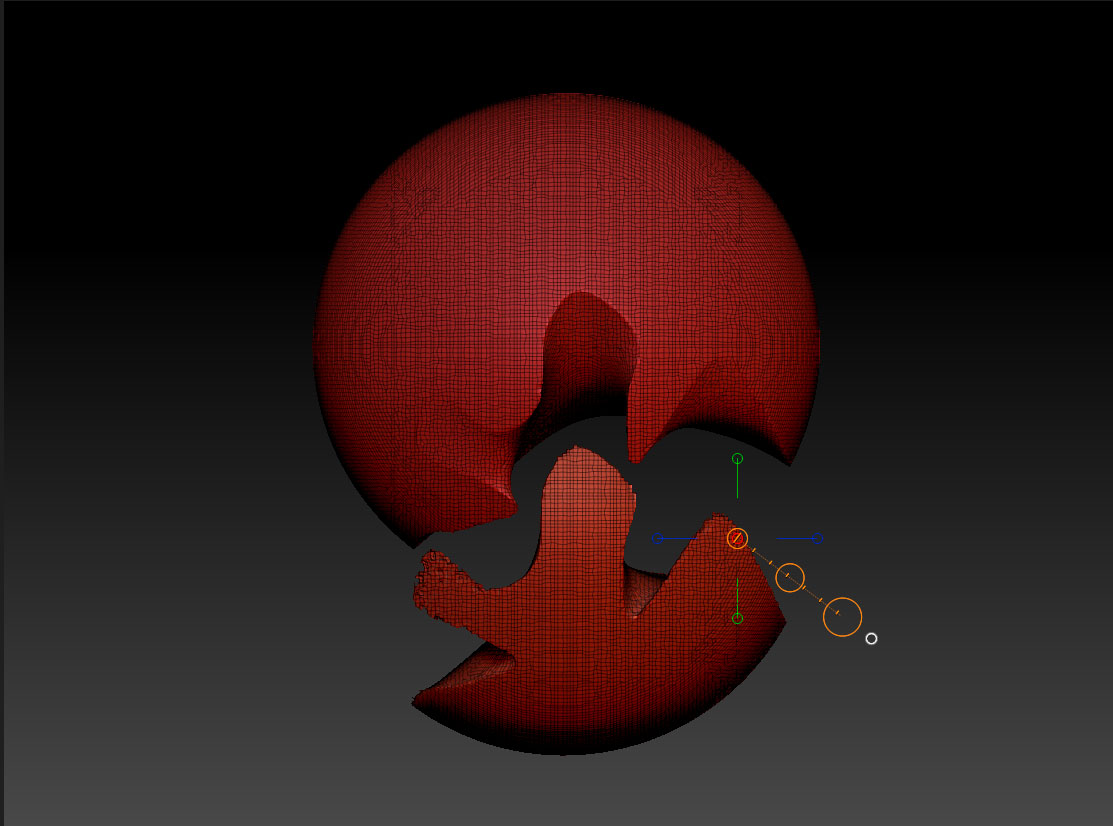
Trying to figure out how to get a clean split between two polygroups created with slice curve and dynamesh.

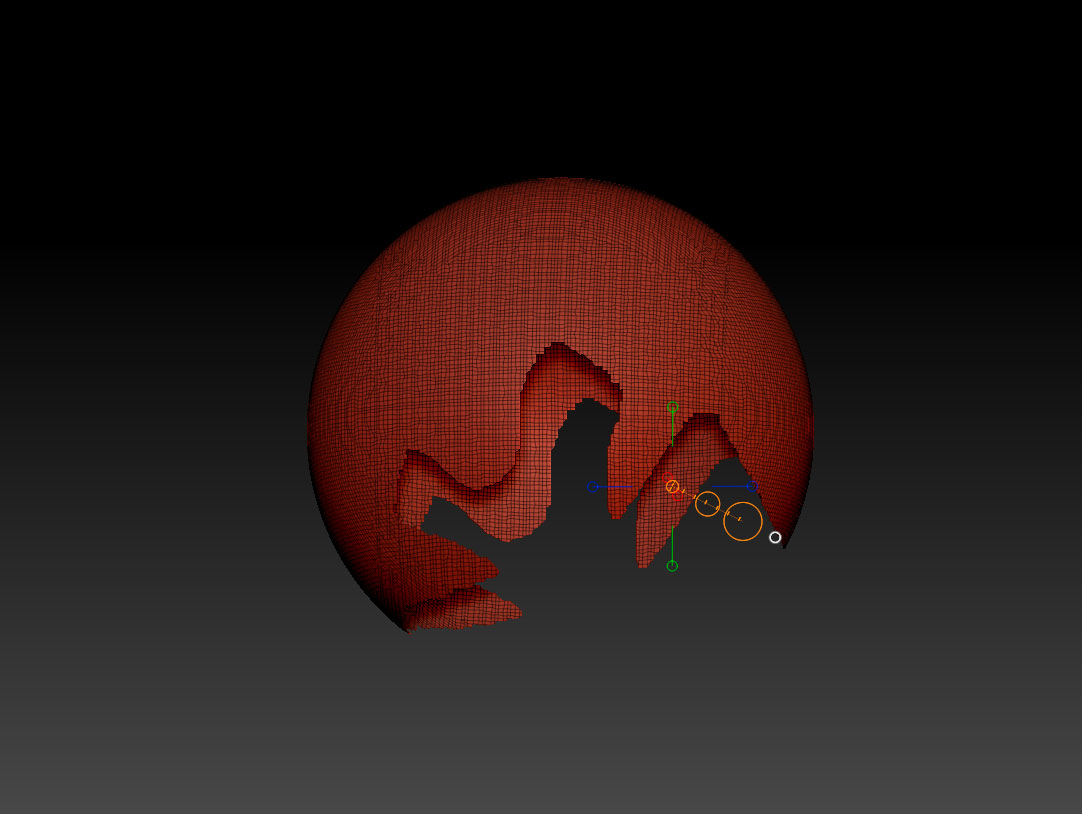
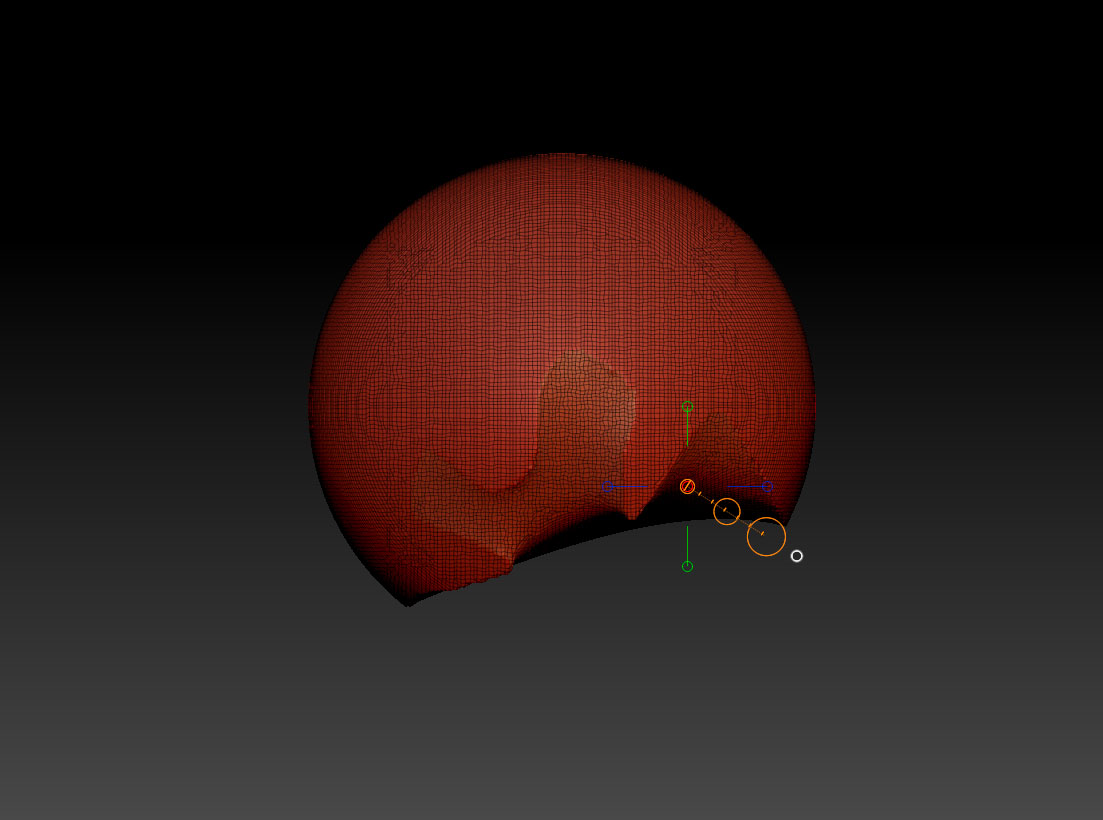
Slice curves are working great when cutting straight lines, but any curved lines result in an unwanted chamfering. Is there a setting to avoid this?

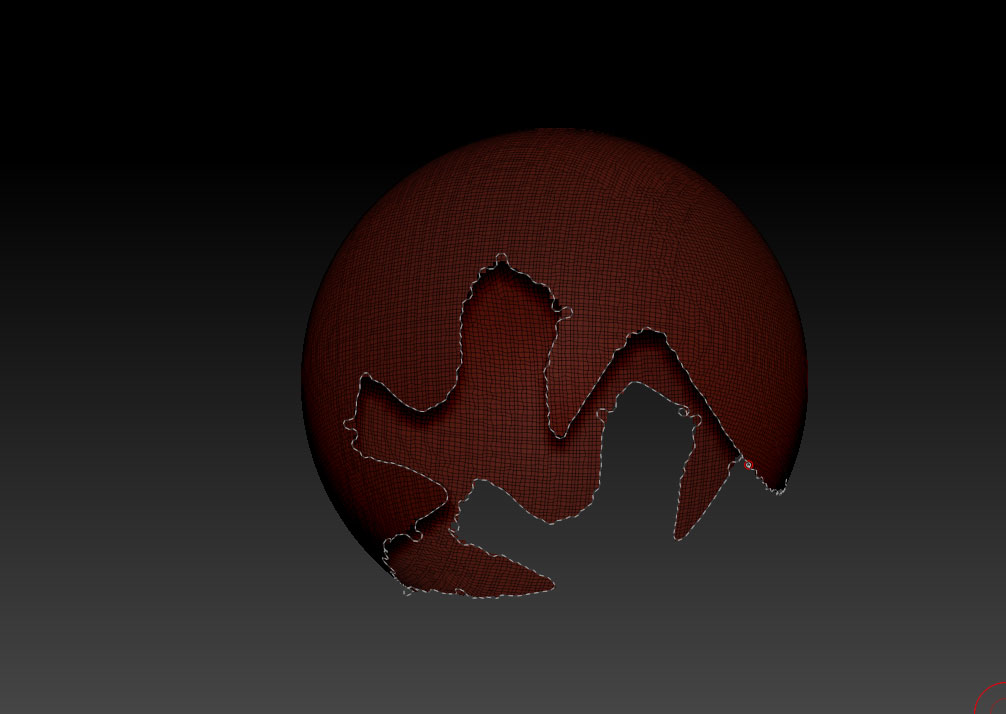
I’ve also tried deleting one group, then closing hole but this results in the same effect.

Trim curve results in the same chamfering and clip curve gives clean cuts but gets a little messy and difficult when dealing with these shapes…plus i’d prefer to work with the existing polygroups that i’ve already drawn onto objects with the slice curves.

Also tried using the curve bridge brush, after deleting one group, but i’m not sure how this works when you’ve got only one continuous edge…as opposed to bridging across two holes. Any other way to fill this hole cleanly??

I’ve attached pics of my attempts.

Thanks!

Attachments
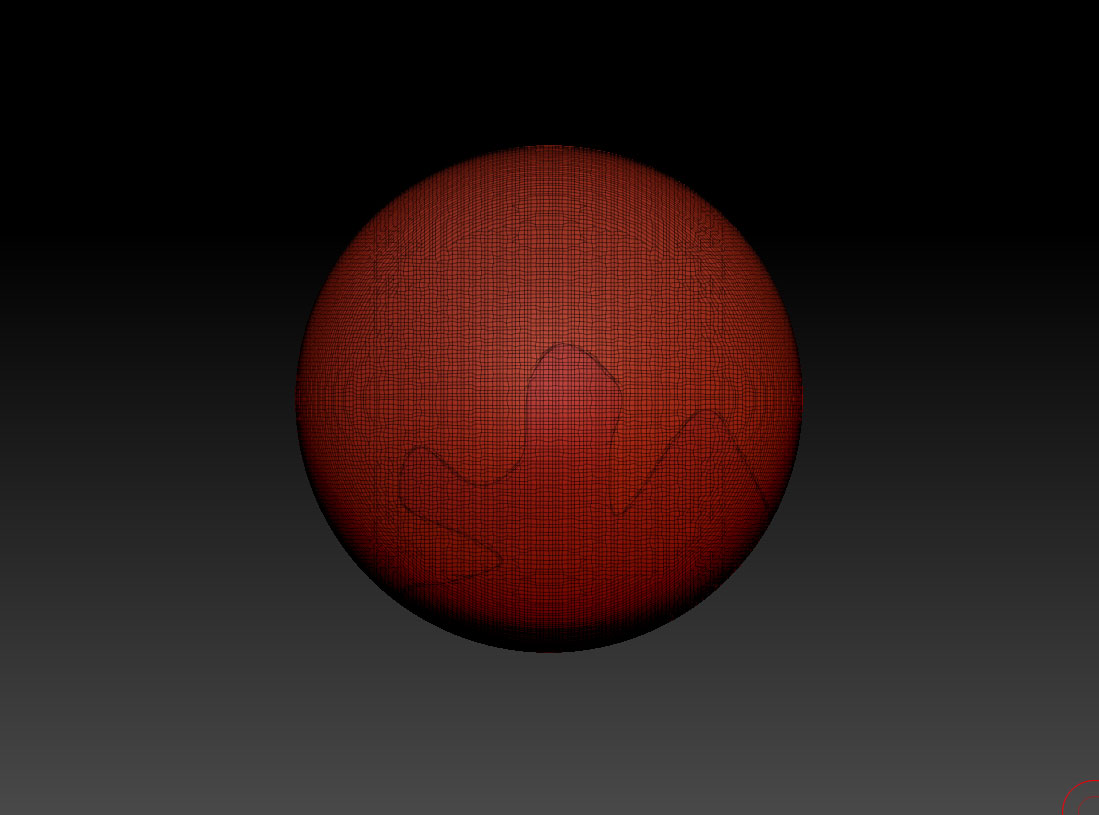
Screen-shot-2014-06-20-at-3.47.01-PM.jpg

Screen-shot-2014-06-20-at-3.48.04-PM.jpg

Screen-shot-2014-06-20-at-3.49.38-PM.jpg

Screen-shot-2014-06-20-at-3.50.21-PM.jpg

Screen-shot-2014-06-20-at-3.51.53-PM.jpg

It doesn’t like your line. Looks invalid to me>> http://docs.pixologic.com/user-guide/3d-modeling/hard-surface/clip-brushes/clip/
http://docs.pixologic.com/user-guide/3d-modeling/hard-surface/clip-brushes/trim-curve/

TLDR: Use Clip curve.

You’re not doing anything wrong and the trim/slice brush is behaving normally. The problem is, that this is the normal behavior of the brush. You’re betting off using the clip brush for the effect you’re going for in this case.

The Trim brush will find the center of an area and create a polygon that goes to that point. With a single line, the center is still on a single plane so you don’t see this appear. But if you curve your line, and your surface is curved you’ll see this happen. Just a single bend in your curve will create this effect.

This is the main reason you’ll see so many slices on objects when watching someone work on hard surface stuff. The more planar your surface the better Trim knows what to do, or dynamesh groups.

Clip curve is your best bet. If you turn on polygroups while you do it you can use group/edge/panel loops to help clean up your edges as well.

gotcha on the clip curve approach…but is it possible to seal that hole (created by deleting one polygroup) without creating the chamfering?

thanks again.

you can try adding groups loops, then delete the group, then close holes.

You can use polygroups to break your mesh apart, but it will always create that effect when it closes the hole.

You could break your mesh apart, fix the weird close hole thing with the clip brush and then use the fixed mesh as a boolean object to clean up the 2nd part.

Hope that helps.