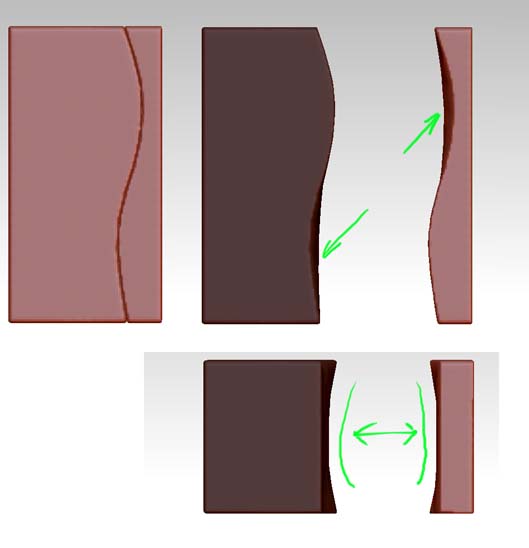
When the slice brush is used, it only really cuts the slices the exterior of the mesh. It’s great for making straight cuts through a mesh, but it doesn’t “cut through” and flatten the interior when remeshed if sliced along a complex curve. I like to think of it as slicing through a hard candy coating with a liquid center that oozes out.
In those cases where you need that kind of cut accuracy, make the cut with a boolean object instead of slice curve.
One way is to insert and shape a negative cutting object that encloses the volume to be cut, duplicate the subtool, and perform a subtraction operation on one, and an intersection operation on the other.
Another way is to simply craft a long, thin (but not flat) negative shape along the desired cut path, and subtract that shape.