ZBrushCentral

Skinshade 4 issue

I’m using ZBrush 4R6 and I have an issue I don’t have with 4R5.
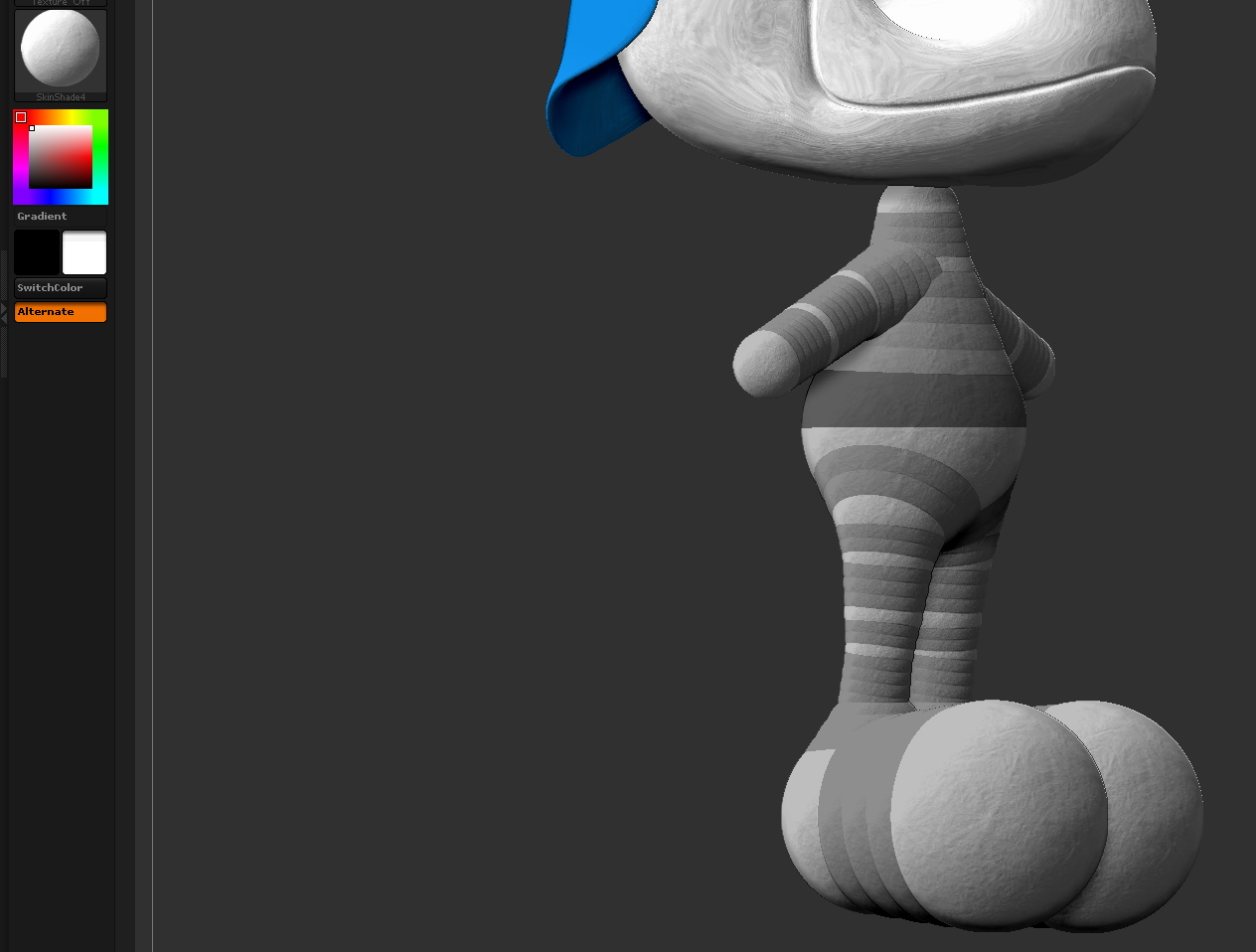
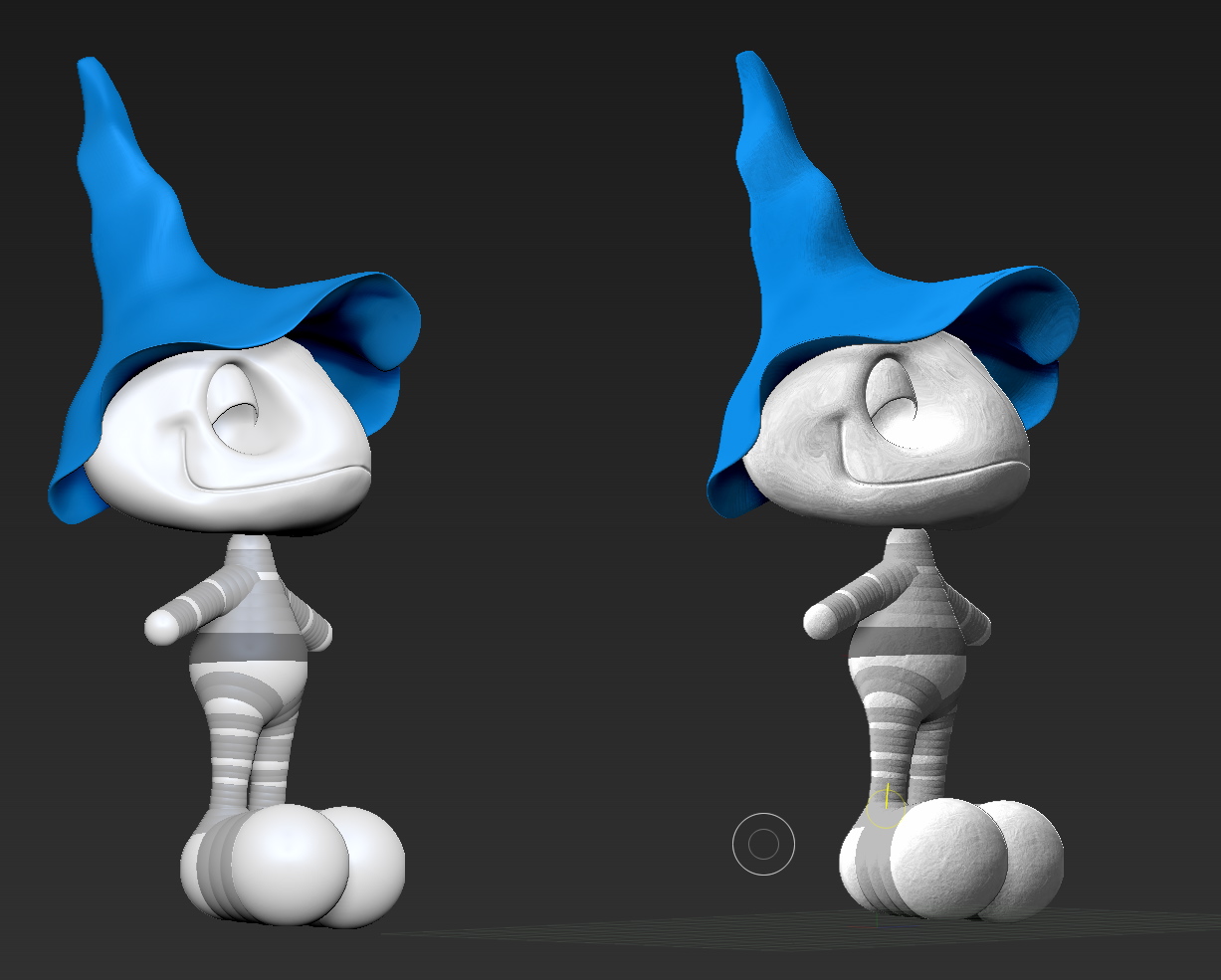
the SkinShade4 looks different, like a pict of the moon, see the picture below.
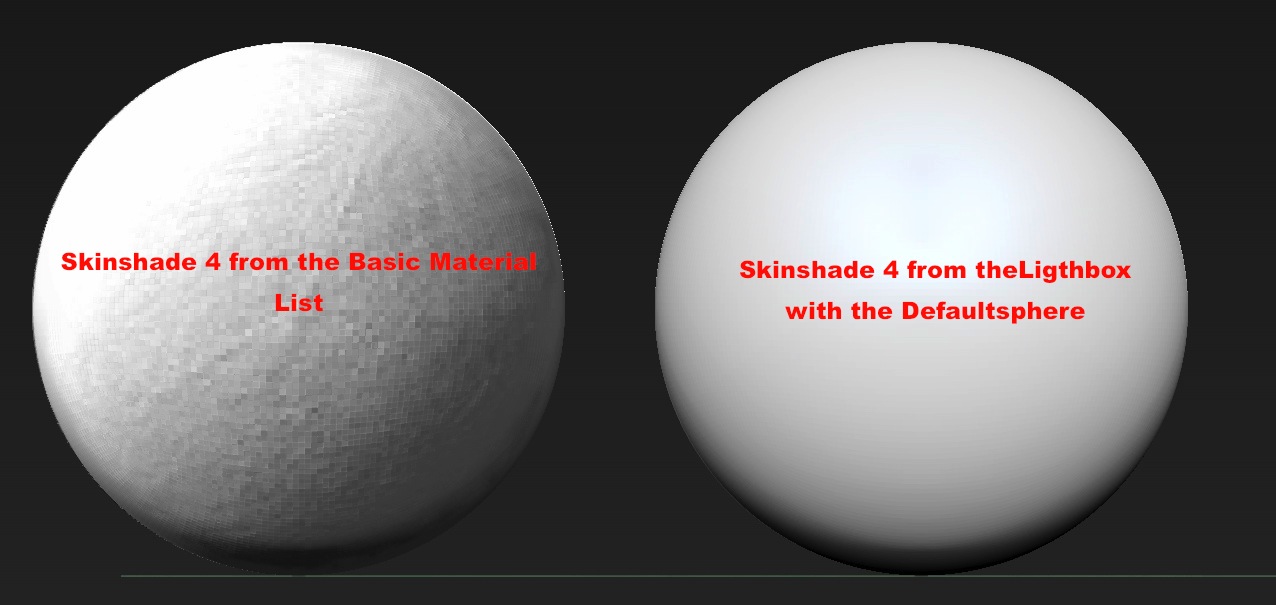
If I insert the Default Sphere from the Lightbox with its own Skinhade4 the look is correct. If I use the material from the material list its wrong. I checked the modifier but everything looks the same. Any help would be appreciated

Attachments
ZBrushOSXÉcranSnapz016.jpg

I did find a solution.
Weird, but I still don’t understand.

I got rid of the culprit into the folder ZData/Materials, then I did open the Default sphere and saved the material within it, in fact the standard one, so everything is back to normal now.

But I still do not understand why this material was different.

Dam

Damn it !
When I quit the application and restart the same issue is back again.
I’m desperate

Michel

How to make a ticket for it ?

Image on left looks like there may be noise or else pixelation from document size being too small. What size is your document?

What do you mean by “size” ? Pixel or geometric size or mega and where will I find it ?

This issue is on any file I’ll put in … unfortunately. Big, small, giant … The material is in the Material list, the basic one. And it is in here since the installation.
Do you think I should make a new and clean installation to solve this. Read the first thread : If I open the Default sphere the material is correct. That’s crazy and not understandable, … at least at my level.

Thanks for your help Doug

Michel

You will find below the result on a character I put at 6 millions pixel. Same look as at 100 pixel

ZBrushOSXÉcranSnapz004.jpg

Under Document, the pixel dimensions of the image in height and width.

1850 x 1388

http://www.zbrushcentral.com/showthread.php?179275-Zoom-is-blurry-Answered Is why i asked.

I do not think this is the case.

Look carefully on the picture below.
On the left this is the Skinshade4 from the DefaulSphere in Lightbox and on the right this the Skinshade4 I have in MY Standard Material List
So as you can see, nothing to do with any size of the document

ZBrushOSXÉcranSnapz006.jpg

Well, save a copy if you think it may be useful then overwrite it with the good one. No textures or alphas or colors were selected when you sculpted the object? ZBrush like to turn on MRGB and or RGB when you switch brushes. Other than noise, that’s about all my guesses…

Not a big deal, because if I save the document, the material stays with the file but it’s ticking me ! Thats it and I thought somebody would have an idea about this “issue”. If this is an issue what I’m not sure. Maybe specific to ZBrush 4R6

Any way I appreciate your help and your concern

Michel

Saving the document isn’t the same as saving the project. Mac or PC? You could submit a ticket to support.

Could you please tell me how to submit a ticket ?

Thank you

Default sphere its right because its a ZPR (Zproject) with its own light & render settings, maybe you changed something in those menus.

Looking at the first image seems like Render>>Render Properties>>3D Posterize or Material>>Mixer>>Posterize.

https://support.pixologic.com

Thanks Doug, I did it.

But

In the meantime, I made an Uninstall. Clean Reinstall an everything is now back to normal.
Not the first time something is wrong with the earlier installation. In fact the first time I made something wrong : update.
Better to full install and get back some files one by one.

Anyway once again, many thanks for your help

Michel