Hey everyone-
I’ve been looking for a way to take simple base meshes out of Sketchup and bring them into Zbrush for further editing.
In the past, many of you have criticized my want for this workflow - honestly - its all about speed for me.
I can create very complex shapes in minutes with Sketchup, something I cant do in Zbrush.
Mind you, many people can do this easily in Zbrush - I just haven’t reached that level yet… So I’m trying to work within my means.
I’ve exported the .dae from Sketchup, and quickly realized that Zbrush has no idea what this file is.
I then imported the .dae into Blender, and exported that as a .obj file.
Imported the .obj into Zbrush, and - tah-dah, it works!.. well… kind of…
The imported Sketchup geometry is all based around Triangles - subdividing hell.
This makes it virtually impossible to play with in Zbrush.
So…
I tried making a Dynamesh to convert it to quad geometry.
It worked, but could never retain the hard edges (played with blur, etc).
So…
Then came QRemesher…
I thought this would be the answer to my prayers.
I opened up Sketchup and created a quick 5min design of some sort of modern dwelling.
Again, this was a quick test, so I was not concerned about prettiness 
Did the Sketchup > Blender > Zbrush trick again.
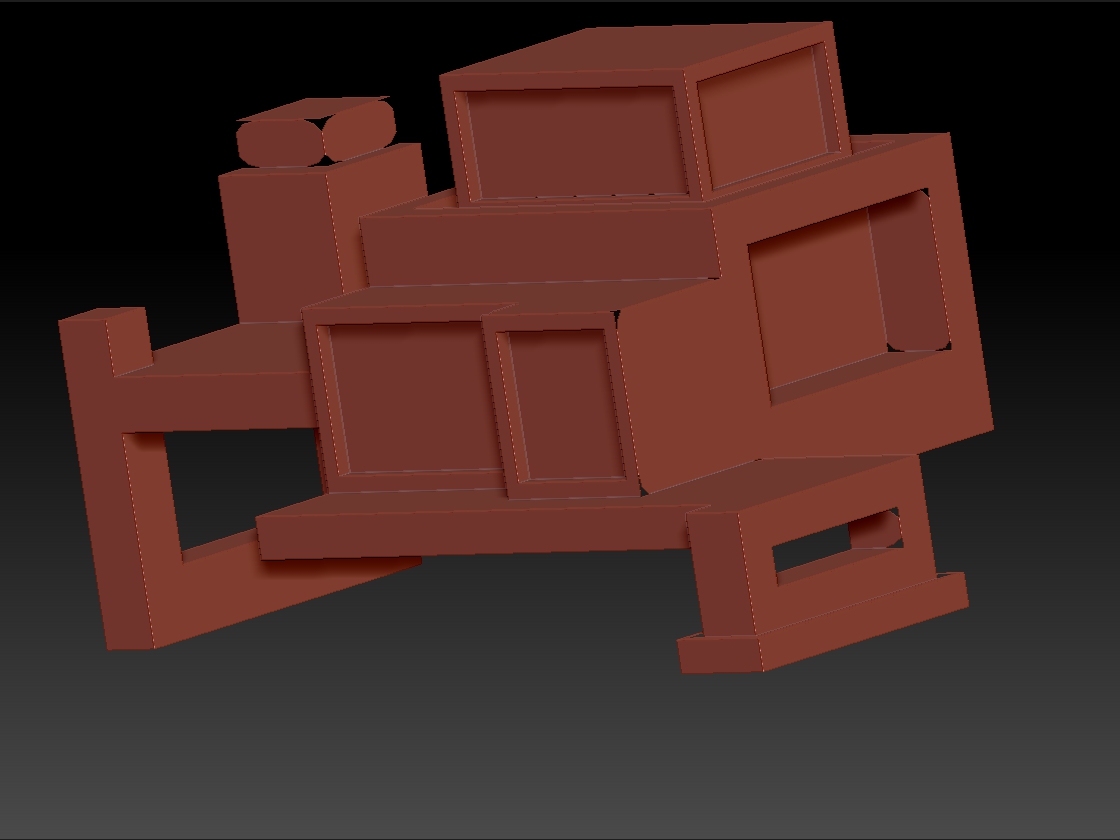
Fired up QRemesher, and got this:
I ran QRemesher on its default settings.
It created nice quad geometry, but created these holes around some of the corners of the structure.
Any thoughts on how I could clean this up?
I am almost there, I can taste it!
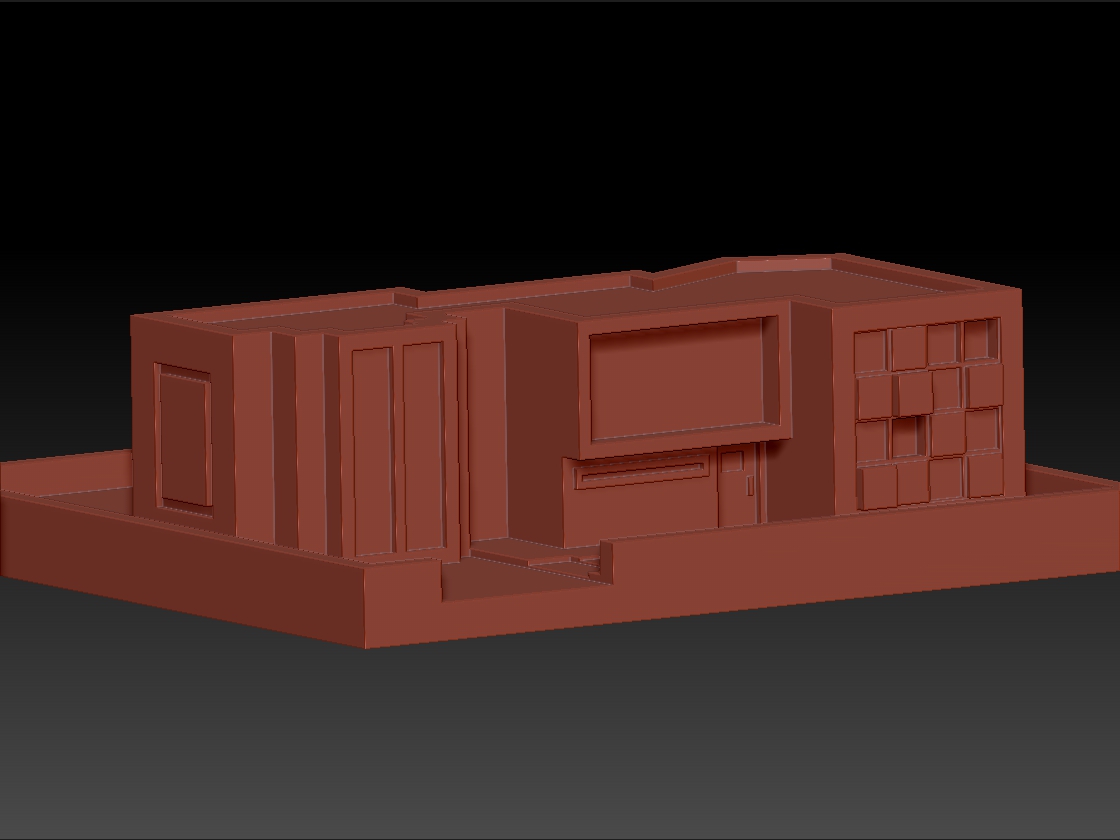
Just for kicks, I created a far more intricate dwelling, to test how it would react
with some more intricate plane changes:
Unfortunately, any attempt to alter this with QRemesher (on any setting) created an error that
aborted the QRemesher-ing (lol, yes it is now a word).
So…
I wanted to see if any of you could help me get this workflow working.
Any help you could lend would be greatly appreciated!
Also, I would be happy to supply the .obj files for both objects if any of you wanted to try it out.
Just let me know.
Thanks again!
Attachments