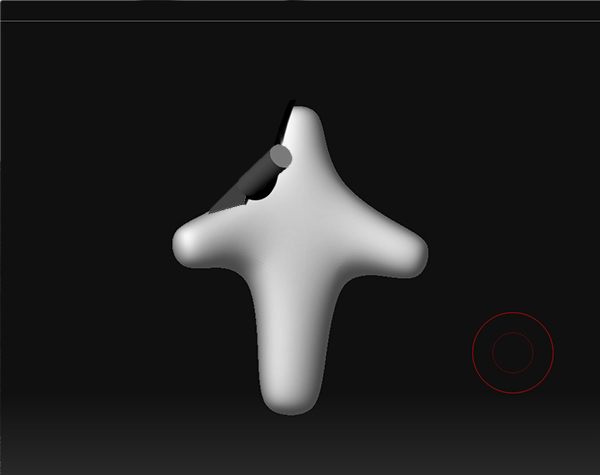
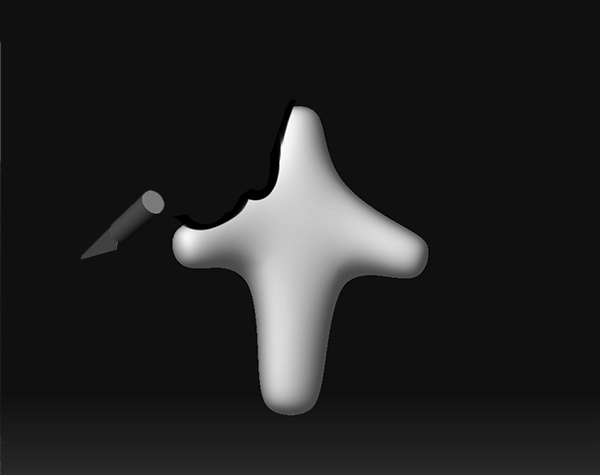
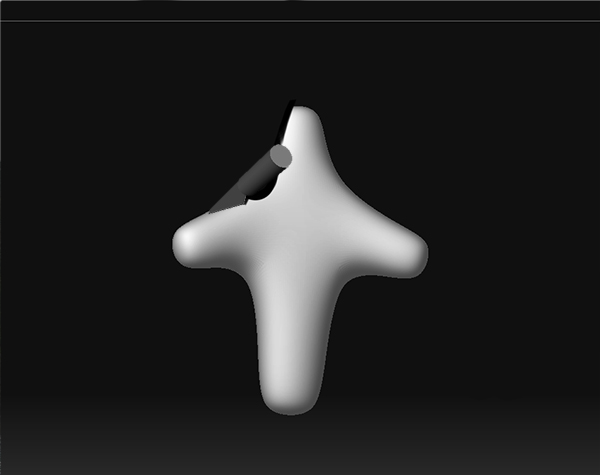
When painting in photoshop I tend to select the background color and ‘carve’ the silhouette of whatever shape I’m trying to achieve…even when sculpting with clay,…often I would squint, see the shape’s silhouette from a certain angle, and just take my knife and carve my way to the desired shape from the view that I had first observed…In Zbrush I always find myself observing the shape/silhouette and then rotating 90 degrees or so to adjust it with something like the clay tubes brush, rake, or flatten, then rotating back to check what I’ve done…if I want to adjust the external shape from the veiw I’m at, I’m forced to use the move tool, which I often find to imprecise to achieve much beyond macro changes, and even then you never can just carve a clean angle…So, in the interest of being able to more efficiently focus on silhouette and design, I want to suggest a brush that works as shown in the images below (and could be achieved without rotating the view)…
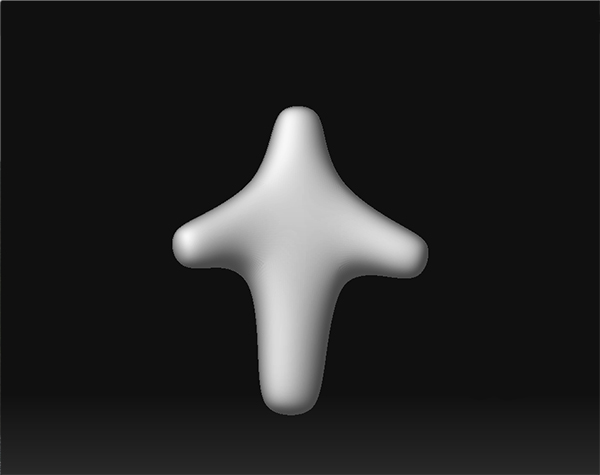
Of course I’m not sure of the best way to implement this, but if it were just like the clay tubes brush, but some how could work in a periscope like fashion, being projected from one angle, making a ninety degree turn and carving away at the surface in much the same manner the normal clay tubes brush would, that would be great…but however achieved, I’d really like to see a brush capable of this effect in zbrush at some point,…
-Josh
Attachments