ZBrushCentral

Shadow Madness...

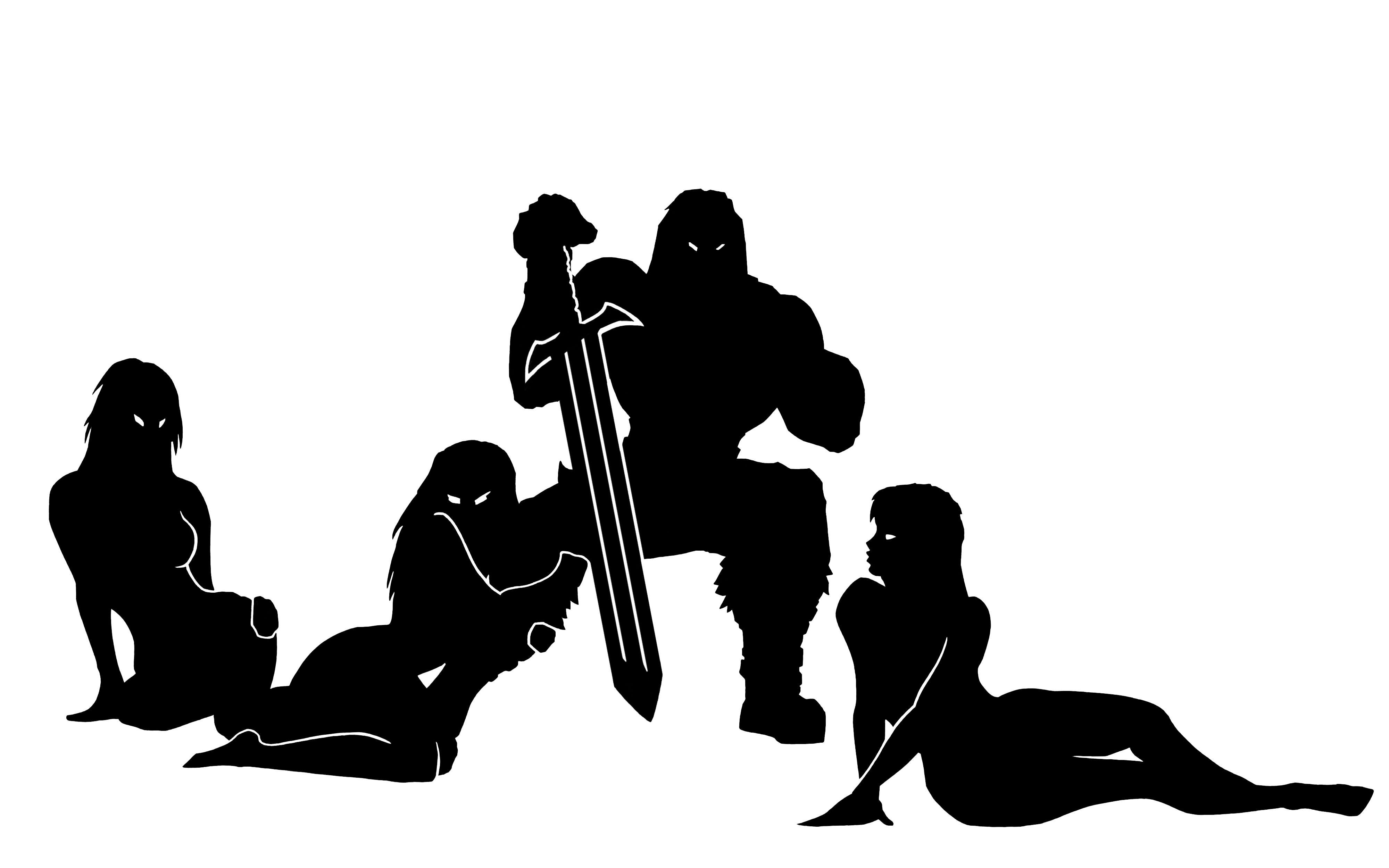
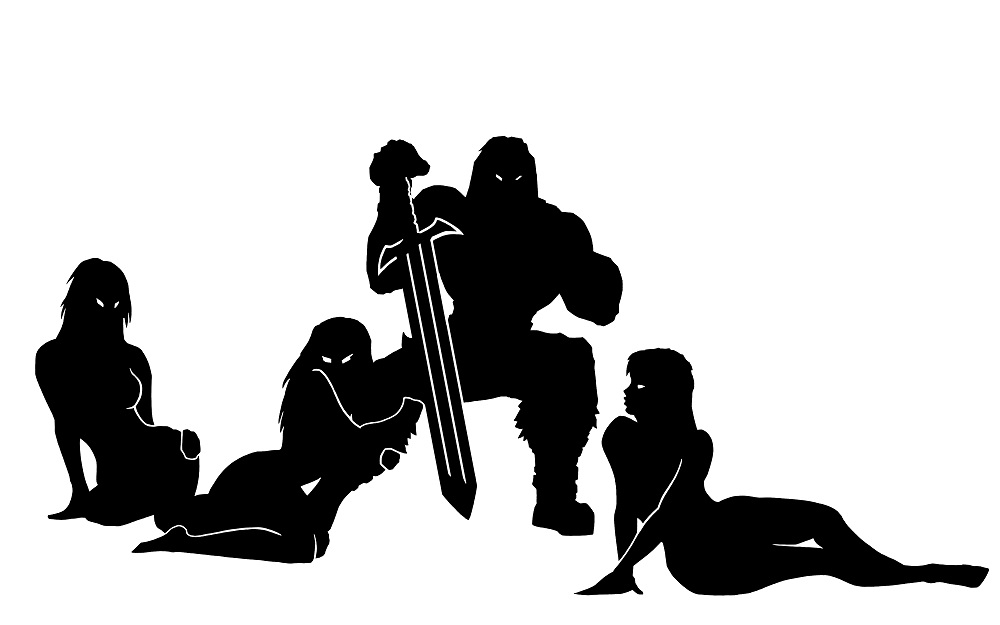
I’ve made this picture which I planned to make into a logo (along with a second, background piece). My initial plan was to create it through Shadowbox, but it comes out really bad.

I wanted it as a thin layer, kind of like the Blizzard logo. Is it possible to do through Shadowbox or should I look at same other way of doing it? I’ve no idea what to do… :cry:

Attachments

peoplejpeg.jpg

12506873_10153920166998707_1095630827_n.jpg

New Bitmap Image.jpg

small.jpg

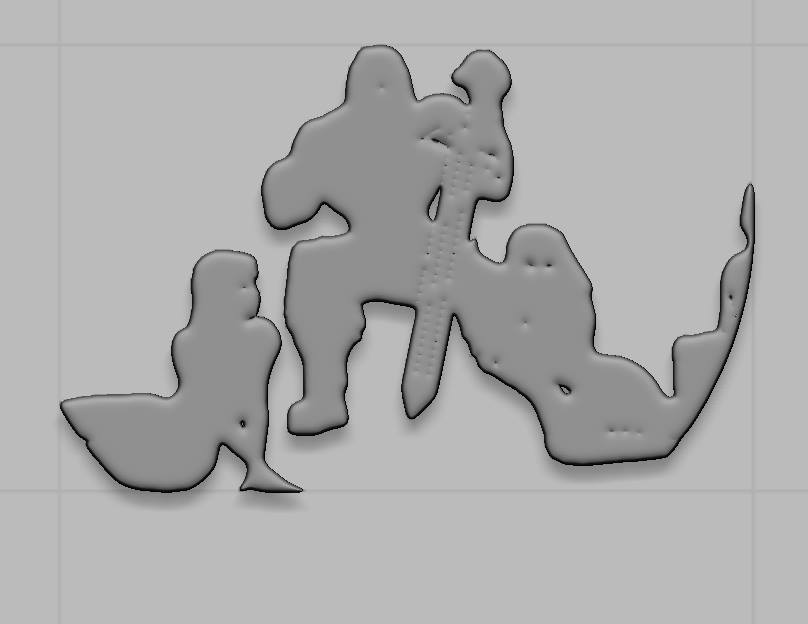
You need a lot of resolution in order to capture the detail. ShadowBox is perhaps not the best option. You can use a plane and use the image to mask it and then extract (Tool>SubTool>Extract). But you will probably always have a slightly jagged edge. The image shows my attempt. I subdivided the plane to about 8 million before applying the mask. You can downlaod the ZTL here if you want to see (unzip the file and load the ZTL through the Tool>Load Tool button):
https://www.dropbox.com/s/n2amnr38yhjmib7/Extract3.zip?dl=0

Attachments

Extract_pic.jpg

You can use Inkscape (free) and Blender (free) to convert your drawing to 3d to bring into Zbrush.

Here’s a tutorial that shows how to do it:

Note: at the end of the video, he doesn’t convert to a mesh, so you just need to hit alt-c to convert the curve to a mesh.
Then you just export the .obj, and import it into zbrush.

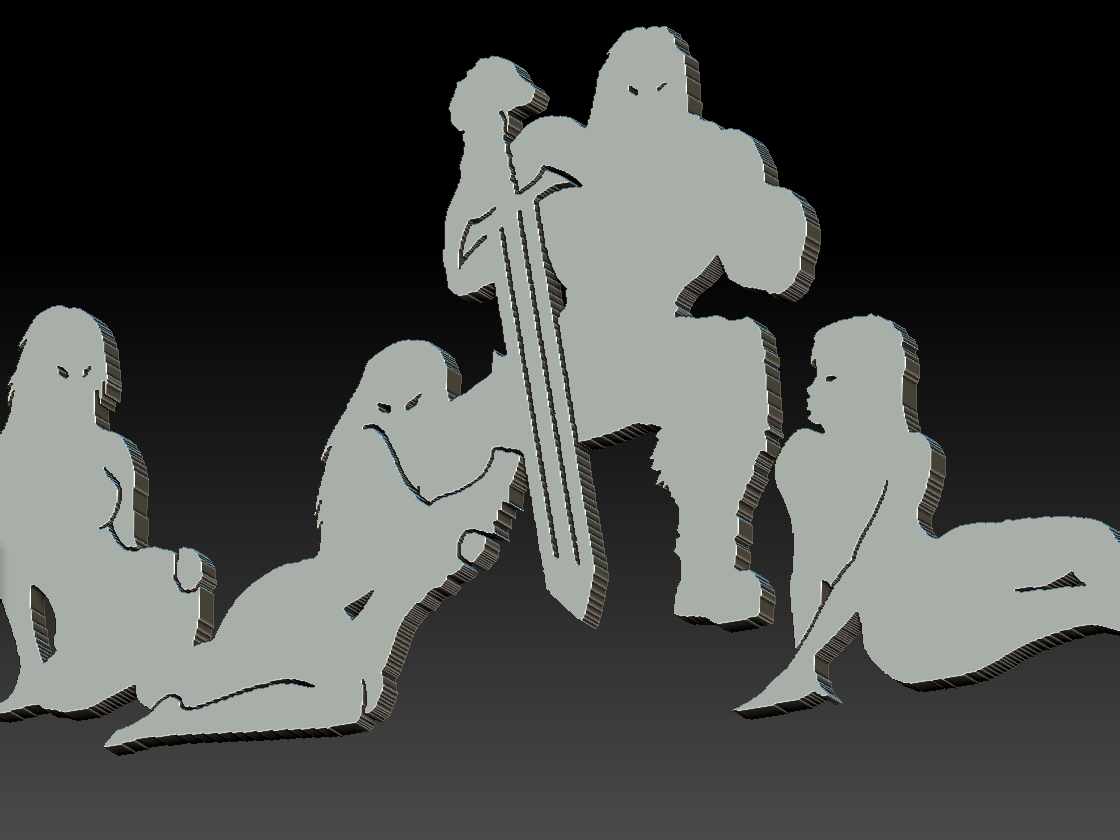
I don’t use Blender enough to know how to optimize the geometry properly, but here’s the ztool I made using that tutorial


http://www.inkscape.org

sm-001.jpg