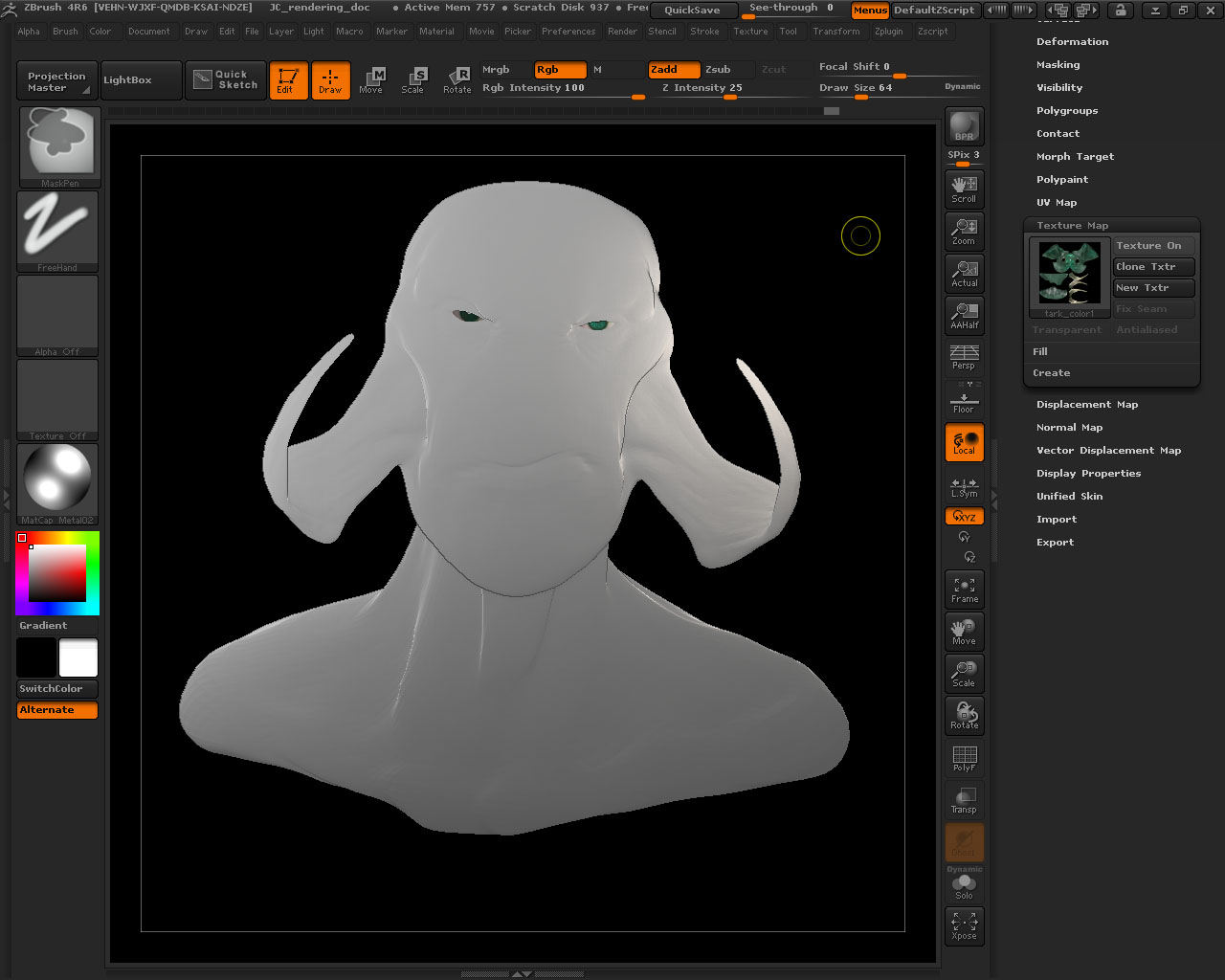
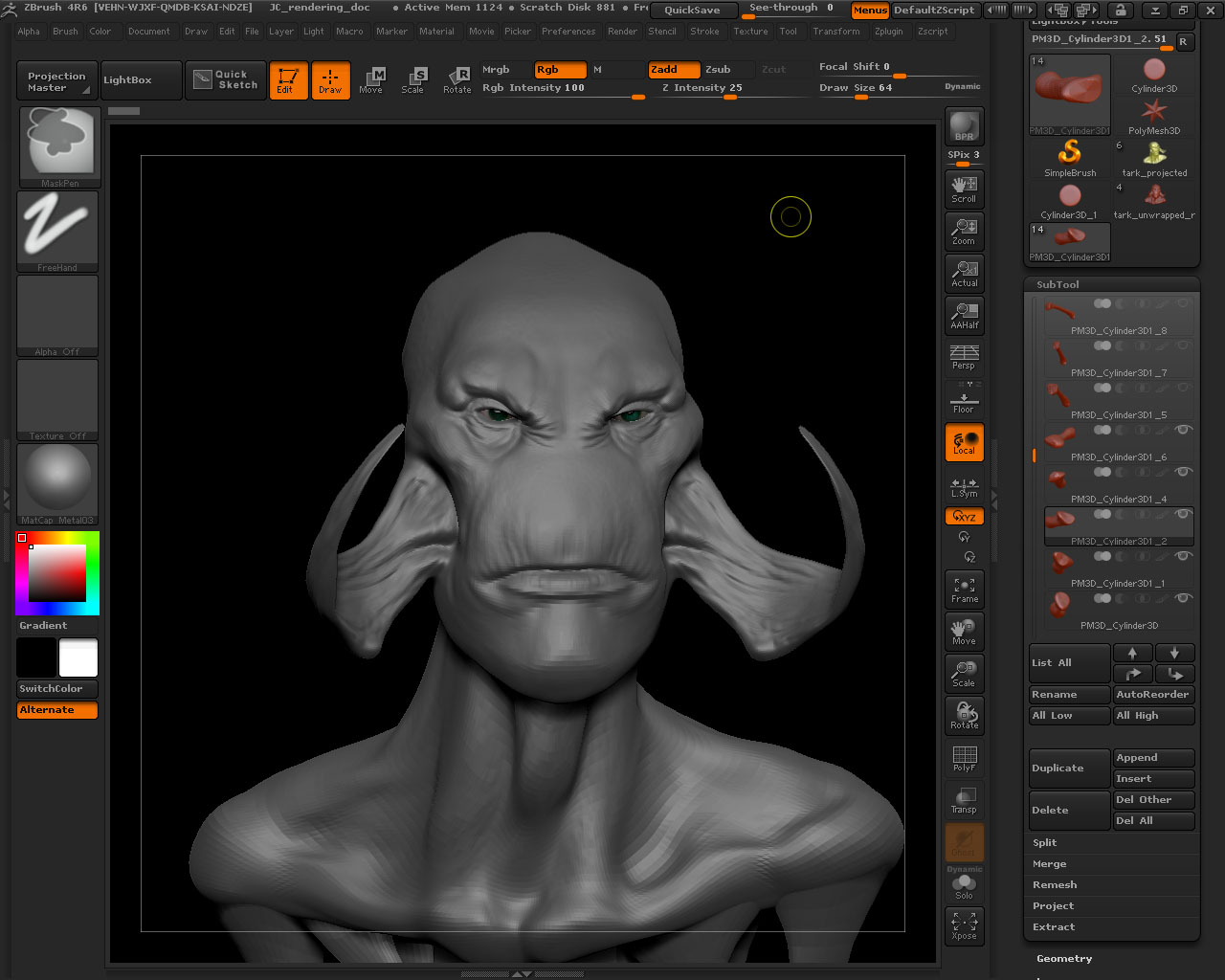
Hey guys, got a problem here, dont know exactly where is coming, but suddenly my tool lost the shading. Ive tweaked the light and the materials, but nothing happened. No matter what material I use, the tool appears in a flat shading. And it is only with the tool of the head you see, the other subtools have no problems with shading, and the problem is that i cannot see the details to keep on with the sculpting!! The render is in preview and not in flat mode as I read in other posts…it should look like the second image
Hope someone can think of the problem ocurring,
Thanks, and if you need information about de Zdocument or the configuration of the tools or materials, tell me and i ll post them.
Greets!
Nacho.
Attachments