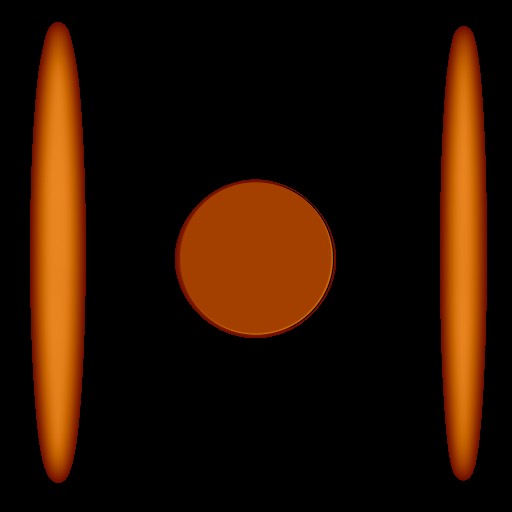
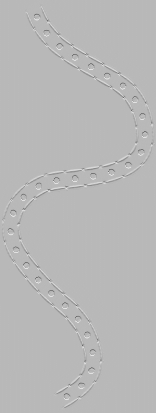
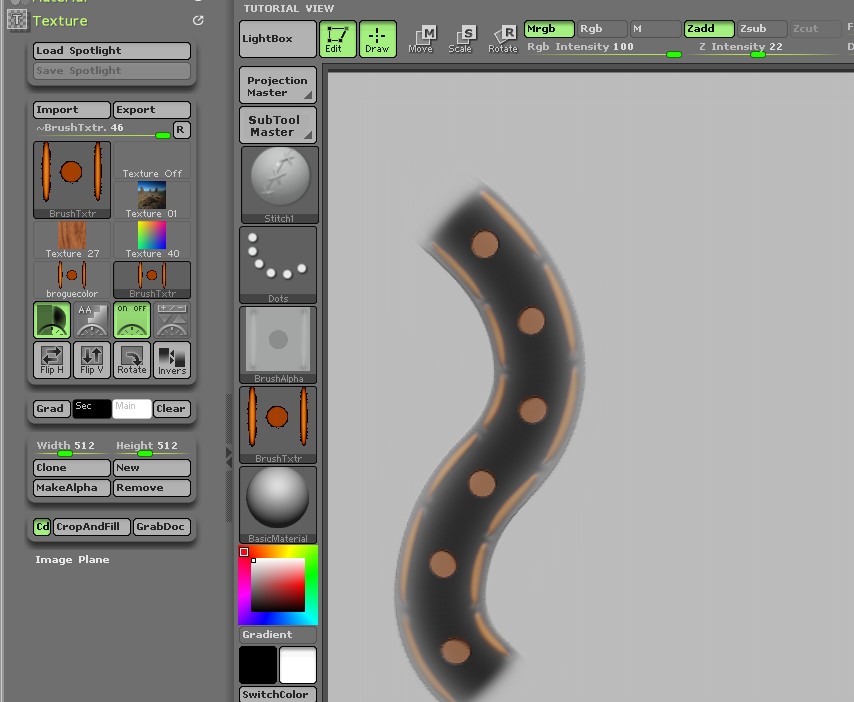
Sorry Nancyan! Adding a transparent texture would have been a solution, but the “Transparent Texture” button doesn’t seem to be working in ZBrush 4. I also tried this in ZBrush 3.5R3, but it’s the same thing there. This has me stumped  . As you can see in the image below, the Transparent Texture button is on and the texture shows up as transparent in the Texture icon, but it still paints the black background. I have checked and triple checked that the texture background is indeed RGB 0,0,0, which it is.
FAO aurick, please chime in on this. I will probably kick myself in the ass later, but I would really like to know why the “Transparent Texture” button isn’t working or why it is painting the black background. Thanks!
edit: Nancyan, I’ll post the texture in case you want to try it on your computer.
Attachments