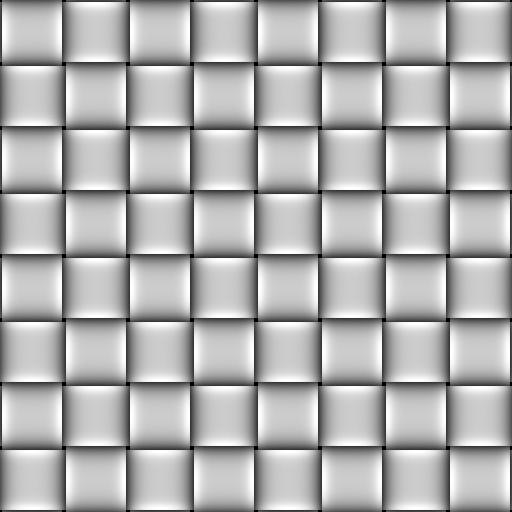
If I wanted to use this basket texture in ZBrush so that it repeats itself as a texture on a surface and are all lined up with each other, how do I do that? The image is a seamless bumpmap.
Also:
When exporting a detailed and painted model from a sculpting/detail program to another 3D application where scene arrangement and rendering will be done, why is a displacement map of the detailing made and a low-poly base exported instead of just exporting the whole shebang as-is without making a seperate displacement map? For example, wouldn’t a program such as XSI be well able to handle importing a detailed model from ZBrush with its detailing and dense geometry intact?
Thanks.
[attach=102153]seamless basket bump map 1.jpg[/attach]
Attachments