Hello,
Attachments
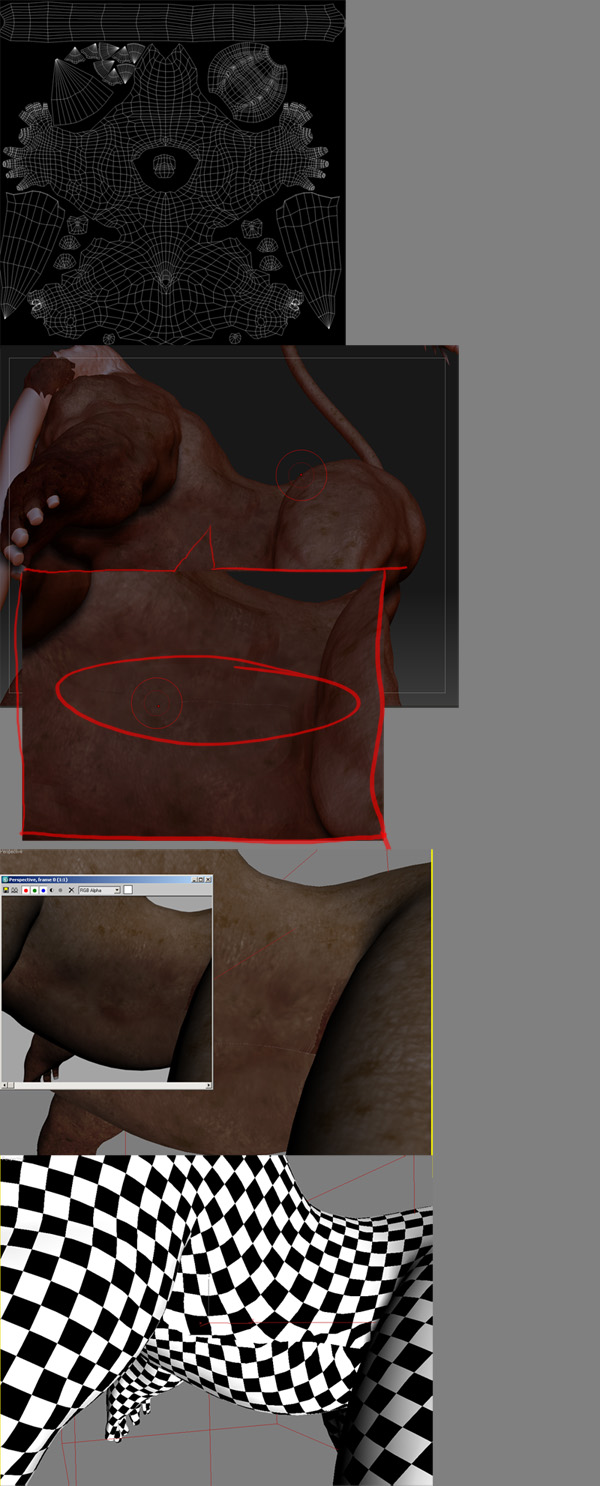
Hello,
ps. anyone know why I can’t seem to get th eimages to show on the post? I attached the image and hi the place in post button. Strange…
I managed to get a better result gathering in my seam edges(Editing UVs) and Painting over with ZAppLink or Projection Master.
Please do post up if you have a better solution!
If you’re using FireFox, you’re going to need to type the ATT code into the text window. After you’ve uploaded the image, look below the text entry area. You’ll see a list of your images. Each image has a line of code that starts with ATT and ends with /ATT. Type that code into your text, and ZBC will show the image in your post when you submit it.