I am having an issue when trying to create my models.
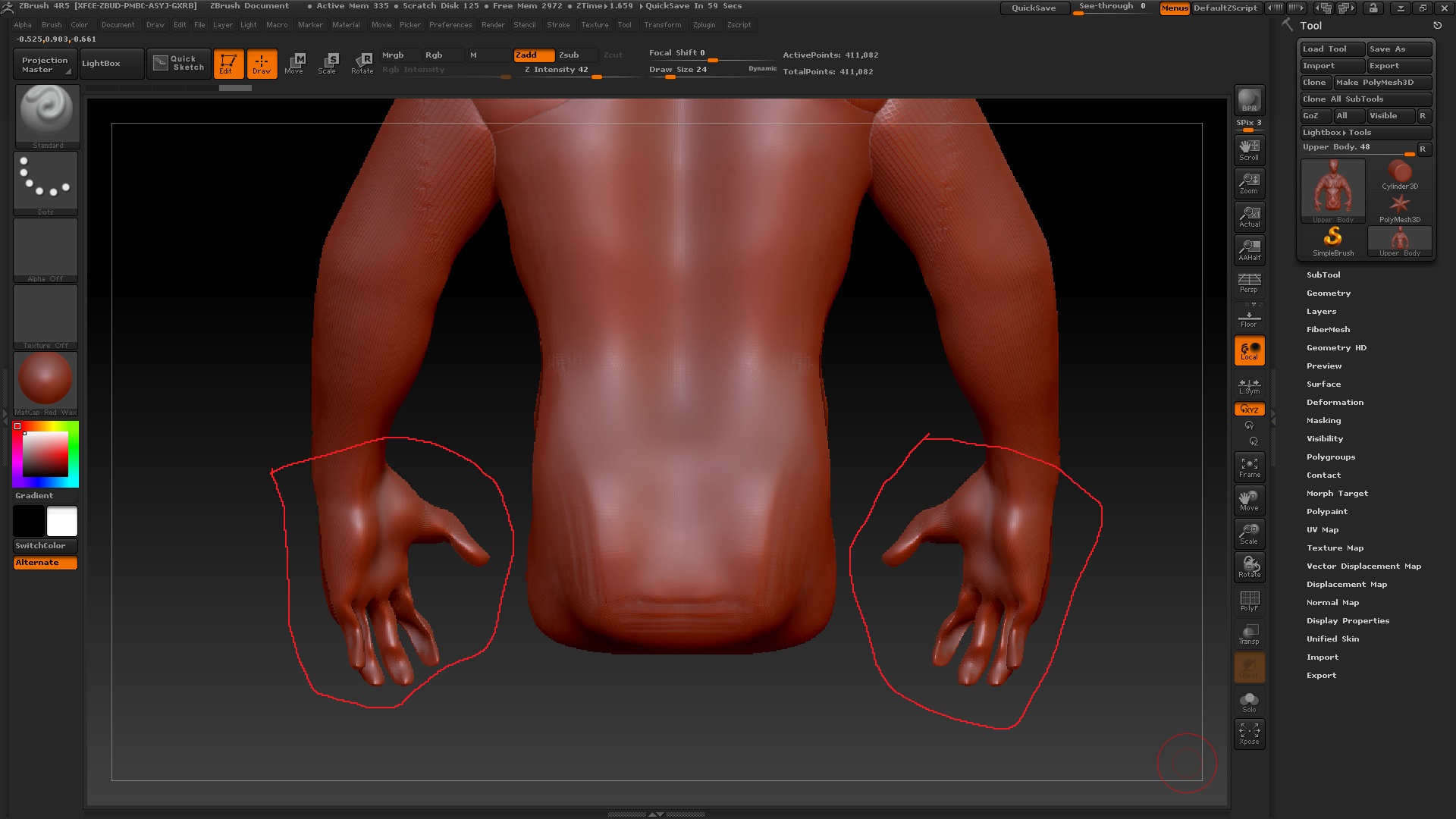
The issue is that when I have added for example arms or legs to my head-body sculpt, the model would flatten or cripple the opposite side of where I’m currently sculpting.
Lets say I am sculpting on the top side of the hand…the bottom side of the hand will have this issue. But as soon as I hit my body part or head, then I can sculpt normally…seems like it only affects limbs.
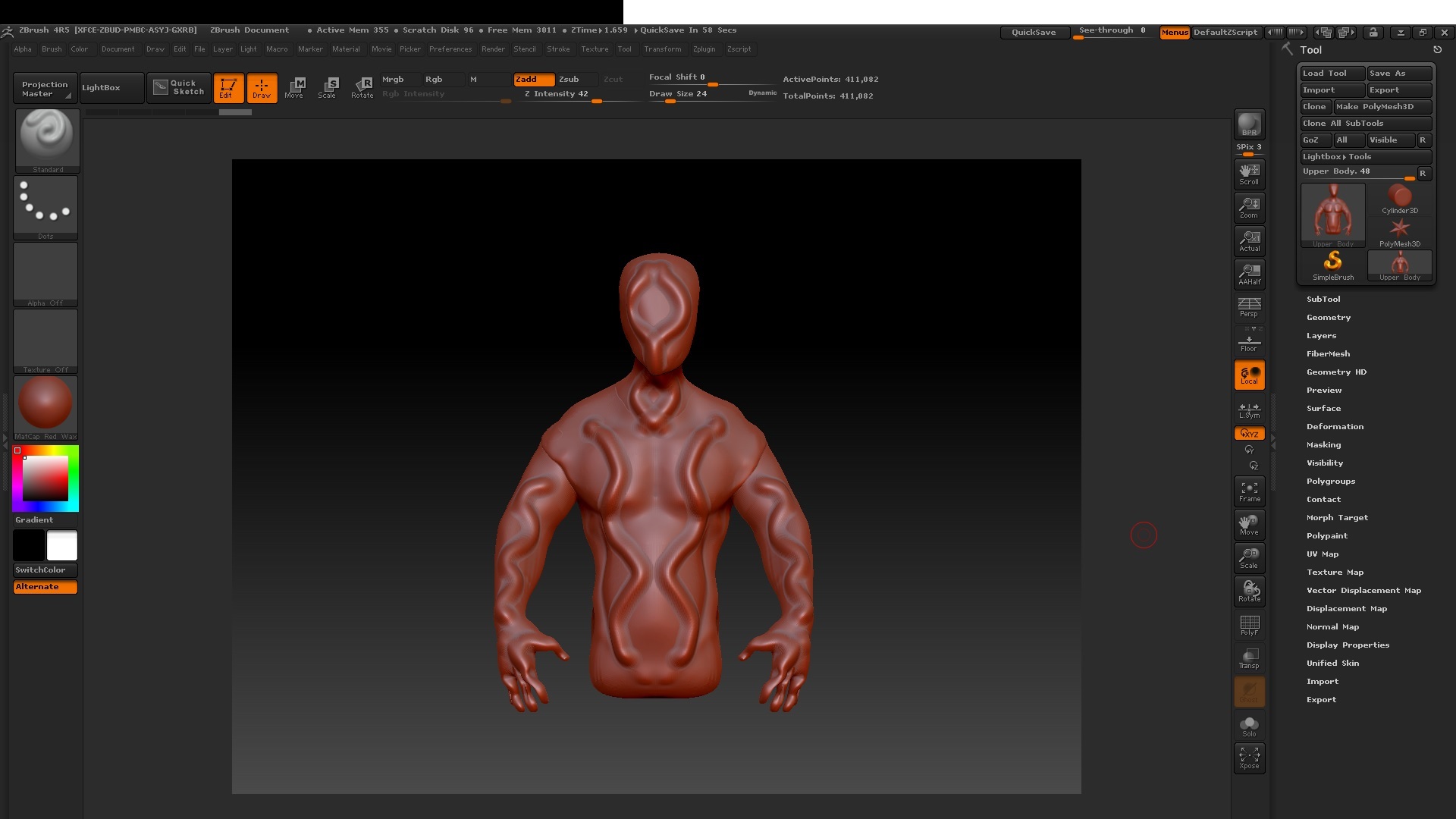
I will attach an image so you can see for yourselves.
In this case…everything was ok except for the fingers.
Could you help me with this problem I’m having?
I would appreciate to know at least why that is happening.
Thank you in advance.
Attachments