Hello, I am choo. Very new to ZBrush, but there’s something I’ve been experiencing on all my sculpts that has completely stymied me.
Attached are images to better illustrate the issue I’m having.
I am unable to add layered subtools to my base mesh because of what seems to be a clipping error on small parts of the sculpt.
***8203;
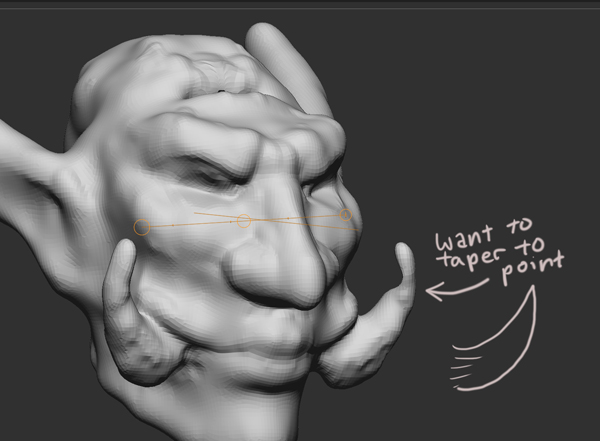
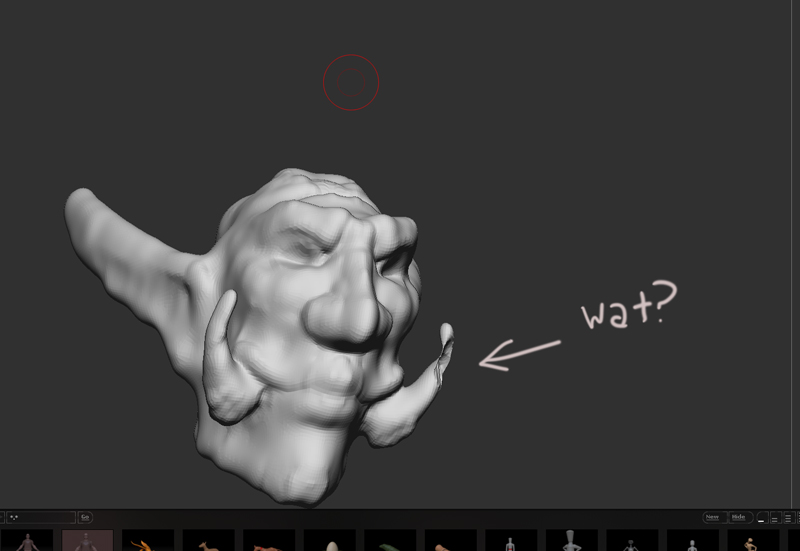
For instance, on this example I have a basic head with tusks coming out of the mouth. After converting a Zsketch to something I can work on, this is what it looks like after a bit of noodling:
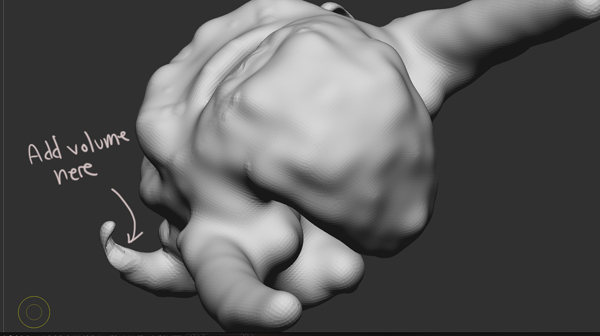
So as you can see I want to fix that bulb at the top. Here’s where the problems start. When I go in to flesh out that kinked-in area, this is what happens:
As far as I can tell, I have some sort of option enabled that causes the geometry of one side of an object to ‘borrow’ from the other side. It only happens on small objects, but it means that trying to add volume and forms to, say, clothing subtools is next to impossible (they thin and flatten out until my brush actually eats holes through the mesh.)
What could cause this? Halp!
Attachments