Howdy people
I’ve Started to learn Zbrush a while ago without encountering too much bugs or trouble along the way.
But the model I am working on right now has something weird going on with some of the polygons and I can’t solve this myself.
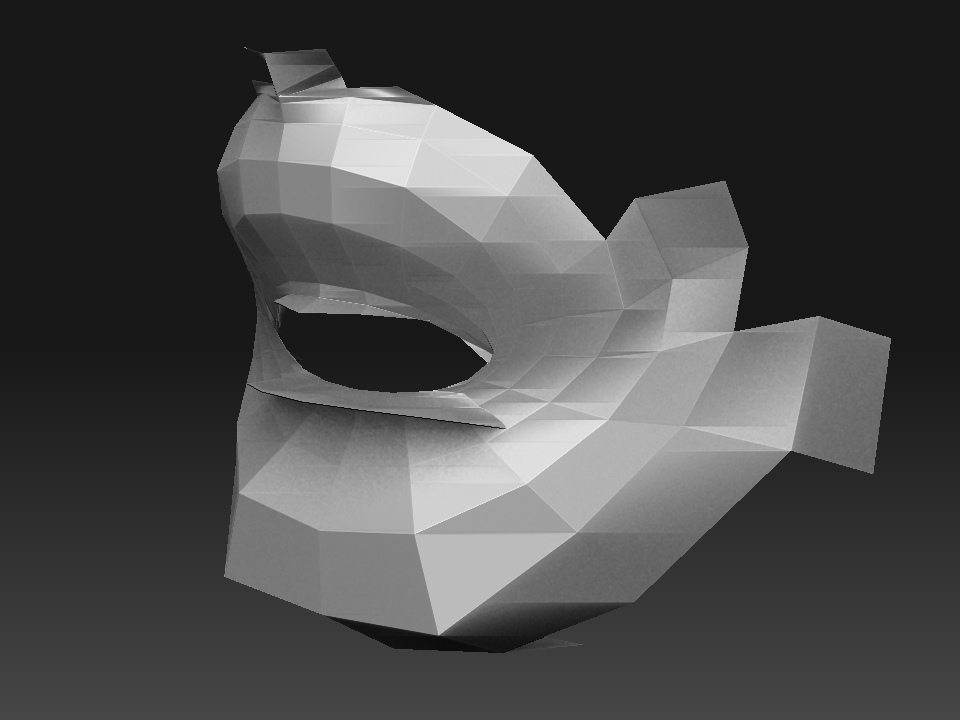
It seems a bunch of polygons in the mouth area are dead or whatever, and they are sticking out rather annoyingly ruining my head model. It is impossible to move them in anyway no matter what I try. Smoothing at all levels didn’t work, and even the move brush seems to have very little effect.
Check the picture to see what I mean.
Anyone got an idea what this is, and how to solve it?
Thanks