Hello Zbrush gurus.
I have two monitors
Laptop 1280 x 800
Secondary 1024 x 778
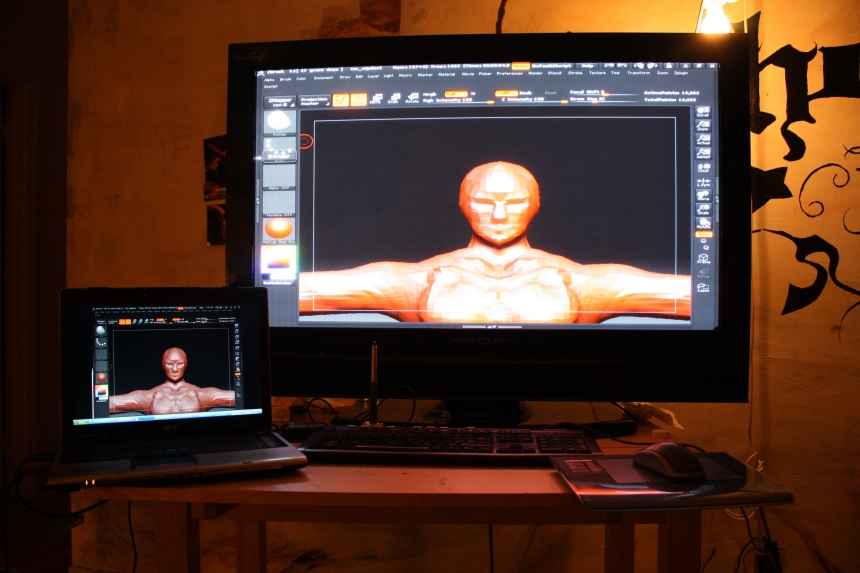
In attachment I send you a picture of the setup.
While Zbrushing I like the larger aspect of the model on the secondary monitor ( because it is wider/larger ).
When I look the model in Zbrush on the Laptop I guess that it is the proportional size that it will be seen normally on every monitor. I do not want that. I would like my Zbrushed model to be larger on the laptop.
When I will finish the model I do not want to cheat-stretch the images in photoshop. I just want to actually work on the model that would be larger and deeper on x and y.
Can you please point me the directions in the manual of ZBrush where it is explained how to scale on X or Y or Z or X,Y,Z a model.
Thank you in advance.
Attachments