ZBrushCentral

Scale issues after using the transpose master

Hello gentlemen,

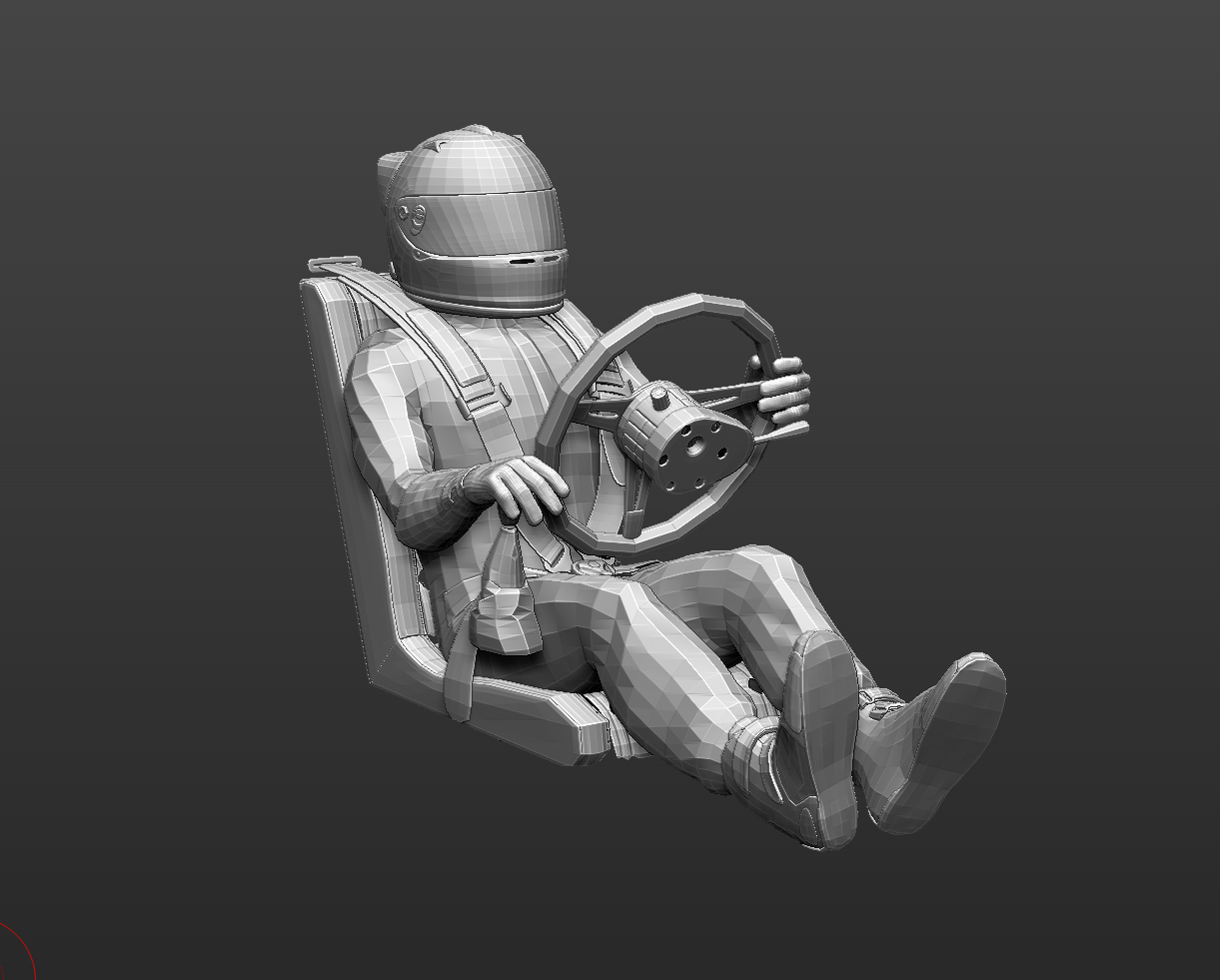
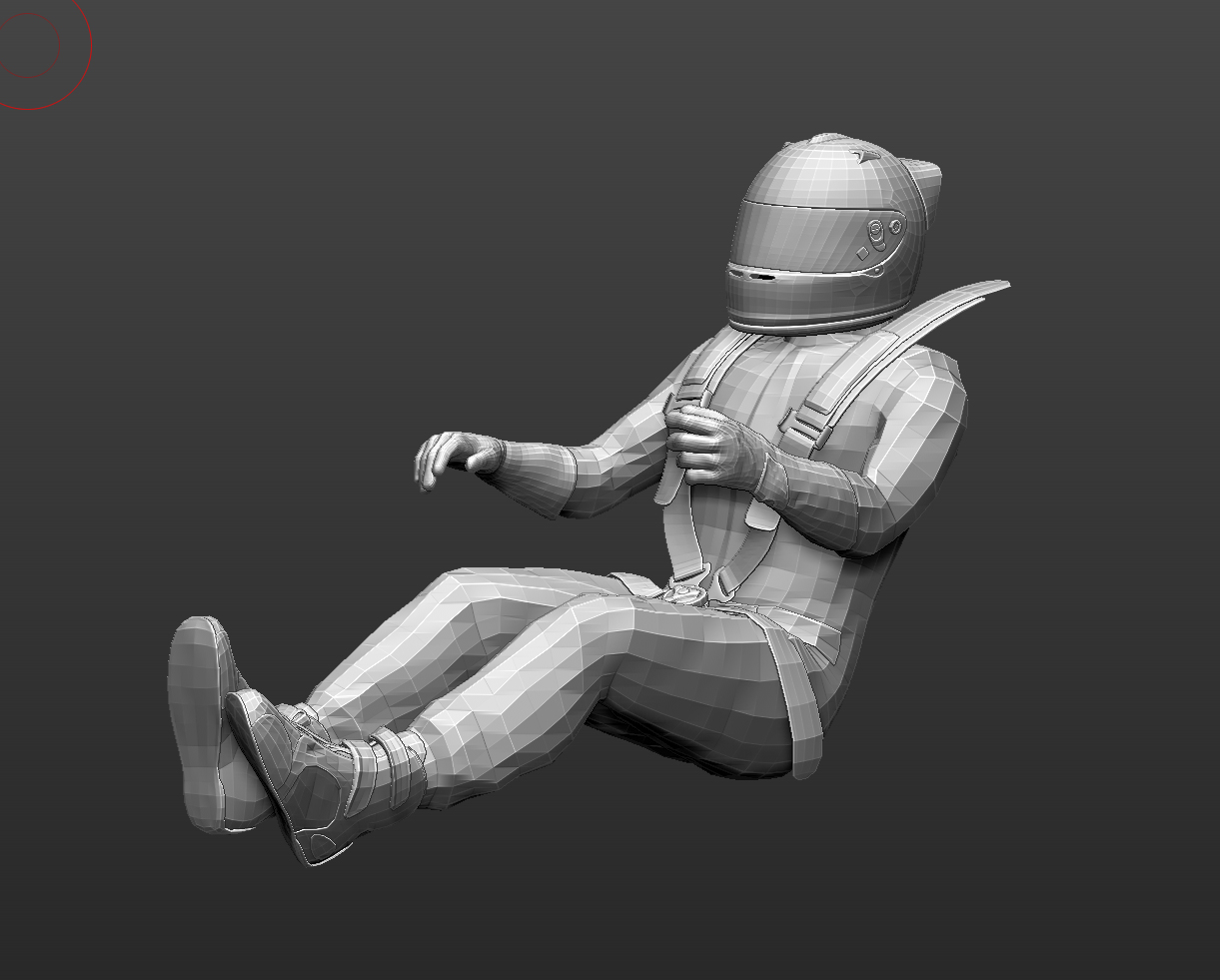
I just made a model of a racecar driver that I need to place within my car previously built in another app.

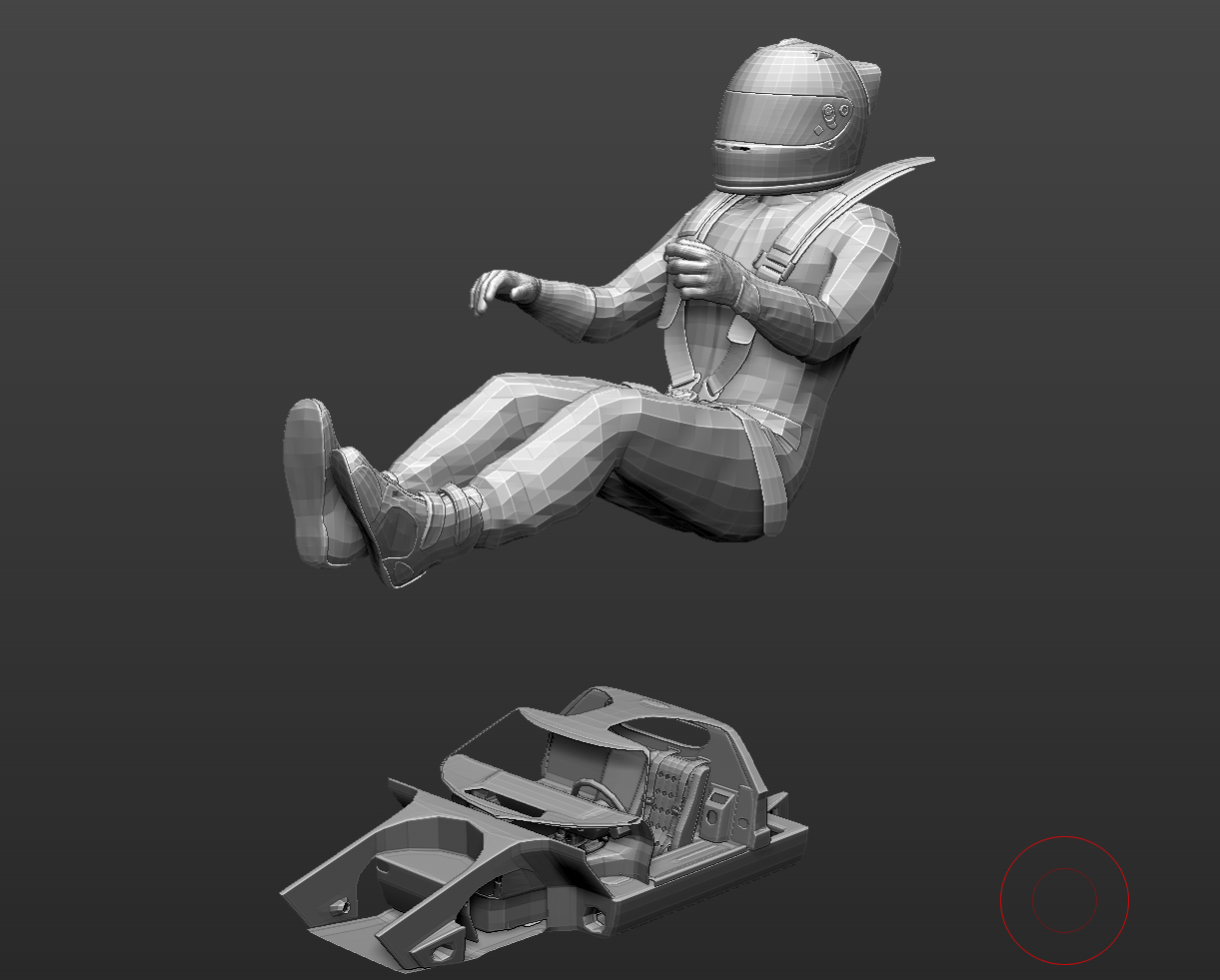
Everything works beautiful, I transpose my mesh and looks great, but I still need to work in the pose, make adjustments in the hands and so on. When I bring the car to the scene where the transposed geometry is, the scale for the car changes dramatically. I was hoping to work with transparency applyed to the car.

Any thoughts?
If this is already solved can you give me the link to that thread?
Thnk you very much. I do appreciate you help.

Luis
Hey Luis

Can I see some images of what is happening? So if I understand correctly you are appending the T-Pose character to the car and the scale is completely wrong?

You can use Transpose Master to scale up or down one of the subtools so they match.

If you still have your character in a T-Pose you can click on the Use Posable Symmetry button before posing. Once you have him posed you can use the Posable Symmetry again to sculpt on the hands even if they are in different loacations.

Small note for this Posable Symmetry. This really only works well with models that are 2 million and under.

Let me know if any of this helps.

Paul

Hello Paul,
Thanks for stoping by. I could fix the pose using an image plane in the background.
This is what is going on:
I apply the transpose master, all my subtools become a single mesh and I’m posing right?, I still want to double check my pose is working good, so I append or multiappend parts of my car to watch how the match is going to be. When I bring new geometry to my Tposed scene the scale of the new object changes.
Here a couple of images:
ZBC2.jpg
Thank you very much again for your time.

Luis

Attachments

ZBC3.jpg

ZBC1.jpg

Hello

You can not append mesh to the TPose mesh. This will ruin the linking to the sculpted Subtool model. However if you append your car to the character then use Transpose Master to change the scale to match. Just mask off the whole car and then change the scale of the character.

This will change just the size of the character to the car. This is what you are trying to do right?

Paul

Thank you Paul, I tryed that of course. I’m sorry I forgot to mention that none of those models is a single polygroup.
If I include the car in the same scene prior to Tpose, the masking process will follow its own Uv groups flow.
I was thinking in to multiappend te car, modify the Tposed driver, delete the car’s polygroups and Tpose to Subtools the driver again.

It is done by now, but once more tks for your help.

Hey Luis

The polygrouping will not matter. Masking can also be done by using the lasso masking brush and the masking that I think you are referring too does not use polygroups.

it uses the Topology of the mesh to mask off. This is when you have the Transpose line on in Move, Scale, or Rotate mode.

If you would like to send me the file I can take a look at it for you.

Paul