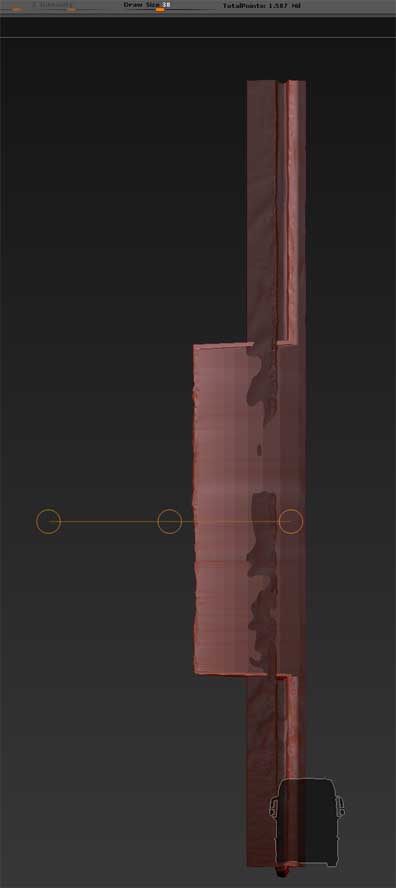
This has me vexed for some time. If I start creating a scene in 3ds Max, and if I use goz to bring in objects into Zbrush for editing, I stumble upon a weird issue. Seems the objects coming in from Max are too big for ZB or something. Case in point illustrated in the attached image. I want to move the masked area to the left. But only part of the area moves. If I use “deformations - offset” instead, the movement is hardly noticeble at 100. Also, if I use the move brush, only very small moves are possible.
So I wonder - is there any way I can tell zbrush to adopt any other scale to get around this limitation and act on a grander scale as it were? I don’t want to use “deformations -unify” as this will mess up the internal positioning and scaling of my models inside zbrush, and it will also will screw up the scale when bringing the edited models back into Max. So that is no option.
Advice urgently appreciated!
Attachments