ZBrushCentral

save rendering Bps to psd file

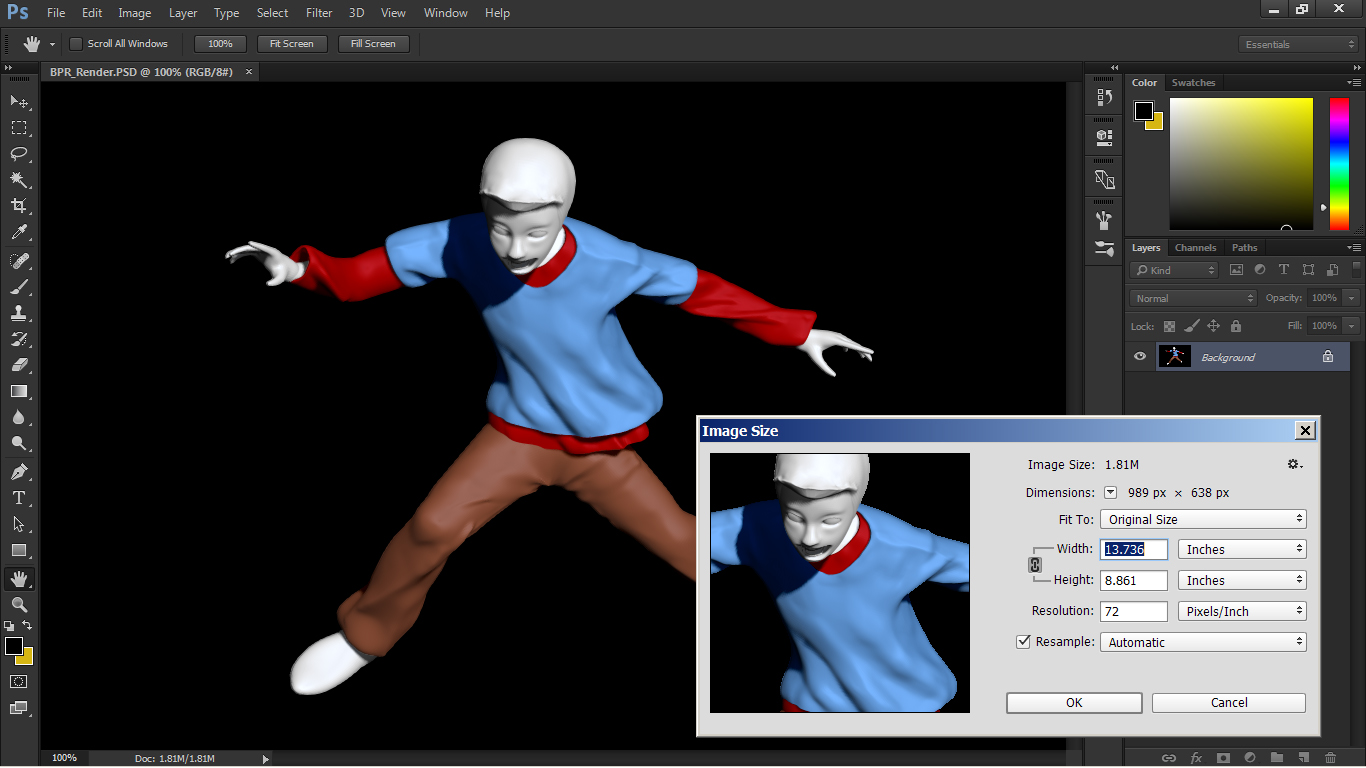
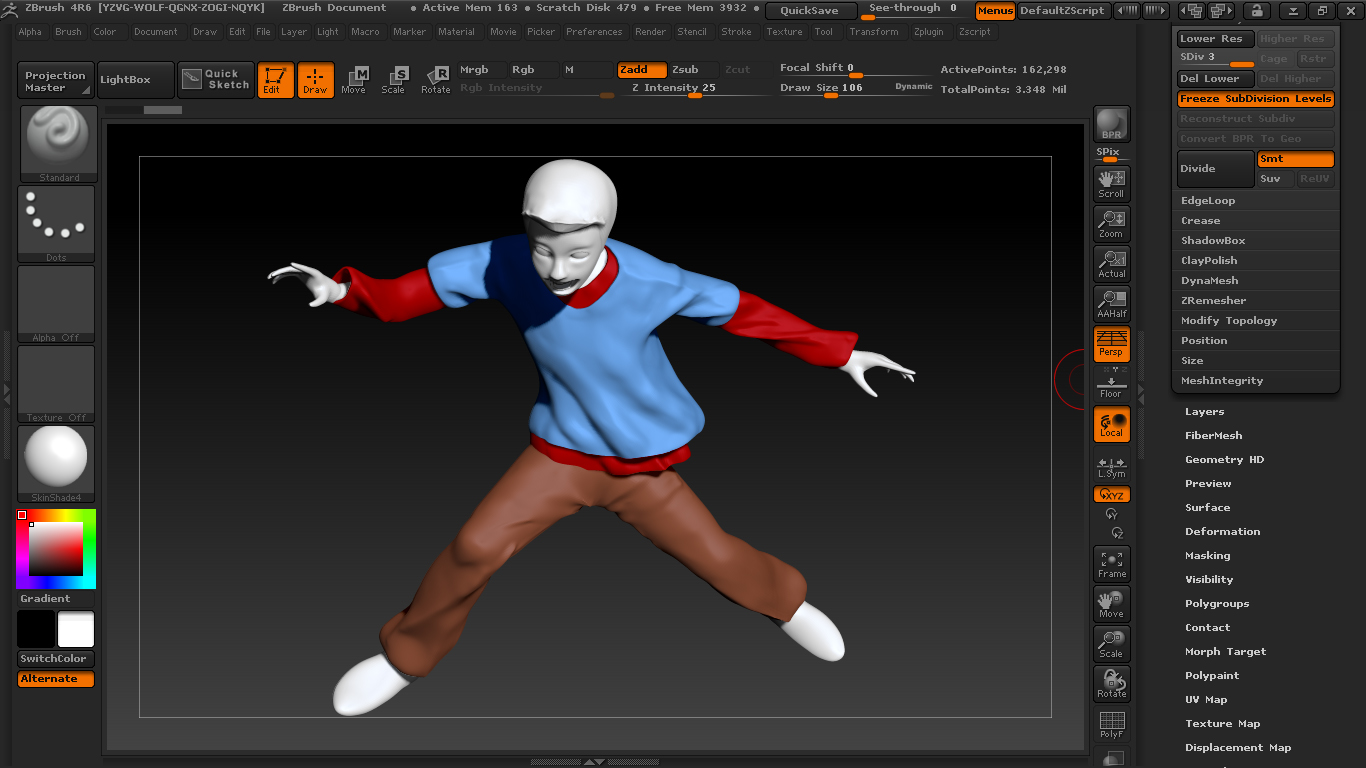
HI, my name Alek. Please help me, How to set resolution in zbrush, after rendering BPS pass. Because when I after rendered, I want to continue my project in photosop. Then I save part of render its like a shaded, depht, shadow,mask be psd file. But when I open the psd file, thats always not smooth. all of detaill is gone, because resolution is changed be 72 dpi. How to fix it ? I wanna change to 300 dpi because I wanna make some illustration. Please and thank you …

Attachments
up 2.jpg

up 1.jpg

The Shaded BPR_Render pass doesn’t have a smooth edge to the model because this would mix in some of the background color. It is easy to get a smooth edge, using the Mask pass:

  1. Open the BPR_Render and BPR_Mask images in Photoshop.
  2. Select the BPR_Mask image and click on the Channels tab.
  3. Right+click on the Alpha channel and choose Duplicate Channel. In the Destination drop-down choose BPR_Render.
  4. Select the BPR_Render image and click on the Channels tab.
  5. Ctrl+click on the Alpha channel and Shift+Ctrl+i to invert the selection. You can then use this selection to delet the background from the image.

You can change the dpi of an image in the Image Size dialog in Photoshop. Make sure you turn off Resample so that the quality of the image is not affected. You will need to have a large document size in ZBrush if you want to have a good result at 300 dpi. For example, a ZBrush document size of 1890 x 1305 pixels will give an image of about 11 x 6 cm at 300 dpi.