ZBrushCentral

s.pivot isn't working

I am modeling this hat for a character and I can’t get s.pivot to work on this. The hat is tilted on a 45ish degree angle. I want to shrink the the base of the hat with the inflate brush and I can’t get the s.pivot to work with radial spinning.

I followed this tutorial:
http://www.polysculpt.com/2009/11/new-pivot-with-zbrush/

but my radial sym won’t work!

Can someone help me figure this out. Maybe s.pivot isn’t the way to go.

Thanks!

Attachments
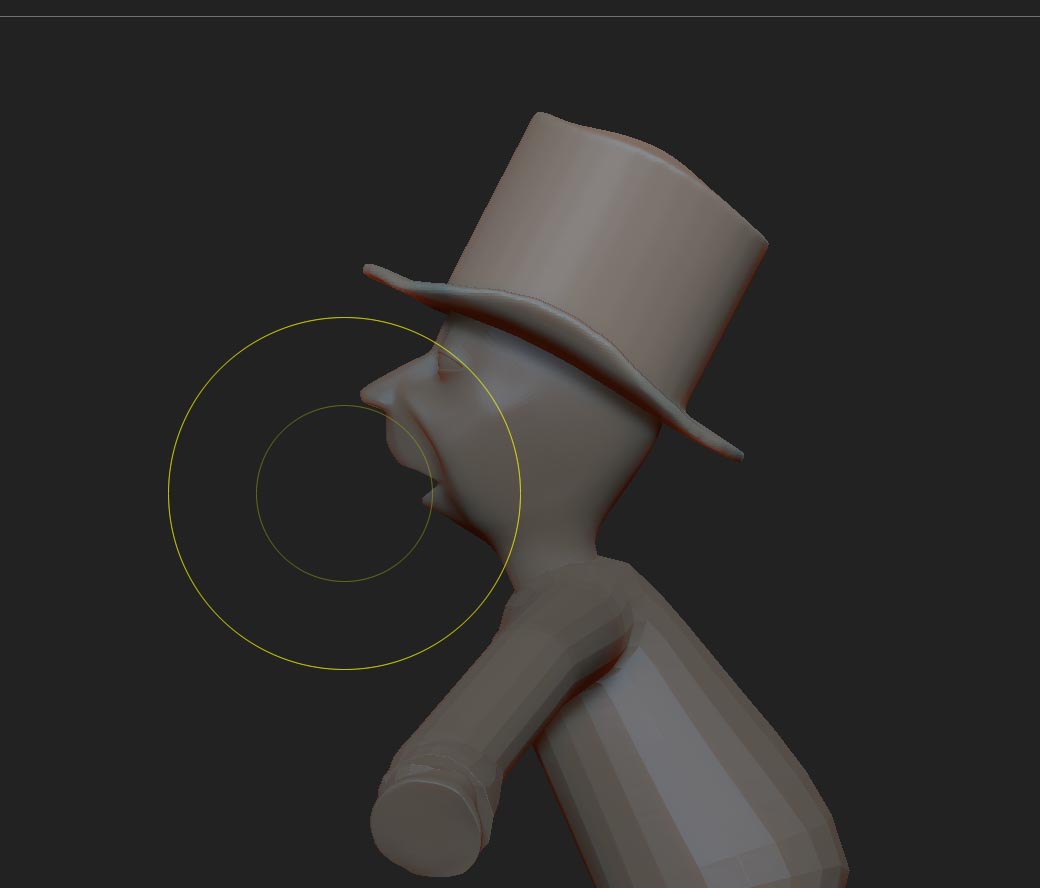
spiv copy.jpg

Set Pivot will not work in the way you want. It will center the pivot on the visible portion of the mesh but it does not change the alignment in 3D space - in other words it does not compensate for the fact that the hat is tilted.

You could try adjusting the tilt of the whole model just while you make the adjustments, then adjust it back when you have finished.

Thanks Marcus, I was hoping that wasn’t going to be the answer. O well…:slight_smile:

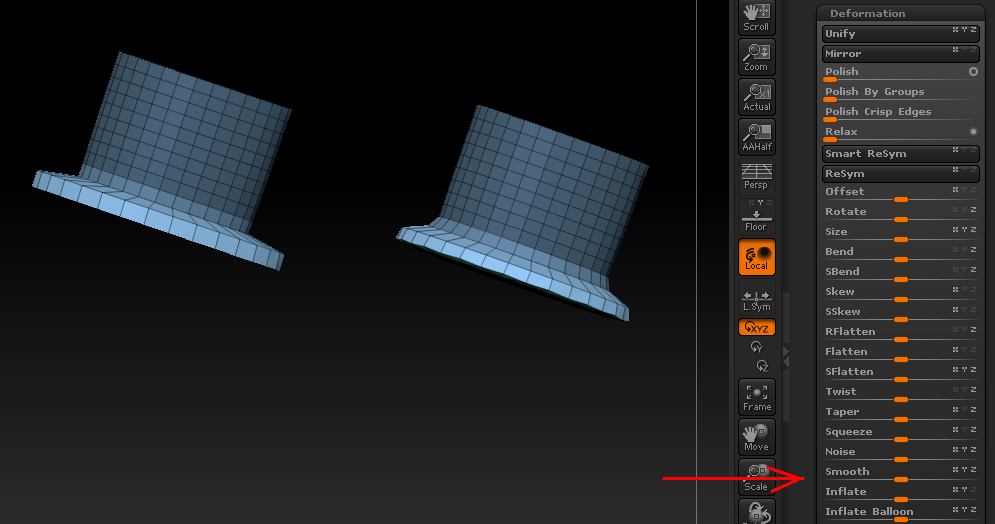
Probably the simplest way of doing what you want is to mask out the brim, invert the mask and then use Tool>Deformation>Smooth or Inflate (negative values) to reduce the size of the brim.

Attachments

hat.jpg

Is there a way I can position this hat with a layer so I can quickly switch between tilted and non tilted? I know I saw something about this a few weeks ago.

Well, sort of. You would have to do this:

  1. Create a new 3D Layer and record a new position for the hat, so that it isn’t tilted. Do not do any sculpting, simply position the hat. Turn off recording but keep the layer turned on, so that the change is visible.
  2. Create a second new 3D Layer and record the sculpting changes you want.

When you have finished you can delete the first 3D Layer and then bake the second. This will transfer your sculpted changes to the tilted hat. (You can preview the result by just having the second 3D Layer visible.)

However, you may see that sculpted changes don’t appear exactly as you would want on the tilted hat. This is because 3D Layers do not recognize rotations and the sculpted changes will be transferred in a linear fashion. You’ll have to try it to see if will answer your needs.

Layers wouldn’t be recommended as you’ll get distortions once it is rotated back. You can however use a quick script/macro to cycle back and forth between two stored rotations. Something like seen here: http://www.polycount.com/forum/showpost.php?p=1642053&postcount=2


[IButton,Rotated Pose,"Press to Rotate",
[IConfig,4.42]
[IModSet,Tool:Deformation:Rotate,0]
[IModSet,Tool:Deformation:Rotate,4]
[ISet,Tool:Deformation:Rotate, -44.3]
]/*End of ZScript*/


[IButton,Default Pose,"Press to Rotate back to default",
[IConfig,4.42]
[IModSet,Tool:Deformation:Rotate,0]
[IModSet,Tool:Deformation:Rotate,4]
[ISet,Tool:Deformation:Rotate, 44.3]
]/*End of ZScript*/

For lighter use / a one time operation, it might be quicker to just jot down the value on a notepad and enter it into the deforms manually.

Super Cool! Thanks a lot! Also, Marcus, thanks for your several posts you both have helped me a great deal on learning zbrush